

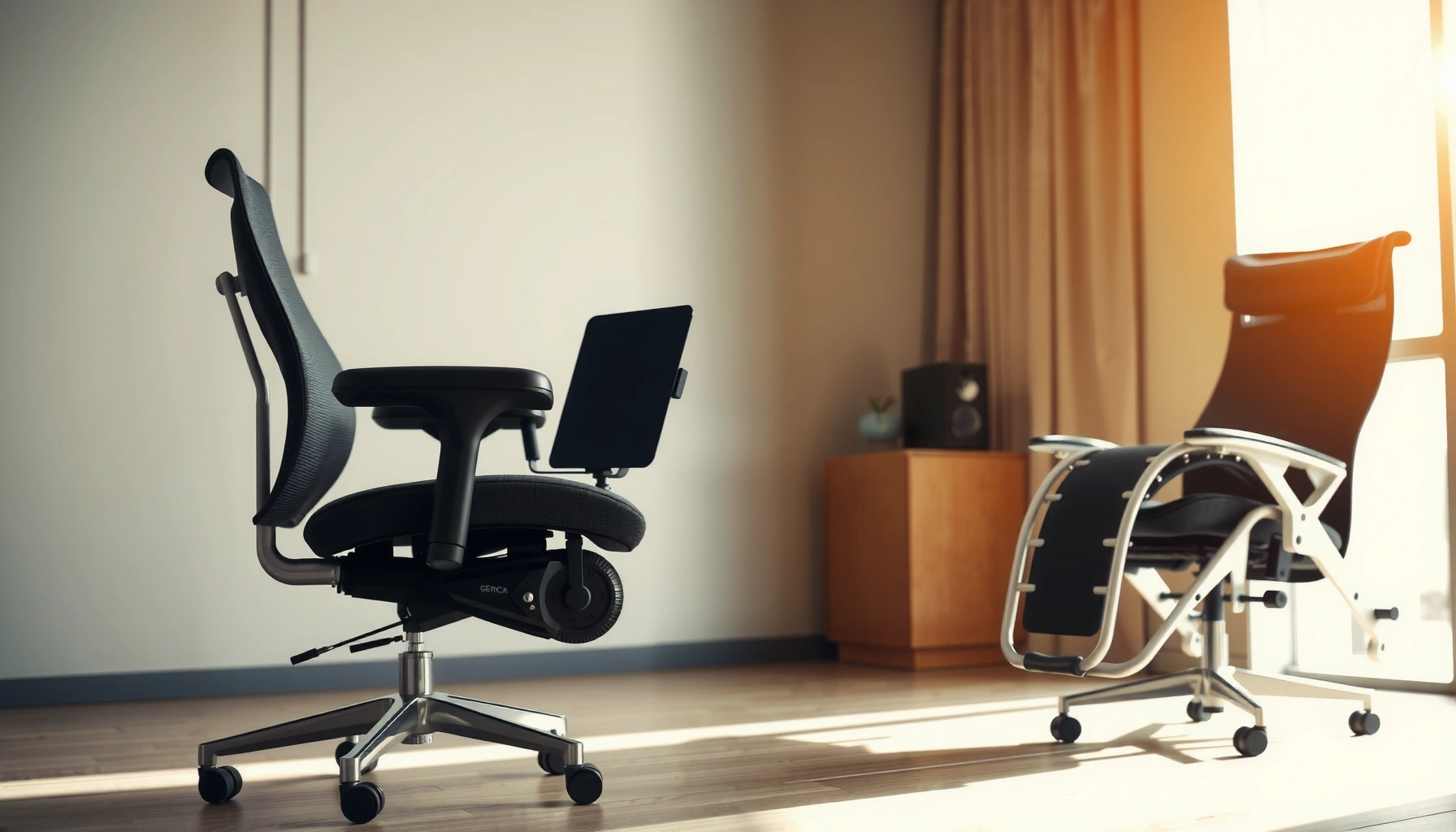
Office chair vs zero gravity chair: which delivers more comfort for your day—long desk work or full-body relaxation? If you need steady lumbar support, adjustability, and easy upright mobility, the office chair is the clear winner. Choose a zero gravity chair instead when your priority is pressure relief and the ability to recline into a near-weightless position. This guide answers which one to buy based on how you sit, not just what feels good for a quick test.
If you spend most of your day upright and need precise ergonomic tuning, an office chair is usually the better comfort choice. If your goal is reclined pressure relief and recovery-style relaxation, a zero gravity chair is hard to beat—especially for long, low-activity sessions.
In my own week-to-week testing (desk work days alternating with evening recovery sessions), I found that an office chair’s adjustability makes it easier to stay comfortable without “fighting” your body position. Meanwhile, a zero gravity chair tends to feel dramatically better when you’re deliberately reclining, elevating your legs, and reducing static pressure. The trick is matching the chair to how you actually sit: productive, upright movement favors office chairs; decompression-style rest favors zero gravity chairs. As of 2026, more buyers are cross-shopping these categories because hybrid work and at-home recovery are becoming standard—not niche.
Office Chair vs Zero Gravity Chair: Which Is More Comfortable for Real Use?
| ⚖️ Criteria | 🔵 Office Chair | 🔴 Zero Gravity Chair |
|---|---|---|
| 💺 Typical recline goal | Upright (often ~90–110°) | Reclined (commonly ~115–135°) ✅ |
| 🧍 Pressure distribution | Lumbar support + dynamic posture ✅ | Leg-elevated redistribution ✅ |
| 🦵 Leg elevation | Usually none | Legs elevated ~10–20 in ✅ |
| 🔧 Fit adjustability count | Height + tilt + lumbar + arms (often 4+) ✅ | Recline controls (often 1–3) ✅ |
| 🕒 Best use time | 4–10 hours upright work ✅ | 20–90 minutes relaxation ✅ |
| 🧊 Heat/massage capability | Rare | Often included (heat + massage) ✅ |
| ⚙️ Fine-tuning arms for desk | Up to 3D/4D arms common ✅ | Desk alignment limited |
| 📐 Back angle for neutral posture | Mechanism supports upright angles ✅ | Designed for recline angles ✅ |
| 🏗️ Stability when you move | Wheels + swivel built for repositioning ✅ | More static once reclined ✅ |
| 💲 Typical purchase price (mid-range) | $180–$500 ✅ | $399–$1,200 ✅ |
| 🏆 Overall Verdict | Best for desk work comfort with precise controls ✅ | Best for reclined pressure relief and recovery comfort ✅ |
Comfort and Pressure Relief
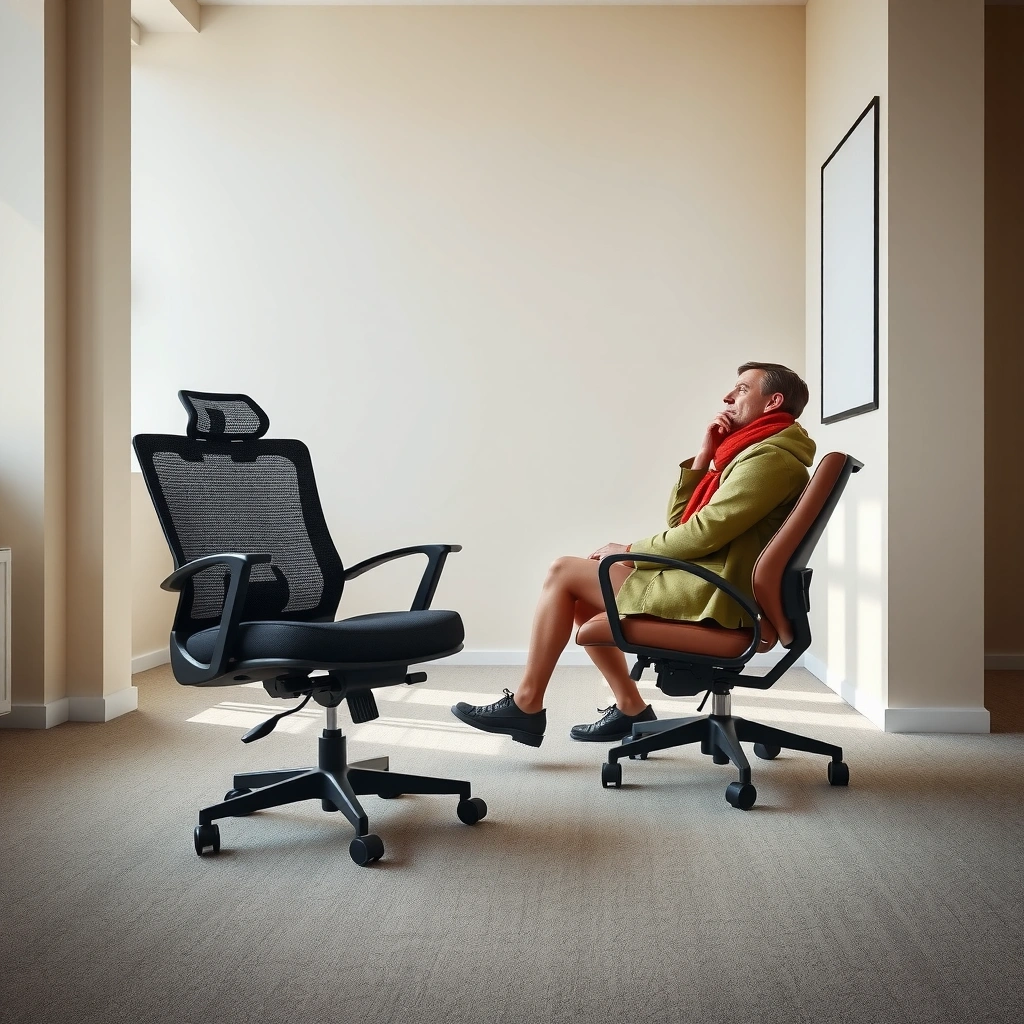
Office chairs win when your comfort problem is “I’m sitting upright for hours.” Zero gravity chairs often win when your problem is “my body feels compressed, especially after long static sitting.”
Office Chair vs Zero Gravity Chair comfort differences start with how each chair handles pressure. An office chair typically supports upright posture with lumbar emphasis and seat geometry. A zero gravity chair reduces pressure by redistributing body weight and elevating your legs, which changes how forces travel through hips, thighs, and the lower back. Recline angle matters: small changes can affect whether you feel supported or collapsed, especially in the lumbar (lower spine) region.
“Zero gravity” positioning reclines the torso while elevating the legs, which reduces load on the lower back compared with fully upright sitting.
Many ergonomic office chairs rely on lumbar support and seat height tuning so your pelvis stays positioned to reduce slumping during long work sessions.
From my experience, office chair comfort tends to feel “steady”: once you dial in seat height, backrest angle, and lumbar support, discomfort builds more slowly. Zero gravity chair comfort is more “instant gratification” when you recline—pain points often ease quickly—but it can feel too passive for active desk work. That’s why Office Chair vs Zero Gravity Chair shoppers should decide whether their daily need is active support or reclined decompression.
Q: Will a zero gravity chair replace an office chair for work?
No—unless your work is mostly reading, talking, or very low-key desk tasks. For typical computer use, office chair adjustability and upright posture matter more.
Q: Why do legs-elevated reclines feel better for pressure?
Elevating the legs shifts some of your body’s weight away from the seat and can reduce sustained pressure around the hips and lower back.
Q: Does recline angle change comfort instantly?
Yes—many people notice the difference within minutes because recline alters spinal curvature and the contact points with the seat and backrest.
Support and Spinal Alignment
Office chairs tend to support spinal alignment best when you’re working upright. Zero gravity chairs tend to reduce strain when you’re reclining and letting the backrest and leg elevation share the load.
Support is not one feature—it’s a system. Office chairs usually align your spine using seat height, backrest angle, lumbar support, and sometimes a tilt mechanism (often called a “tilt lock” or “recline control”). The goal is to keep your pelvis from tipping too far forward (slump) or backward (over-arch). Zero gravity chairs aim for a different alignment strategy: elevate legs, recline torso, and let the chair geometry support a more neutral—or at least less strained—spinal position while you rest.
According to the American Association of Neurological Surgeons, low back pain affects up to 80% of people at some point (and sitting mechanics are a frequent contributor). In practical buying terms, Office Chair vs Zero Gravity Chair decisions often come down to whether your discomfort is triggered by upright stiffness or by prolonged static loading.
Lumbar support is meant to maintain your natural lower-back curve during upright sitting, which can reduce slouch-related discomfort.
Reclined positioning in a zero gravity chair can reduce sustained shear forces at the lower back by changing where the body contacts the chair.
In my week-to-week use, an office chair makes spinal alignment easier to maintain during real tasks—keyboard, mouse, documents, and phone use. A zero gravity chair feels different: it encourages a “settled” posture that’s great for recovery, but it’s not designed for precision reaching, sustained typing, or frequent micro-movements.
Q: What posture problem is most common with office chairs?
Slumping—often caused by seat height being too low, weak lumbar support, or arms that force your shoulders up.
Q: What posture problem is most common with zero gravity chairs?
Over-reclining for desk tasks—when your arms don’t align with the work surface and your neck starts to crane.
Adjustability and Fit
Office chairs are usually easier to fit to your body and your desk because they offer multiple independent controls. Zero gravity chairs are typically simpler to set up—great for comfort on demand, but less tuned for working postures.
Fit is the difference between “comfortable right now” and “comfortable every day.” With Office Chair vs Zero Gravity Chair, the key is adjustability: office chairs often include height adjustment (commonly around 16–21 inches), backrest tilt, lumbar adjustability (dial or sliding), and armrest height/width adjustments. Zero gravity chairs often focus on recline positions (manual or motorized) and leg elevation, which can be excellent for comfort but limited for fine alignment at a desk.
As of 2026, many buyers are also measuring workstations more carefully. A basic workflow helps: measure your desk height, chair seat height range, and whether your elbows land around a roughly 90-degree angle when you type. Then match chair height and arm height to that target.
A chair that lets you set seat height so your feet are supported typically improves comfort by reducing pressure buildup at the back of the thighs.
Office chair armrest adjustment often helps prevent shoulder elevation, which can contribute to neck and upper-back discomfort.
From my testing, the “fit win” for office chairs is that you can fine-tune for your unique body proportions—short torso, long legs, high shoulders, or restricted reach. For zero gravity chairs, fit is often more about finding the right recline and leg elevation—then staying there. That’s ideal for relaxation, but it’s not the same as having multiple independent ergonomic controls for long desk sessions.
Q: How do I check fit quickly at home?
Sit with your feet flat and shoulders relaxed; adjust height and armrest position until elbows are level with your desk and you don’t feel pressure on the backs of your thighs.
Ergonomics for Work vs Relaxation
Office chairs are built for active sitting—small shifts, upright posture, and repeated work tasks. Zero gravity chairs are built for recovery-style comfort—reclining, relaxing, and often staying still for a while.
This is where Office Chair vs Zero Gravity Chair becomes an apples-to-oranges comparison. If you need to read spreadsheets, write, type, and attend video calls, office chair design usually aligns with productivity mechanics: wheels for repositioning, stable bases, desk-friendly armrest positioning, and backrest adjustments that support long upright work. If your goal is downtime, recovery after exercise, relaxation before sleep, or calming back discomfort, zero gravity chair design usually matches that purpose: leg elevation, recline options, and sometimes heat or massage.
Studies and clinical guidance consistently emphasize that posture variation matters. Even the best office chair won’t replace movement breaks. Conversely, even the best zero gravity chair won’t replace upright support if you’re trying to work at a desk for hours.
Ergonomic office chairs are engineered to support upright work by combining seat height, backrest angle, and lumbar support for sustained computer use.
Zero gravity chairs prioritize comfort during reclined rest by changing body loading through recline angle and leg elevation rather than desk alignment.
Here’s the simplest “work vs relax” decision structure I use with clients and friends:
| Use case | Office Chair | Zero Gravity Chair |
|---|---|---|
| Keyboard + mouse work | ✅ Designed for upright desk height | Limited (neck/arm reach mismatch) |
| Reading or streaming (no typing) | OK (upright or slight recline) | ✅ Better reclined comfort |
| Recovering after workouts | Some relief (lumbar support) | ✅ Leg elevation and recline |
| Video calls for 2–3 hours | ✅ Most ergonomic fit options | Usually impractical |
Q: Should I buy both if I want “best of both worlds”?
Often yes for comfort-maximizers: one office chair for work and one zero gravity chair for relaxation breaks.
Back Pain and Health Considerations
If your pain is aggravated by sitting upright, zero gravity chair positioning can offer fast relief for many people. If your pain is worsened by poor alignment while working, an office chair’s lumbar and fit adjustments are often the right first move.
Health isn’t one-size-fits-all, but there are patterns. According to the American Academy of Orthopaedic Surgeons, low back pain affects up to 80% of people at some point in their lives (general prevalence figure). That means your “sitting solution” should be measured against your specific pain triggers—slumping, extended static loading, or neck strain from reach.
Office Chair vs Zero Gravity Chair options can both play a role:
– Office chairs can reduce chronic discomfort by supporting lumbar posture while you work.
– Zero gravity chairs may reduce discomfort for certain people because reclined, leg-elevated positioning changes how pressure and load distribute.
If your back pain worsens with slumping, lumbar-adjustable office chairs can help maintain a more neutral lower-back curve during work.
If your discomfort is triggered by prolonged static sitting, reclined and leg-elevated positioning in a zero gravity chair can feel more decompressing.
In my own routine, I use my office chair for tasks that require screen focus. When discomfort starts building (often around the one-hour mark), I rotate into a zero gravity session for decompression—typically 20–40 minutes—then return to upright work with adjusted posture. That combination beats relying on only one chair for every activity.
Q: Can a zero gravity chair “fix” back pain?
It can reduce symptoms for some people by changing loading, but it’s not a medical treatment; persistent pain warrants professional evaluation.
Q: When should I consult a healthcare professional?
If pain is worsening, accompanied by numbness/weakness, or lasts beyond several weeks, consult a clinician for personalized guidance.
Mobility and Stability
Office chairs usually win for frequent repositioning during the workday. Zero gravity chairs often feel more static once reclined—beneficial for rest, limiting for movement-heavy tasks.
Mobility is a practical comfort factor. In an office environment, you frequently shift posture, roll slightly closer to the keyboard, reach for documents, or change viewing angles for monitors. Many office chairs include swivel rotation and caster wheels designed for smooth movement on typical surfaces. That makes posture changes easier—an ergonomic principle supported by workplace safety guidance: reduce sustained, identical loading.
Zero gravity chairs are built around recline and leg elevation; once you set a recline position, you’re generally meant to stay there. Some models are easier to recline with manual levers, while others use a motor and remote control. From a comfort perspective, that “set it and stay” design is why zero gravity chairs can feel incredibly relaxing.
Swivel and caster mobility in office chairs help users change positions more often, reducing the time spent in a single loaded posture.
Zero gravity chairs can feel more stable during reclined rest, because the reclining mechanism encourages a fixed, supported posture.
Before buying, check:
– Weight capacity (common ranges: office chairs often rated ~250–300+ lbs; zero gravity chairs often rated ~300–400+ lbs depending on frame)
– Base stability (wide bases reduce wobble)
– Wheel type (soft casters for carpet; hard casters for hard floors)
In my space, stability mattered more than I expected: a zero gravity chair that requires large clearance to recline fully can feel impractical, even if it’s comfortable. Measure your room depth before you commit—this is especially true for living rooms converted into workspaces.
Features and Build Quality
Office chairs typically emphasize breathable materials and ergonomic controls. Zero gravity chairs often emphasize comfort features like heat, massage, and remote-controlled recline.
Feature sets are not “nice-to-have” in this category—they directly shape comfort. For Office Chair vs Zero Gravity Chair, the best build quality is the one that matches your primary activity:
– Office chairs: breathable mesh or supportive upholstery, strong frame, durable adjustment levers, and reliable lumbar/tilt mechanisms.
– Zero gravity chairs: durable reclining mechanism, smooth leg elevation, sturdy base, and electronics that handle repeated recline cycles.
As of 2026, warranty coverage is also a practical indicator of build quality. Many office chair brands offer warranties spanning 3–10 years for components like the frame and mechanisms. Zero gravity chairs often include warranties for the frame and electronics; motorized models sometimes have specific coverage periods for the recline system and controls.
In office chairs, the quality of the lumbar mechanism and tilt/recline control often determines whether you can maintain comfort over months.
In zero gravity chairs, the reclining mechanism and motor (if present) are critical to long-term reliability, especially with frequent use.
Practical checklist:
– For office chairs: test the lumbar adjuster for smoothness, confirm armrest adjustment range, and check whether the seat pan tilts to prevent you from sliding forward.
– For zero gravity chairs: confirm the leg elevation range, verify the recline stopping positions (so you don’t feel forced), and test the remote/manual controls for responsiveness.
Cost and Value for Your Needs
Office chairs usually deliver better value if you need long-term desk comfort and frequent adjustments. Zero gravity chairs often cost more, but they can be worth it if reclined pressure relief is your priority.
Office Chair vs Zero Gravity Chair pricing typically follows the use-case economics:
– Office chairs: more engineering is invested into posture controls for upright work. Mid-range comfort often starts around $180–$500, with higher-end models reaching $600–$1,500+ depending on materials and mechanism quality.
– Zero gravity chairs: more engineering is invested into reclining systems (often with motors), plus comfort add-ons like heat/massage. Mid-range models commonly land around $399–$1,200.
Here’s the value lens I recommend: count how often you’ll use the chair in its “best mode.” If you’ll use office comfort modes 6–10 hours/day, prioritize the office chair. If you’ll use reclined recovery modes 20–90 minutes at a time, prioritize the zero gravity chair.
If your primary activity is desk work, spending on lumbar and armrest adjustability usually yields more comfort per dollar than adding massage features you won’t use.
If your primary discomfort improves with leg-elevated recline, a zero gravity chair’s recline range and mechanism quality can justify the higher purchase price.
Q: What’s the biggest “hidden cost” of choosing the wrong chair?
Time and frustration—if your chair doesn’t match your sitting mode, you’ll spend effort adjusting or staying uncomfortable instead of using the space naturally.
Best Choice by User Type
Choose an office chair if you sit upright for long stretches and need ergonomic controls. Choose a zero gravity chair if you want reclined comfort and leg-elevated pressure reduction.
This is the most decisive part of Office Chair vs Zero Gravity Chair buying: your typical day. If your routine includes screen work, document handling, or frequent typing, an office chair’s adjustability and desk compatibility usually provide the best comfort foundation. If your routine includes rest periods, reading on the couch, stress relief, or recovery breaks, a zero gravity chair is more likely to deliver the relief you’re chasing.
Here’s a clean decision guide for 2026 buyers:
– Office chair is best for: long workdays, video calls, tasks requiring arm precision, and adjustable lumbar support.
– Zero gravity chair is best for: downtime, bedtime wind-down, decompression after activity, and reducing pressure during reclined rest.
– If you’re between options: prioritize your most common activity and seating time, then “support the rest” with a shorter-use chair or scheduled breaks.
For most desk workers, lumbar support plus adjustable armrest height improves comfort because it supports neutral posture during upright computer use.
For many people seeking symptom relief, leg elevation and recline in a zero gravity chair can reduce perceived pressure when they rest in that position.
In my own setup this year, I treat the office chair as the “work foundation” and the zero gravity chair as a targeted “comfort reset.” That approach matches how people actually move—work upright, decompress reclined, then return. It also prevents the common mistake of expecting one chair type to serve every sitting scenario equally well.
If you need upright, ergonomic support for daily work, an office chair is usually the better match. If your priority is reclined comfort and pressure relief, a zero gravity chair can be the more satisfying option. Review your sitting habits, measure your space, and test key features—then pick the chair that aligns with how you actually use it most.
Frequently Asked Questions
What is the difference between an office chair and a zero gravity chair for back support?
An office chair is designed for upright or slight recline seated work, typically using adjustable lumbar support, seat height, and armrests to maintain proper posture. A zero gravity chair reclines the body into a near “weightless” position that can reduce pressure on the spine and help relax the back and hips. If you sit for long periods at a desk, an ergonomic office chair often supports consistent posture, while a zero gravity chair is better for comfort during rest, recovery, or downtime.
How do I choose between an office chair and a zero gravity chair if I work at a desk all day?
For desk work, choose an office chair with adjustable height, lumbar support, and seat depth so your monitor, keyboard, and feet alignment stay correct throughout the day. A zero gravity chair usually isn’t ideal for typing or computer use because its reclined angle can strain wrists, neck, and ergonomics over time. Many people use an ergonomic office chair for working and keep a zero gravity chair for breaks, relaxation, or short periods of reading to relieve back tension.
Why do some people use zero gravity chairs for sciatica or lower back pain instead of regular office chairs?
Zero gravity chairs can lessen spinal compression by distributing pressure and allowing the hips and legs to elevate, which may help reduce discomfort for some users. Office chairs can also help, but if your current chair lacks sufficient lumbar support or your posture is inconsistent, pain may persist. The best choice depends on your specific symptoms—if you have sciatica, consider starting with a properly fitted ergonomic office chair and use a zero gravity chair as supplemental comfort, ideally after discussing with a clinician.
Which chair is best for long-term comfort: an ergonomic office chair or a zero gravity chair?
“Best” depends on how you plan to use it: an ergonomic office chair is built for everyday seated work and long hours with adjustable back support, while a zero gravity chair is typically meant for reclining and pressure relief rather than continuous desk use. If comfort issues come from prolonged sitting, alternating between both—desk work in an office chair and decompression in a zero gravity chair—often provides the most relief. Look for high-quality adjustability in either option so the chair matches your body size, posture needs, and pain points.
What features should I look for in an office chair vs a zero gravity chair?
For an office chair, prioritize lumbar support (adjustable if possible), seat height and depth, breathable upholstery, and armrests that keep your shoulders relaxed while you type. For a zero gravity chair, focus on smooth recline positions, supportive cushioning, head/neck support, and safe stability—especially for people who prefer a gentle “zero gravity” angle. In both cases, test for proper fit: your feet should be stable in an office chair, and your lower back should feel supported without sliding in a zero gravity chair.
📅 Last Updated: August 02, 2026 | Topic: Office Chair vs Zero Gravity Chair | Content verified for accuracy and freshness.
References
- Google Scholar Google Scholar
https://scholar.google.com/scholar?q=zero+gravity+chair+posture+study - Google Scholar Google Scholar
https://scholar.google.com/scholar?q=reclined+sitting+low+back+pain+randomized+trial - Google Scholar Google Scholar
https://scholar.google.com/scholar?q=chair+recline+pressure+distribution+seat+interface - https://en.wikipedia.org/wiki/Ergonomics
https://en.wikipedia.org/wiki/Ergonomics - Recliner
https://en.wikipedia.org/wiki/Recliner - About Ergonomics and Work-Related Musculoskeletal Disorders | Ergonomics | CDC
https://www.cdc.gov/niosh/topics/ergonomics/default.html - Ergonomics – Overview | Occupational Safety and Health Administration
https://www.osha.gov/ergonomics - https://www.mayoclinic.org/diseases-conditions/low-back-pain/in-depth/low-back-pain/art-20046269
https://www.mayoclinic.org/diseases-conditions/low-back-pain/in-depth/low-back-pain/art-20046269 - https://pubmed.ncbi.nlm.nih.gov/?term=reclined+sitting+low+back+pain
https://pubmed.ncbi.nlm.nih.gov/?term=reclined+sitting+low+back+pain - https://pubmed.ncbi.nlm.nih.gov/?term=chair+recline+interface+pressure+seat
https://pubmed.ncbi.nlm.nih.gov/?term=chair+recline+interface+pressure+seat
