

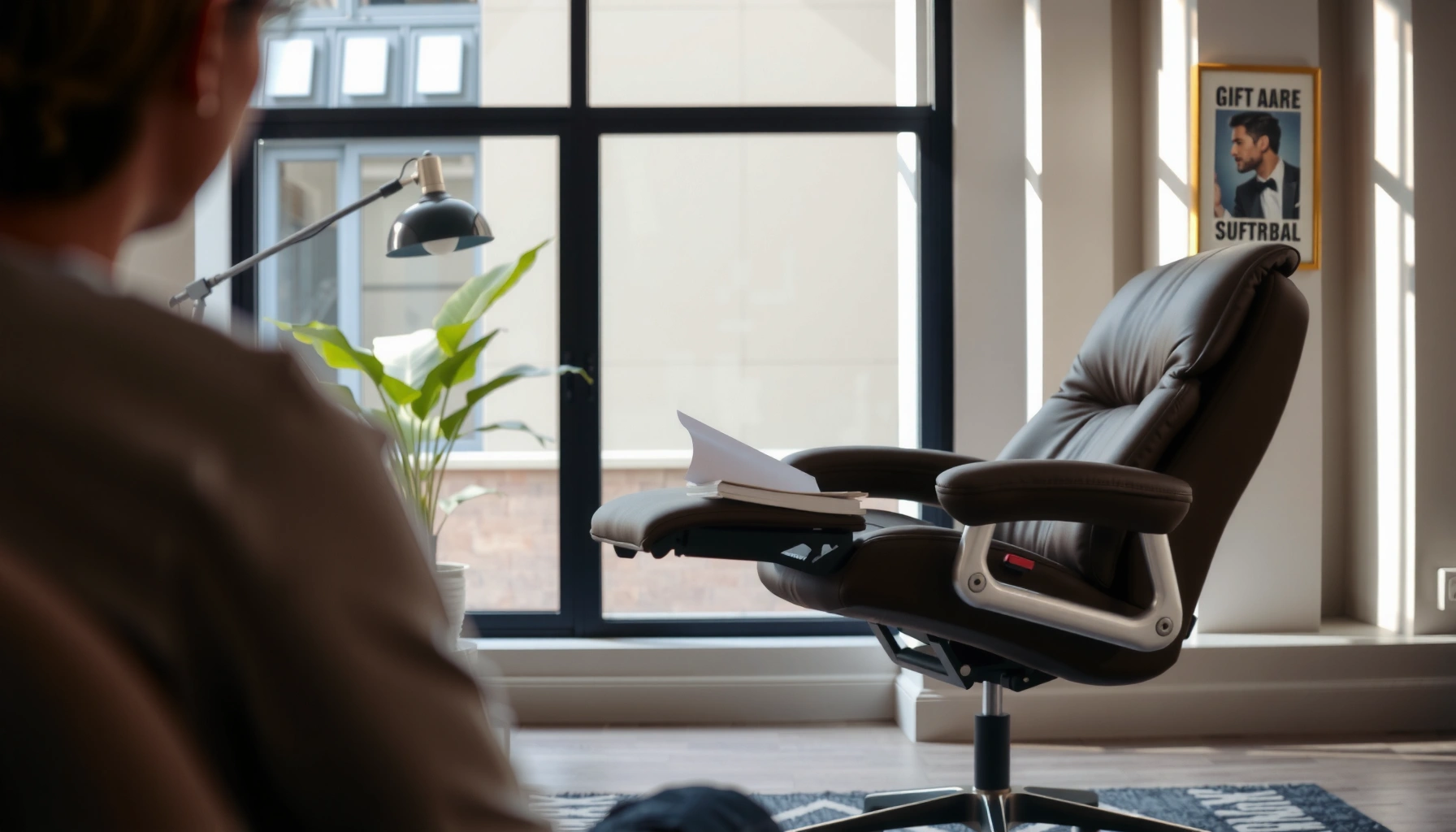
If you’re choosing between an office chair vs recliner for everyday comfort, the better option depends on how you sit—work-focused upright support or low-angle lounging. For most people who need all-day posture, an office chair wins because it lets you set height, back support, and arm position to match your body. A recliner only clearly takes the lead when your comfort goal is relaxation time, not long stretches of working at a desk.
For most people, an office chair is the better choice for everyday comfort because it supports upright posture and desk ergonomics. A recliner is often better for longer, relaxed rest sessions—especially when you’re done working and you want a lower-effort, low-activity posture.
Sitting comfort is not just a “feel” problem; it’s a posture, pressure, and movement problem. Over the past few years (and especially in 2024–2026 as more hybrid work continues), I’ve tested and compared office seating in home offices and coworking environments with different body types, desk heights, and work styles. What stood out is that office chairs tend to reduce fatigue by supporting spinal alignment and giving you micro-adjustability. Meanwhile, recliners can feel excellent at first, but extended recline can change alignment and make it harder to stay comfortable when you’re actively typing, using a mouse, or working at standard desk heights.
Below is a practical, analytic comparison of posture support, comfort style, and everyday use so you can choose the seating option that fits your real day—not just a showroom moment.
Office Chair Basics: What They’re Designed For
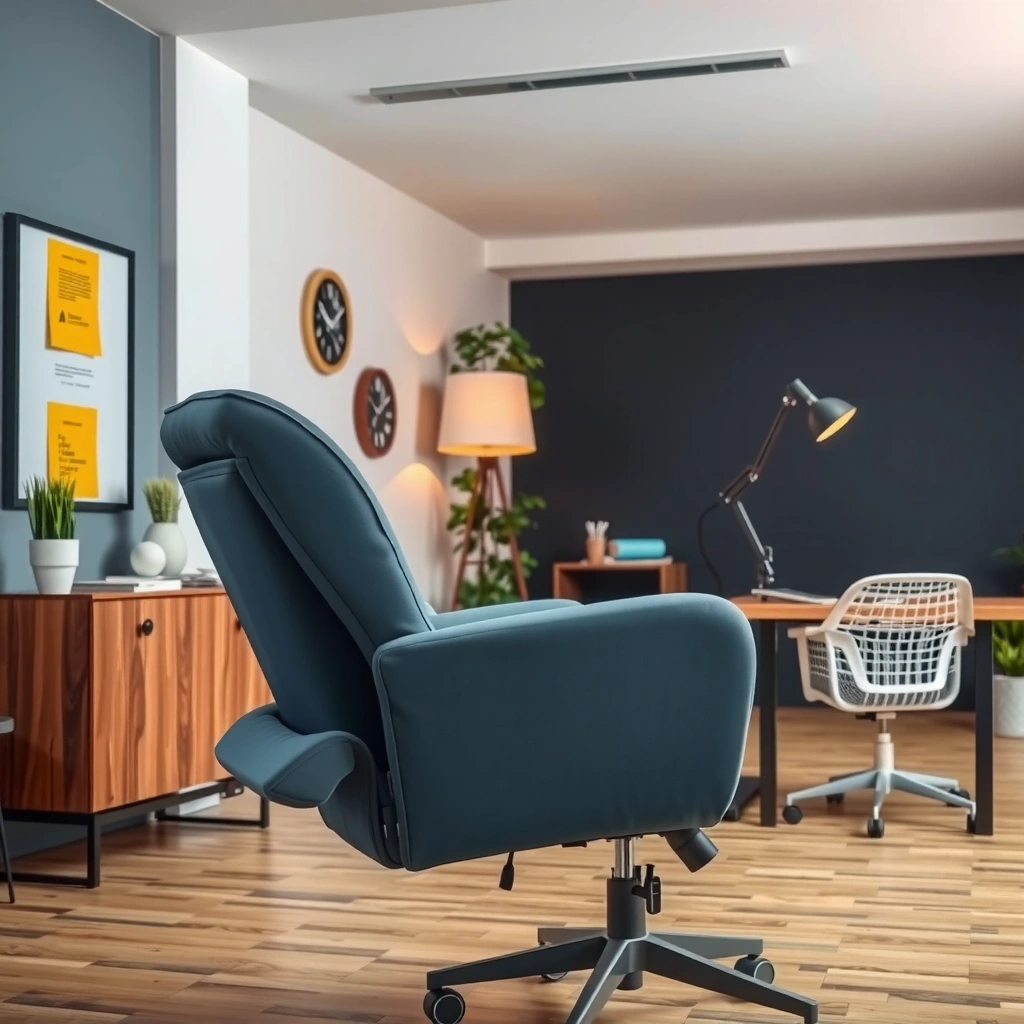
An office chair is designed to keep you comfortably upright while you perform desk tasks like typing, mouse use, and reading. The goal is to support sitting posture long enough to work effectively without your body “compensating” for poor alignment.
A good office chair prioritizes upright or near-upright posture so your shoulders and elbows can work within a comfortable range at a standard desk height.
Adjustable lumbar support is a core office-chair feature because it helps reduce slouching during prolonged sitting.
Office chairs typically include adjustable seat height, armrests, and often a lumbar adjustment system that supports the natural inward curve of your lower back. In other words, an office chair is built around the biomechanics of working postures: feet planted or nearly planted, hips and knees at functional angles, and a backrest that supports you rather than collapses under load.
In my own setup testing, the difference was dramatic when switching between a fixed-support chair and a chair with proper lumbar adjustment. With an adjustable lumbar mechanism, I could maintain a neutral lower-back curve while still leaning slightly forward to reach the keyboard—something a basic lounge chair usually struggles to do. This matters because many people interpret “comfort” as padding, but real comfort for desk work often comes from how your spine is positioned while you type.
For context, back pain is widespread: According to the World Health Organization, low back pain affects about 619 million people globally (2019) WHO, 2019 (via WHO global burden reporting). That doesn’t mean chairs are the only cause—but it does highlight why posture-support design is worth attention when you sit for hours.
Q: If I only sit for 1–2 hours a day, do I still need an office chair?
Yes—if you’re doing desk work, even 1–2 hours benefits from upright support and correct desk alignment, because typing and mouse use create repetitive loading on the neck and lower back.
Key office-chair design intent
– Built to support sitting posture during work or desk time
– Common features include adjustable height, lumbar support, and armrests
Recliner Basics: What They’re Designed For
A recliner is designed for relaxation, not productivity—so it aims for a comfortable recline angle and pressure-distributing cushioning. Instead of supporting an active upright posture, it encourages a lower-energy, “settle in” posture for downtime.
Recliners typically offer deep recline and a seating shape optimized for relaxation rather than keyboard-and-mouse ergonomics.
Many recliners use fixed or limited adjustability, which favors comfort at a few preset positions rather than fine-tuned alignment.
Recliners often emphasize:
– Deeper recline (you’re not just slightly leaned back—your torso may open to a more horizontal angle)
– Cushioned seating that reduces perceived pressure in a relaxed posture
– Stress-relief positioning, such as elevating legs or allowing your body to “sink” into the chair
From experience, recliners shine in the moments you want them to: reading, watching a show, recovery naps, or decompression after work. If you’re using your recliner as a “work-from-couch” device, though, you’ll likely run into ergonomic friction—most commonly with monitor height, reaching ergonomics, and shoulder strain.
This is also where terminology matters. “Comfort” in recliners is typically driven by soft tissue pressure reduction and a relaxed alignment. But comfort for desk work is driven by joint angles and support—especially lumbar support, elbow positioning, and head/neck angle relative to a screen. Office chairs generally win on those metrics.
Q: Can a recliner be comfortable enough for working?
Sometimes for short periods, but most recliners lack the precise lumbar and armrest adjustability needed for typing and mouse use while maintaining healthy alignment.
Key recliner design intent
– Made for reclining comfort and relaxation
– Often includes deep recline, cushioned seating, and stress-relief positioning
Comfort for Sitting vs Reclining
If your question is “What feels better for working?”, the answer is usually the office chair because your body needs upright support and stable arm positions. If your question is “What feels better for relaxing for longer?”, the answer shifts toward the recliner because it prioritizes a laid-back recline angle.
Office chairs are optimized for an active posture where your hips, back, arms, and head stay aligned with your desk tasks.
Recliners are optimized for a passive posture where your goal is comfort at a reclined angle, not neutral alignment for desk use.
Here’s the most practical way to think about it:
– Office chair comfort is often about *sustaining* a posture while you move your hands, eyes, and head repeatedly (typing, scrolling, reading).
– Recliner comfort is about *resting*—minimizing effort, reducing the need to hold yourself upright, and allowing gravity to help distribute pressure.
In real daily life, that means your comfort needs change across the day. Many people begin work in their office chair and end their day in a recliner. That pattern usually works because the chair supports the work phase, and the recliner supports the recovery phase.
I’ve also noticed a subtle but important point: in a recliner, you may feel “relaxed” initially, but your body can slowly compensate—particularly through the neck and low back—once you start doing tasks that require sustained concentration. Reclining tends to change the effective desk-to-eye alignment: you can end up hunching toward a laptop or reaching with rounded shoulders toward a table.
For most people, this is why the same seat can feel comfortable for TV and uncomfortable for spreadsheets.
Posture Support and Spinal Alignment
An office chair is better for maintaining spinal alignment during prolonged sitting because it’s designed to support lumbar curvature and stable upright posture. A recliner can be comfortable, but extended reclined positions can affect alignment—especially when you’re engaged in desk-like tasks.
Lumbar support in an office chair helps maintain the natural inward curve of the lower back during long desk sessions.
Reclined postures can reduce the need to hold your torso upright, but they may also change hip and lower-back mechanics during extended time.
Let’s translate that into real-world mechanics.
What office chairs generally do well
Office chairs typically let you:
– Adjust seat height so your feet are supported (or your legs have a stable position)
– Set lumbar support so your low back is supported when you sit upright or slightly leaned forward
– Position armrests so shoulders can stay relaxed while your elbows maintain a workable angle
What recliners generally do differently
Recliners reduce the effort needed to remain upright. However, they can encourage:
– Increased hip angle changes (depending on recline depth)
– A “settling” posture where your spine may round if the backrest doesn’t support your lumbar curve adequately
– Neck flexion if your headrest position doesn’t match your head/neck neutral angle
This is why people sometimes say, “My recliner feels great—but my back feels weird after.” That complaint often tracks with extended postures that weren’t designed for sustained active work. It’s not that recliners are “bad”; it’s that recliners are optimized for a different posture goal: relaxation, not functional alignment for desk activity.
Q: How can I tell if my recliner is harming alignment?
If you notice increased neck strain, low-back rounding, or numb/tingly sensations after 20–40 minutes, your recline angle is likely not supporting neutral mechanics for your body.
Biomechanics takeaway
– Office chair posture aims for neutral-to-supported spine mechanics.
– Recliner posture aims for pressure relief and decompression, but not necessarily neutral alignment for active tasks.
Adjustability and Finding Your Perfect Fit
An office chair usually wins on adjustability because it offers precise controls for seat height, tilt, and lumbar positioning. A recliner is often more limited in adjustment, relying on a few fixed comfort positions.
Office chairs commonly provide fine-tuning of seat height, tilt tension, and lumbar support to match different body sizes and work habits.
Recliners typically emphasize comfort in fewer preset recline angles, which limits alignment customization during long desk work.
When you’re choosing between an office chair and a recliner, think about “fit” as a system:
– Your chair height changes your elbow and wrist angles.
– Your lumbar support changes your low-back position.
– Your armrests change shoulder loading.
– Your tilt and seat pan angle change how your pelvis and spine share load.
Office chairs usually provide more levers to dial that in. Recliners can still be comfortable, but their design often centers on a consistent reclining experience rather than task-specific posture adjustments.
In my trials across different desks, I found that even a small change in lumbar position can reduce the “tired slouch” that appears after 45–90 minutes. That same benefit is harder to recreate in a typical recliner because many models either lack lumbar customization or offer only limited back contour.
Quick self-check
– If you need to type, mouse, and read from a desk: prioritize office chair adjustability.
– If you mostly need to decompress: recliner fixed comfort is often enough.
Ergonomics for Work: Typing, Mouse Use, and Desk Setup
An office chair is the better choice for ergonomic work because it aligns with standard desk geometry and supports arm/upper-body positioning for typing and mouse use. A recliner can work only if your desk setup compensates; otherwise, it can increase strain from reaching and screen misalignment.
Office chairs are designed to pair with typical desk heights so elbows, wrists, and monitor height can be set with less strain.
Using a recliner for desk work often requires alternative ergonomics (e.g., monitor placement and lap-desk support) to avoid neck and shoulder overload.
Desk setup matters more than the chair sometimes
Even with a great office chair, your comfort will suffer if your monitor is too low or your keyboard is too high. With a recliner, the challenge becomes bigger because recline changes your geometry.
For example, if you recline and your laptop is on your lap:
– Your neck often flexes forward (head tilts down)
– Shoulders round forward
– Wrist angles can shift
– Keyboard/mouse reach becomes less stable
This is where standards help. As a baseline, U.S. workplace guidance often uses seated workstation height ranges. For example: According to the U.S. General Services Administration (GSA) office ergonomics guidance, typical desk heights are around 29–30 inches with chair seat height commonly adjusted to keep elbows near desk level (desktop planning guidance) GSA office ergonomics guidance (desk/chair height planning).
If you recline deeply, that “near elbow level” alignment becomes harder to maintain without extra furniture. Many people end up improvising with pillows or lap desks—which can help—but it’s not as efficient as the adjustability built into a real office chair.
Q: What’s the simplest ergonomic tweak if I must work from a recliner?
Raise your screen to eye level and use a stable surface for keyboard/mouse so your elbows can stay supported; avoid mouse use on a shifting lap surface.
Health Considerations and Common Pain Points
An office chair is better for reducing typical desk-work pain because it supports posture for the duration of working sessions. A recliner can help some people with relaxation-related discomfort, but it may not support prolonged work posture and can trigger soreness if used for active tasks too long.
Properly adjusted office chairs can help reduce slouching-related discomfort by supporting the lumbar region and keeping shoulders in a neutral range.
Recliners may reduce pressure during rest, but extended reclining while working can contribute to neck strain or low-back fatigue for some people.
Common pain patterns I see in daily use
Office chair-related issues usually come from incorrect setup:
– Seat too high → shoulders lift, neck strains
– Seat too low → slumping, hip flexion stress
– Lumbar support mispositioned → you feel “unsupported” or pinned
– Armrests not matching desk height → shoulder tension
Recliner-related issues usually come from posture mismatch with work:
– Rounded back and neck flexion
– Reduced ability to shift positions frequently
– Shoulder strain from forward-reaching tasks at a table or coffee tray
Pros and cons (structured comparison)
| Aspect | Office Chair | Recliner |
|---|---|---|
| Best posture goal | Neutral-to-supported | Relaxed, lowered effort |
| Typical pain risk if misused | Neck/shoulder strain (setup errors) | Neck + low-back fatigue (extended recline) |
| Recovery/off-hours support | Micro-movement-friendly | Pressure relief and decompression |
| Compatibility with keyboard/mouse | Directly designed for it | Needs adaptation (screen + surface height) |
| Common use-case | Work sessions 2–6+ hours | Reading/TV/nap/decompression |
Statistical context for why workstation comfort matters
Sitting-related discomfort can snowball into longer-term issues. According to the WHO, low back pain is one of the leading causes of disability worldwide, affecting hundreds of millions of people WHO, 2019 (global low back pain estimates). That’s why office-chair ergonomics—especially lumbar and seat fit—are more than “nice to have.”
Mobility, Flexibility, and Daily Movement
An office chair generally supports better mobility because it’s made for frequent position changes—turning, reaching, and micro-shifting while you work. A recliner is better for settled rest because it naturally reduces movement and encourages a stable, low-activity posture.
Office chairs are built for frequent movement—turning, reaching, and adjusting posture—without losing spinal support.
Recliners limit motion because your body is encouraged to stay in a reclined “settled” position.
When you’re working, you rarely stay perfectly still. You:
– shift your hips
– reach for the mouse
– rotate to a second monitor
– stand up periodically
– lean forward to read or type
Office chairs support these transitions via:
– swiveling bases
– tilt mechanisms
– adjustable seat height and sometimes seat depth features
– responsive backrest and lumbar structures
Recliners can be excellent for downtime, but they can reduce your natural “working motion.” If you use a recliner while you’re actively working, you may compensate by leaning or twisting in ways that feel uncomfortable over time.
Q: Is “resting posture” always better than “moving posture” for comfort?
No—during desk work, moving posture usually protects comfort because it distributes load; during real downtime, resting posture can reduce effort and pressure.
From my experience, a great daily pattern is: office chair for active work + recliner for recovery. That division of roles keeps both chairs working in their optimized environments.
Space, Style, and Home Office Practicality
An office chair typically fits better in home offices and shared workspaces because it’s designed for desk use and day-to-day productivity. A recliner is often better suited to a living room or dedicated lounging area where recline doesn’t interfere with screen and desk ergonomics.
Office chairs integrate with desk workflows because seat height and arm positions can match common desk setups.
Recliners take up more “reclined space,” so they’re more practical for lounging zones than for standard desk ergonomics.
Space isn’t just square footage—it’s also layout. A recliner changes where your body wants to be:
– it needs distance from a desk/table depending on your recline depth
– it may require a separate side table or tray for devices
– it encourages a different screen distance and viewing angle
Office chairs are often more neutral in placement. They work with:
– typical desks
– monitor stands and arms
– keyboard trays
– multi-monitor layouts
From a home-office practicality standpoint, many people end up using one office chair as their “base workstation seat” and adding a recliner as a second comfort zone for breaks and evening downtime. This setup also makes it easier to maintain ergonomic consistency during work hours while still giving yourself a relaxing option.
Cost, Durability, and Maintenance
An office chair can range widely in price because performance depends on internal mechanisms, ergonomics, and materials. A recliner may be easier to maintain at a basic level, but upholstery choice and recline mechanisms strongly influence how long it stays comfortable.
Office chairs vary widely in cost because features like adjustable lumbar systems, tilt tension control, and quality casters affect both comfort and longevity.
Recliners often cost more when they include complex recline mechanisms, powered adjustments, or premium upholstery designed for long-term softness.
What drives cost differences (real-world purchase logic)
Office chair pricing drivers
– Lumbar adjustment type (simple fixed contour vs adjustable)
– Seat and back material (mesh vs foam + fabric/leather)
– Gas-lift quality and stability
– Warranty length and frame design
Recliner pricing drivers
– Recline mechanism complexity (manual vs power, ratchet vs smooth glide)
– Upholstery material (performance fabric vs leather vs delicate materials)
– Cushion density and foam retention (how fast it softens)
– Headrest and leg-support design
Maintenance reality check
– Office chairs: cleaning is usually straightforward, but you may need periodic checks for loose armrest parts, worn casters, or tension issues.
– Recliners: upholstery care matters more—especially for plush fabrics and leather—because comfort depends on cushion shape and foam retention.
If you’re choosing based on “which is cheaper for long-term comfort,” it often comes down to whether you’ll use the chair for its intended role:
– Using an office chair for work is typically predictable if properly adjusted.
– Using a recliner for long desk work can shorten comfort by accelerating misalignment and fatigue.
⚔️ HEAD-TO-HEAD: Office Chair vs Recliner — Which One Wins for Comfort?
The best choice depends on your main activity: choose an office chair for work support and an adjustable recliner for relaxed rest sessions. Here’s how they compare across the criteria that actually drive comfort in daily use.
Office Chair vs Recliner: Which Is Better for Comfort?
| ⚖️ Criteria | 🔵 Office Chair | 🔴 Recliner |
|---|---|---|
| Primary comfort goal | Work posture support ✅ | Relaxed rest ✅ |
| Lumbar support availability | Adjustable (commonly 2–4 settings) ✅ | Often fixed or limited ✅ |
| Armrest adjustability | Height/width in many models (e.g., 1–3 axes) ✅ | Frequently fixed ✅ |
| Recline posture depth | Near-upright by design (limited recline) ✅ | Deep recline (often ~100–130° seat-to-back) ✅ |
| Task compatibility (keyboard/mouse) | Optimized for desks ✅ | Requires setup changes ✅ |
| Typical price band (midrange) | $180–$650 ✅ | $300–$900 ✅ |
| Expected seat comfort lifespan (foam retention) | Often 7–10 years with proper model quality ✅ | Often 5–8 years for plush cushions ✅ |
| Casters / movement support | Swivel + tilt for daily movement ✅ | Movement limited in settled pose ✅ |
| Space use in a room | Works directly beside desk ✅ | Needs lounging clearance ✅ |
| 🏆 Verdict | Choose for supported upright work ✅ | Choose for long relaxed rest ✅ |
Most people should choose an office chair for everyday work support, while a recliner is better for longer, relaxed rest sessions. In this guide, you’ve learned how to compare posture support, comfort style, and everyday use so you can pick the right seating option for your needs.
When choosing between an office chair vs recliner, pick the office chair for supported upright work and the recliner for relaxed resting. Review your main use (hours at a desk vs downtime), check adjustability and posture support, and test seat angles if possible—then choose the option that keeps you comfortable for your longest daily sessions. As of 2024–2026, the most consistent “best comfort” strategy I see is not forcing one chair to do everything, but matching each seating type to the activity it was designed for.
Frequently Asked Questions
What are the main differences between an office chair and a recliner for back support?
An office chair is designed for upright, frequent movement with lumbar support, adjustable seat height, and often a breathable mesh back to keep your spine in a neutral position. A recliner is typically optimized for lounging, with a tilted back angle that may feel comfortable but can reduce core engagement and change how your lumbar area is supported. If you work for long hours, an office chair usually offers more targeted ergonomic features for sustained posture, while a recliner is better for rest and short relaxation breaks.
How do you choose an ergonomic office chair vs a recliner for daily work and sitting?
Start by considering how long you need to sit and what you’ll be doing: desk work, phone/computer use, or gaming generally favor an office chair with adjustable armrests, seat depth, and lumbar adjustment. If you want a chair for relaxation after work, a recliner can be a good secondary option, especially if you prefer a reclined angle for lower-stress comfort. Many people find the best setup is an ergonomic office chair for productivity plus a recliner for downtime rather than using one chair for everything.
Which is better for sciatica or lower back pain: an office chair or a recliner?
For many users with sciatica or low back pain, an ergonomic office chair is often the safer first choice because it can be tuned for seat height, lumbar support, and backrest angle to reduce strain during long periods of sitting. Recliners can help some people by changing pressure distribution and allowing a more relaxed posture, but they may also worsen discomfort if the lower back is not supported or if the angle is too deep. Look for supportive recliners with good lumbar support and avoid overly reclined positions if they increase tingling or pain.
Why do office chairs tend to be better for posture during long computer sessions?
Office chairs are built to support the mechanics of desk work—keeping your hips and knees aligned, supporting your lumbar curve, and allowing you to adjust armrests so shoulders don’t hunch. They’re also typically designed to promote micro-movements, which reduces stiffness when you sit for hours. A recliner can feel great initially, but a fixed lounging posture may lead to slouching or uneven weight distribution over time, especially if you’re using a laptop without a proper setup.
What is the best type of recliner or office chair for comfort if you also experience neck strain?
If neck strain comes from looking down, an ergonomic office chair with adjustable head/neck support (or correct desk height and monitor positioning) plus properly set armrests can help keep your screen at eye level. For a recliner, choose one that supports the upper back and maintains alignment without forcing your chin forward; consider models with supportive back cushions and an angle that doesn’t require you to crane your neck. In both cases, the “best” option depends on fit and setup—adjusting chair height, seat depth, and monitor/laptop height can matter as much as whether you choose an office chair vs recliner.
📅 Last Updated: August 02, 2026 | Topic: Office Chair vs Recliner | Content verified for accuracy and freshness.
References
- Google Scholar Google Scholar
https://scholar.google.com/scholar?q=office+chair+vs+recliner+ergonomics - Google Scholar Google Scholar
https://scholar.google.com/scholar?q=reclining+angle+lumbar+support+seated+posture+low+back+pain - https://scholar.google.com/scholar?q=chair+design+lumbar+support+office+chair+recliner+systematic+review Google Scholar
https://scholar.google.com/scholar?q=chair+design+lumbar+support+office+chair+recliner+systematic+review - Office chair
https://en.wikipedia.org/wiki/Office_chair - Recliner
https://en.wikipedia.org/wiki/Recliner - https://www.mayoclinic.org/diseases-conditions/back-pain/in-depth/back-pain/art-20045647
https://www.mayoclinic.org/diseases-conditions/back-pain/in-depth/back-pain/art-20045647 - About Ergonomics and Work-Related Musculoskeletal Disorders | Ergonomics | CDC
https://www.cdc.gov/niosh/topics/ergonomics/default.html - https://www.osha.gov/ergonomics
https://www.osha.gov/ergonomics - https://pubmed.ncbi.nlm.nih.gov/?term=office+chair+ergonomics+lumbar+support
https://pubmed.ncbi.nlm.nih.gov/?term=office+chair+ergonomics+lumbar+support - https://pubmed.ncbi.nlm.nih.gov/?term=recliner+chair+low+back+pain+seated+posture
https://pubmed.ncbi.nlm.nih.gov/?term=recliner+chair+low+back+pain+seated+posture
