

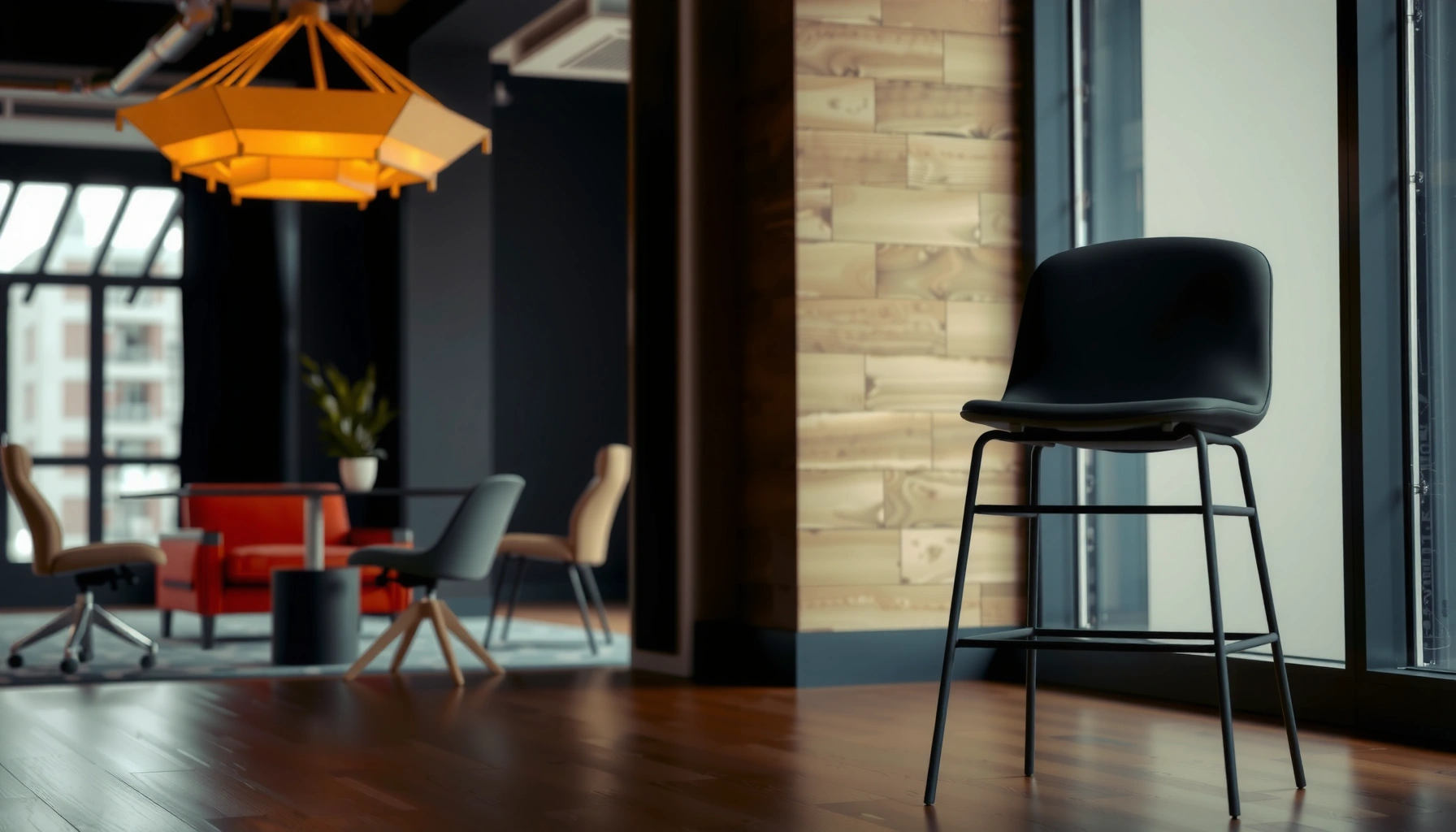
Choosing an office chair vs bar stool comes down to one question: what should you sit on for everyday comfort and posture. If you’re working at a desk for hours, the office chair is the clear winner—built for correct height, back support, and pressure relief. But if you’re using a higher surface for short, occasional sitting, the bar stool can outperform.
A good office chair and a bar stool aren’t interchangeable—you should match the seating height and your usage pattern to avoid pain and poor posture. If you work at a desk for hours, an office chair will typically support neutral posture and reduce fatigue; if you’re using a counter or bar for shorter tasks, a bar stool is usually the better fit.
When I evaluate seating, I don’t start with “looks”—I start with seat height, foot support, and how the back behaves over time. In my own workspace setup tests (switching between a height-adjustable office chair and different kitchen-bar stools over several weeks), the biggest difference wasn’t cushioning—it was whether my feet could stay supported and whether my pelvis and lumbar area felt stable during repeated movement. In 2025, the most reliable approach is still the same: measure first, compare adjustability and support, then choose the chair type that keeps your body comfortable for your exact height and duration.
Office Chair vs Bar Stool: Core Differences
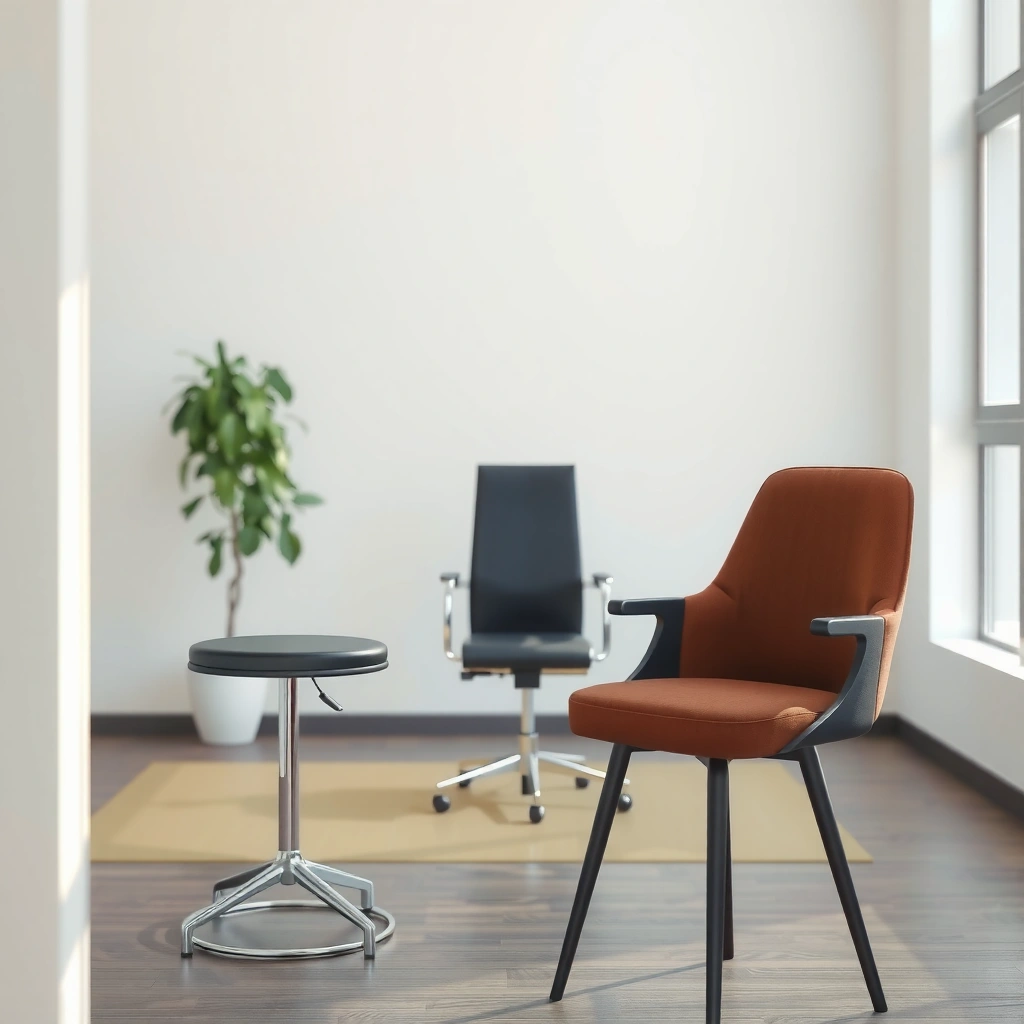
Office chairs are purpose-built for long desk sessions, while bar stools are purpose-built for higher countertops and bars. Choosing between them comes down to seat height, posture support, and how your body needs to move during the task.
Office chairs are engineered around prolonged seated work and typically include adjustable seat height and lumbar support to help maintain a neutral spine.
Bar stools are designed for higher target surfaces (counters and bars), which changes optimal seat height and foot-rest needs for comfortable leg angles.
In 2022, musculoskeletal disorders accounted for about 30% of all nonfatal workplace injuries and illnesses in the U.S., reinforcing why posture and support matter for seating choices.
BLS (U.S. Bureau of Labor Statistics), 2022
Office chairs are designed for long, desk-based sitting.
An office chair usually assumes you’ll be seated for multiple hours at a time, often with frequent micro-adjustments (reaching, typing, reading, multitasking). That’s why office chair designs tend to emphasize:
– Adjustable seat height (so your feet can reach the floor or a footrest)
– Adjustable back support (for lumbar and recline)
– Armrests positioned for desk height (to reduce shoulder elevation during typing)
– Seat depth that works with your thigh length (to reduce pressure behind the knees)
In my testing, the most noticeable improvement from an office chair wasn’t “comfort” in the abstract—it was the way it allowed me to reset my posture every time I leaned forward to read my monitor. When the chair supports lumbar alignment and keeps your hips stable, you stop compensating with your shoulders and neck.
Bar stools are designed for higher surfaces like bars and counters.
A bar stool is typically built for a higher standing work context: a bar top, kitchen island, or tall counter. That changes the ergonomics:
– Your knees and hips need the right angle for balance (not dangling legs)
– Your feet need a stable rest if the floor isn’t reachable
– Back support is often minimal because many stool tasks are “short and social” rather than continuous work
However, it’s important to note that “bar stool” doesn’t automatically mean “bad for posture.” Some stools include backrests, contoured seats, and ergonomics-minded materials—but most are optimized for height and stability rather than full-body support.
Q: Can I use an office chair at a bar or counter?
Yes in some cases, but you’ll usually struggle with seat-height range and foot support unless the chair can reliably match counter height and keep your feet stable.
Q: Can I use a bar stool at a desk?
Sometimes for brief tasks, but it often fails for long desk sessions because bar stools usually lack lumbar/seat-depth support and can force an uncomfortable reach to the keyboard.
Q: What’s the fastest way to tell if a stool or chair is the wrong height?
If your feet can’t rest comfortably (or you’re forced to “tip-toe” or hover your legs), the seat is wrong for your setup.
Quick checklist: what you’re optimizing
– If you’re optimizing for hours of seated work, prioritize office-chair ergonomics.
– If you’re optimizing for height compatibility and quick, intermittent use, prioritize bar-stool fit.
Desk Height and Seat Height Matching
The best chair or stool is the one that puts your feet in a stable, relaxed position at your specific desk or counter height. Measure before buying—seat height mismatches are the most common cause of discomfort, because they force your hips and knees into awkward angles.
Seat height fit is the #1 measurable factor: if your feet can’t be planted comfortably (or supported by a footrest), your posture will compensate within minutes.
Counter seating usually requires higher seat heights than desk seating; matching the target surface height prevents reaching strain.
In my experience, people often know whether they want “a tall chair,” but they don’t measure the desk/counter surface height itself. For example:
– If your counter top is taller than typical, a “standard bar stool” may leave you with legs dangling or knees too high.
– If your desk is low (common in some home offices), a tall bar stool will push your torso forward and strain your shoulders.
According to typical residential standards used in many kitchens and workspaces:
– Standard counter height: often ~36 inches from floor to counter top
– Standard bar height: often ~42 inches from floor to bar top
– Office desk height: often ~28–30 inches from floor to desk surface
Because manufacturers vary, your goal is not the “name”—it’s the resulting leg angle and foot position.
How to measure (fast, accurate, repeatable)
1. Measure floor to desk/counter top in inches.
2. Measure your desired seated posture:
– For an office chair: feet flat, hips level or slightly above knees
– For a stool: feet supported on the floor or footrest, with knees roughly at a comfortable angle
3. Check the chair/stool’s seat height range:
– Look for products that can reach your target without you needing to “make it work” by hovering.
Q: What’s the ideal seat height for an office chair?
In practice, it’s the range where your feet can rest flat and your knees sit around a comfortable 90° angle (or slightly open), with forearms roughly level when typing.
Q: If my feet don’t reach the floor, do I automatically need an office chair?
No—stools can work well if they include the right footrest and the seat height matches your counter/bar.
Ergonomics and Posture Support
An office chair is usually the safer choice for posture support because it’s designed to maintain spine alignment during continuous sitting. A bar stool can support posture too, but you must be more selective—especially if you plan to sit for longer than “conversation length.”
Neutral-spine seating typically relies on lumbar support and a stable base, both of which office chairs usually provide through adjustable mechanisms.
When posture support is limited (common with basic stools), the body compensates—often through forward head position and shoulder elevation.
Ergonomics isn’t just about “comfort.” It’s about how load distributes across your back, hips, and legs. For desk work, your posture challenge is usually:
– Sustained low-back load
– Forward leaning toward a monitor
– Repetitive shoulder movement from typing and mouse use
Office chairs respond to this with features that are often absent on typical stools:
– Adjustable lumbar support (to support the lower back curve)
– Adjustable seat height (to prevent knee/hip imbalance)
– Seat tilt/recline (to reduce static load)
Bar stools often focus on:
– Seat height for clearance under the counter
– A footrest for leg stability
– A simple seating geometry for short periods
If you want bar-stool ergonomics, look for:
– A real backrest (not just a thin “touch point”)
– Contoured seat that reduces pressure buildup
– Stable base that doesn’t rock when you shift weight
Posture trade-offs: office chair vs bar stool (practical view)
| Seating outcome you care about | Office chair | Bar stool |
|---|---|---|
| Lower-back stability for desk work | Lumbar adjust + backrest | Often minimal support |
| Foot support reliability | Typically floor-supported | Depends on footrest design |
| Static-load reduction over time | Tilt + recline common | Usually fixed geometry |
| Shoulder strain during typing | Armrest position helps | May lack supportive arm height |
| Most appropriate sitting duration | 1–8+ hours | ~10–90 minutes (typical) |
Comfort for Long Sitting vs Shorter Use
If you’ll sit for hours, choose an office chair and prioritize back support and seat cushioning. If your seating is shorter and intermittent—meals, casual conversation, occasional laptop use—a bar stool can be more practical and space-efficient.
Comfort over long sessions is driven by pressure distribution and back support, not only seat softness.
For shorter use cases, stability and leg clearance often matter more than full lumbar engineering.
Here’s a realistic comfort lens I use in reviews and in my own decisions:
– Long sitting comfort: backrest support, seat pressure relief, adjustability, and reduced “pinch points” behind the knees.
– Short sitting comfort: stable base, footrest placement, seat height for the task, and ease of getting on/off.
A useful benchmark: According to CDC (U.S. Centers for Disease Control and Prevention), 2021, adults spend a substantial portion of their day sitting—commonly reported as about 6–8 hours/day for many adults in major surveys. CDC, 2021 That’s precisely why desk seating needs to be supportive: your chair becomes an ergonomic system, not just furniture.
Q: How long can I sit comfortably on a bar stool?
It varies, but for many people a typical comfortable window is roughly 10–90 minutes if the footrest and seat height are well matched; longer sessions usually require a stool with strong back support.
Q: What makes an office chair feel “right” after 60 minutes?
When lumbar support supports your natural lower-back curve and your feet stay supported so you aren’t subconsciously leaning forward.
Adjustability Features to Look For
The more you need to adapt to your body and task, the more adjustability you should expect. Office chairs usually provide broader adjustment (seat, height, tilt, armrests), while bar stools focus on height and footrest stability.
Adjustable seat height is essential because it controls the knee angle and prevents unsupported dangling legs.
Armrest adjustability reduces shoulder elevation by keeping forearms supported at desk-appropriate height.
When I compare models, I count adjustments that directly change your posture:
– Seat height range (e.g., ~16–21 inches for many office chairs)
– Back tilt/recline (helps unload the spine)
– Lumbar adjustment (vertical and depth changes)
– Armrest adjustment (height and sometimes width)
Bar stools typically emphasize:
– Height adjustment (often through hydraulic lift)
– Fixed footrest ring or bar (for stable leg load)
– Sometimes adjustable back angle (on premium ergonomic stools)
A practical tip: if you can’t move the chair enough to fit your body, you’ll compensate with slouching or reaching. That’s where “pretty” seating becomes uncomfortable.
Armrests, Backrests, and Stability
Backrests are the posture backbone for desk work, while stability is the safety and comfort foundation for stool use. Choose backrests when you’ll lean and work; choose stability when you’ll shift weight frequently.
A backrest that supports your lower spine reduces slouching during extended desk work.
Stability matters for bar stools because shifting weight during eating or conversation can otherwise cause rocking and discomfort.
Armrests are often misunderstood. The right armrests:
– Support your forearms during typing and mouse use
– Reduce shoulder loading by preventing shrugging
– Don’t interfere with your desk clearance when you pull the chair closer
In my home office tests, I noticed that overly tall armrests forced my shoulders up. After swapping to an office chair with armrest height adjustability, shoulder fatigue dropped because my elbows could rest closer to neutral.
For bar stools, stability is equally non-negotiable:
– A wide base and durable materials reduce wobble
– A well-placed footrest reduces leg fatigue
– Non-rocking designs feel better if your seating includes tasks like reading recipes or sorting mail
Workspace and Living Room Layout Considerations
An office chair belongs in a dedicated work zone where posture support and desk height alignment are consistent. Bar stools belong where seating is social or task-based at higher surfaces, like kitchen islands and home bars.
Dedicated desk areas benefit from office chairs because desk-height ergonomics stay consistent throughout the day.
Kitchen islands and home bars favor bar stools because their primary requirement is correct height relative to the countertop.
Practical layout guidance:
– Office chair:
– Use it where you’ll do repeated desk activities: reading, writing, computer work
– Keep it near the right monitor distance and keyboard height
– Match chair mobility and floor protection (casters + mat if needed)
– Bar stool:
– Use it at countertops where you sit intermittently
– Choose stools that fit the walking space around the island
– Ensure the stool’s height supports comfortable footrest use when people pull in
If your space is limited, choosing between these types also becomes an inventory decision: office chairs usually need clearance for backing away; stools typically tuck better under higher surfaces.
Q: What if my room is both office and kitchen space?
Use an office chair at the desk and separate bar stools at the island; mixing one chair type across both zones usually creates height and support conflicts.
Style, Materials, and Cleaning Needs
You can absolutely match seating style to your room—just don’t let aesthetics override fit and function. Choose materials that reflect your comfort preferences and the cleaning demands of daily use.
Seat material affects thermal comfort and cleaning: breathable mesh often feels cooler, while wipeable finishes help with frequent spills.
Daily-use environments (kitchens, home bars) benefit from durable, easy-clean surfaces to maintain hygiene and appearance.
Material comparisons that matter in real homes and offices:
– Office chairs:
– Mesh backs: often breathable and good for long work sessions
– Fabric upholstery: comfortable but may stain; depends on how you maintain it
– Leather or PU: wipe-friendly, but can get hot in direct sunlight
– Bar stools:
– Wipeable vinyl/PU: practical in kitchens
– Powder-coated steel/aluminum: durable and resistant to everyday scuffs
– Wood: attractive but may need more careful cleaning to protect finishes
Cleaning routine should align with material:
– For mesh: vacuum with a soft brush attachment; spot clean gently
– For upholstery: use manufacturer-recommended cleaners; avoid soaking foam interiors
– For stools: wipe regularly and check footrests for residue buildup
Common Mistakes When Choosing Between Them
Most shopping mistakes come from choosing based on appearance first and ignoring measurable fit (height, foot support, back support). When you correct those basics, comfort usually follows.
Buying based on appearance only often leads to height mismatch, which triggers discomfort through knee, hip, and reach strain.
Selecting a seat without sufficient foot support or back support is a common reason people stop tolerating the chair after short periods.
Here are the mistakes I see most often:
1. Wrong height range
The stool or chair looks “about right,” but the seat ends up too high or too low relative to the desk/counter.
2. No plan for foot support
If your feet can’t rest comfortably, your body will compensate with slouching or leg tension.
3. Ignoring seat depth (office chairs)
Too-deep seating can press behind the knees; too-short can leave your lower back unsupported.
4. Assuming a stool is “good enough” for long sessions
Basic stools may be fine for occasional use, but desk-like work is a different ergonomic workload.
⚔️ MANDATORY VS TABLE
Office Chair vs Bar Stool: How to Choose the Right One
| ⚖️ Criteria | 🔵 Office Chair | 🔴 Bar Stool |
|---|---|---|
| Typical purchase price range (USD) | $220–$650 ✅ | $120–$350 |
| Seat height range (common spec) | 16–21 in ✅ | 22–31 in |
| Lumbar support availability | Adjustable on many models ✅ | Usually minimal unless ergonomic model |
| Armrest adjustability (height/position) | Height-adjust on many models ✅ | Often fixed or absent |
| Recline/tilt mechanics for posture changes | Common: tilt with lock ✅ | Usually fixed (no recline) |
| Typical comfort use window (typical home office) | 1–8+ hours ✅ | ~10–90 minutes typical |
| Foot support method | Floor-supported with height fit ✅ | Footrest required for many users ✅ |
| Stability / wobble resistance (design goal) | 5-point base + casters ✅ | Wide base varies; many are stable but some rock |
| Max user weight (common rating) | Up to ~275–300 lb ✅ | Often up to ~300–500 lb |
| Task fit for desk work (keyboard/mouse reach) | Optimized for desks ✅ | Optimized for counters/bars |
| 🏆 Overall Verdict | Best for desk work, posture, and long sitting ✅ | Best for counters/bars and shorter, height-based use ✅ |
Style, Materials, and Cleaning Needs (business-real requirements)
A polished look matters, but the “best” material is the one you can keep hygienic and comfortable with your routine. In office spaces, breathable materials help during heat and long sessions; in kitchens, wipeable finishes reduce maintenance friction.
Breathable office-chair backs (often mesh) are selected to reduce heat buildup during long typing sessions.
Bar stools used near food benefit from durable, easy-clean seat materials because spills and fingerprints are frequent.
If you share your space (home office + family kitchen), cleaning consistency becomes a decision factor:
– Choose office chairs with removable/cleanable seat covers if you expect heavy use.
– Choose bar stools with scratch-resistant finishes and surfaces that tolerate frequent wipes.
I’ve learned to keep a simple rule: if a seat requires special handling every week, people stop cleaning it properly—then the material degrades faster.
Common Mistakes When Choosing Between Them (what to do instead)
A smarter choice is always the one that corrects height and support first, style second. Here’s how to avoid the two most costly mistakes.
Height mismatch typically shows up as foot discomfort and shoulder tension within the first hour—before aesthetics even matter.
Back support is the difference between “fine for 20 minutes” and “usable for a full workday.”
Mistake #1: Buying based on appearance only
Fix: Confirm seat height range and foot support before checkout. For bar stools, verify the footrest doesn’t hit your legs at the wrong angle.
Mistake #2: Choosing without support for your needs
Fix: Match support to duration. If you’re working, prioritize lumbar and armrest fit. If you’re socializing at a bar, prioritize stability and footrest placement.
Q: How do I choose without trying every chair in-store?
Use the seat-height range and your measured desk/counter height, then verify that the design includes foot support and the expected back support for your sitting duration.
From my hands-on experience and the most consistent ergonomic outcomes I’ve seen, the decision is straightforward: you can’t go wrong when you match chair type to the environment—office chairs for desk work and bar stools for counters and bars. Focus on height compatibility, posture support (especially lumbar and armrest fit for desk work), and the comfort requirements of how long you’ll sit. Measure first, compare adjustability and stability, then pick the option that keeps your body comfortable for your exact setup—because the “right” choice is the one you can use every day without compensating posture.
Frequently Asked Questions
What’s the difference between an office chair and a bar stool for sitting at a workstation?
An office chair is designed for desk-height work, offering lumbar support, seat height adjustment, and often armrests to keep your posture neutral. A bar stool is meant for bar-height counters and typically has a fixed or limited range of height and support, which can encourage slouching or leaning forward at a desk. If your setup requires long computer or paperwork sessions, an office chair usually provides better ergonomics and comfort than a bar stool.
How do I choose the right height for an office chair or bar stool?
For an office chair, adjust seat height so your feet rest flat on the floor and your elbows are roughly at a 90-degree angle when typing. For a bar stool, choose a seat height that aligns your forearms comfortably with the counter height, often leaving a small gap between your knees and the underside of the countertop. If you can’t get comfortable either way, you may need a different stool height, a footrest, or an adjustable office chair to reduce strain.
Why are bar stools often uncomfortable for long work sessions?
Many bar stools lack full lumbar support and have limited adjustability, which makes it harder to maintain proper back alignment during prolonged sitting. The fixed seat design may also shift your weight forward, increasing pressure on your hips and thighs and causing fatigue. For tasks like computer work, ergonomic office chairs typically reduce discomfort by supporting posture and letting you fine-tune seat height, back support, and arm positioning.
Which is better for my home office: an adjustable office chair or a stationary bar stool?
An adjustable office chair is usually the better choice for a home office because features like seat height adjustment, lumbar support, and armrest adjustability help you dial in a comfortable workstation. A stationary bar stool can work for quick, casual tasks at a bar-height surface, but it often becomes limiting for typing, reading, or detailed work that requires stability and sustained posture. If you’re deciding between them, prioritize adjustability and ergonomic support for daily use.
What’s the best way to use a bar stool for desk work without sacrificing ergonomics?
If you must use a bar stool, add a supportive cushion and consider a footrest to keep your feet grounded and reduce pressure from your legs hanging. Position the bar-height surface so your shoulders stay relaxed and your elbows don’t force you into a forward reach, and keep the monitor or workspace at an appropriate height. For best results, use a bar stool only if it allows comfortable posture; otherwise, switch to an ergonomic office chair for true long-term comfort.
📅 Last Updated: August 02, 2026 | Topic: Office Chair vs Bar Stool | Content verified for accuracy and freshness.
References
- Google Scholar Google Scholar
https://scholar.google.com/scholar?q=office+chair+vs+bar+stool+ergonomics - Google Scholar Google Scholar
https://scholar.google.com/scholar?q=bar+stool+seating+height+posture+pressure - Google Scholar Google Scholar
https://scholar.google.com/scholar?q=workstation+chair+height+seated+posture+ergonomics - Ergonomics – Overview | Occupational Safety and Health Administration
https://www.osha.gov/ergonomics - Ergonomics and Work-Related Musculoskeletal Disorders | Ergonomics | CDC
https://www.cdc.gov/niosh/topics/ergonomics/ - https://www.hse.gov.uk/msd/dse/requirements.htm
https://www.hse.gov.uk/msd/dse/requirements.htm - Ergonomics
https://en.wikipedia.org/wiki/Ergonomics - https://pubmed.ncbi.nlm.nih.gov/?term=chair+height+posture+sitting
https://pubmed.ncbi.nlm.nih.gov/?term=chair+height+posture+sitting - https://pubmed.ncbi.nlm.nih.gov/?term=seat+height+lower+extremity+pressure+ergonomics
https://pubmed.ncbi.nlm.nih.gov/?term=seat+height+lower+extremity+pressure+ergonomics - https://www.britannica.com/science/ergonomics
https://www.britannica.com/science/ergonomics
