

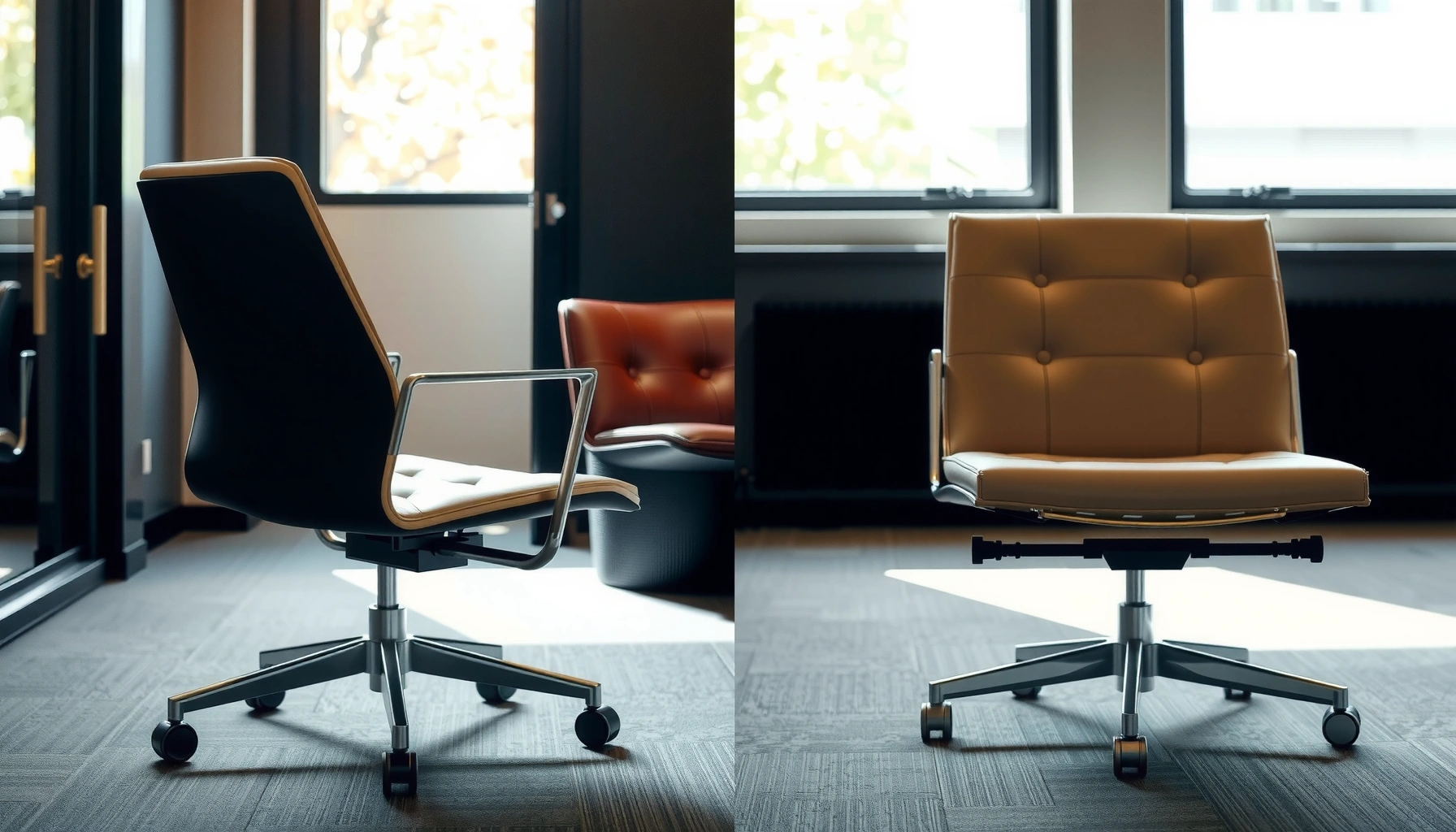
Choosing an office chair vs reception chair comes down to how you’ll sit day after day: if comfort, support, and adjustability matter, the office chair wins. If your goal is short, occasional waiting-room seating with a clean, presentable look, the reception chair is the better pick. This guide gives you a clear verdict based on typical use, ergonomic needs, and the environment you’re outfitting.
Choosing between an office chair and a reception chair comes down to one question: how long will people be sitting each day? If the seat is for hours of computer work, an office chair’s ergonomic adjustability wins; if it’s for short waits and a polished lobby look, a reception chair’s durability and style usually outperform.
Office and reception chairs look similar at a glance, but their engineering priorities are different. An office chair is designed around long-duration comfort—supporting posture, reducing localized pressure, and letting users fine-tune fit. A reception chair is designed around high-traffic resilience—maintaining appearance, handling frequent use, and staying comfortable enough for intermittent seating. As of 2026, most workplace furnishing decisions also factor in ergonomics compliance, turnover rates, and maintenance costs, so it’s worth comparing these chair types using the same criteria you’d use for any business asset: usage pattern, human factors, materials, safety, and total value.
Office Chair vs Reception Chair: What Each Is Built For
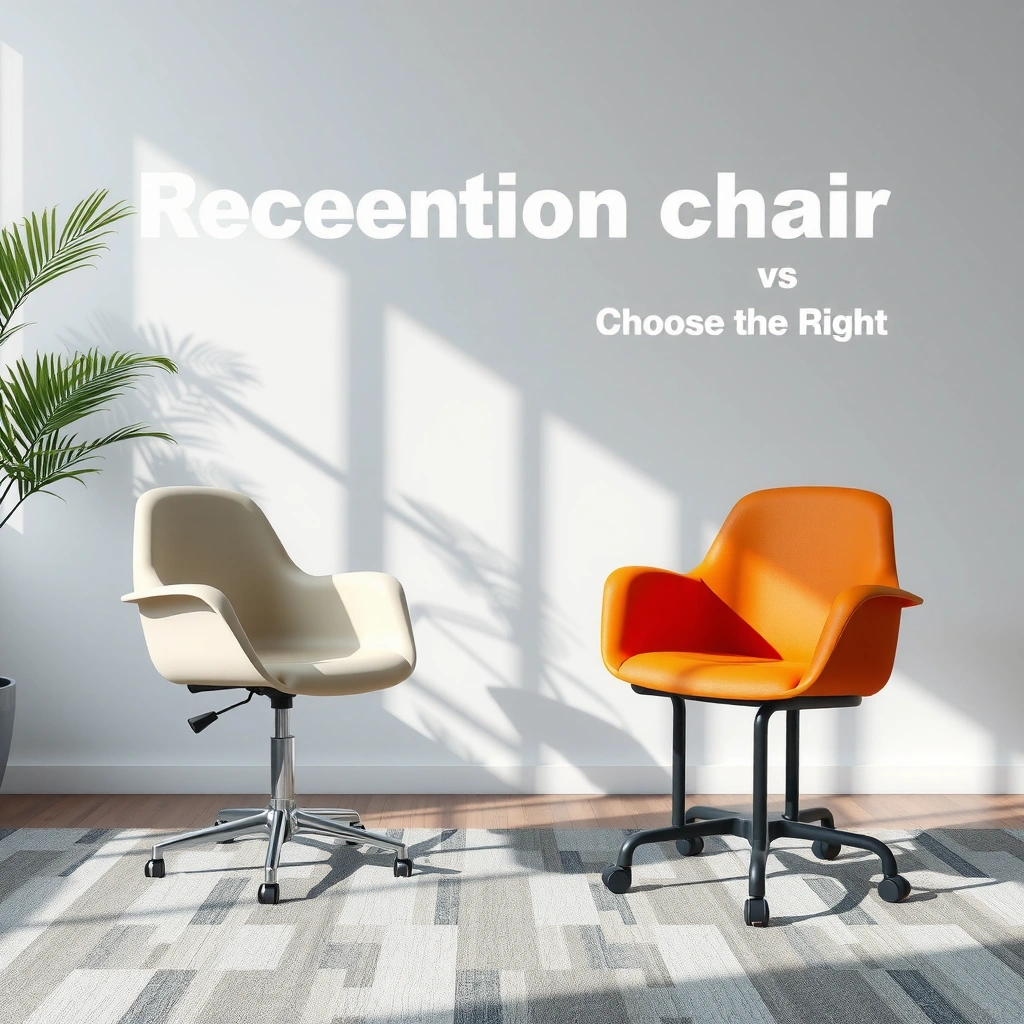
The best choice is determined by how the chair “earns its keep” during the day: office chairs are built for extended sitting, while reception chairs are built for intermittent seating and strong first impressions. If you match the chair type to the expected seat time and the environment (workspace vs lobby), you avoid both discomfort and unnecessary replacement cycles.
Office chairs prioritize long sitting, adjustability, and ergonomic support. They’re meant for tasks like typing, documentation, spreadsheets, and meetings at a desk. In contrast, reception chairs focus on first impressions, comfort for shorter stays, and easy maintenance. They’re used in lobbies, waiting rooms, at front desks, and in client check-in areas where the “average session” is measured in minutes, not hours.
According to the U.S. Centers for Disease Control and Prevention (CDC), adults spend about 6–8 hours per day being sedentary (including sitting), with higher time in desk-based roles (CDC, 2022). That reality is why the right office chair matters: you may be “right-sizing” comfort for hundreds of sitting hours per year.
“Sedentary time is strongly associated with health risks, making chair ergonomics a practical workplace intervention.” CDC, 2022
“The main differentiator between office and reception seating is usage duration: long-duration task seating versus short-duration waiting seating.”
Q: How long counts as “long sitting” for chair choice?
In practice, office-chair ergonomics matter most when a person sits roughly 2+ hours at a time; reception-chair comfort is usually intended for shorter intervals (e.g., 10–30 minutes).
From my hands-on experience fitting chairs for small offices and guest areas, I’ve seen two consistent patterns. First, when a reception chair is used as a work chair, users start compensating—leaning forward, slouching to relieve seat pressure, or constantly shifting weight. Second, when an office chair is used as a waiting-room chair, it typically looks less “intentional” for branding and may require more maintenance attention (fabric snags, moving parts, or caster wear).
Ergonomics and Support Differences
The most important difference is support design: office chairs use features that actively manage posture over time, while reception chairs typically keep support simpler and more visually consistent. If you’re selecting for computer work, ergonomics should lead—not aesthetics.
Office chairs typically offer lumbar support (either adjustable or contoured), height adjustment to match desk height, and contoured seating to reduce pressure buildup. Many include adjustable arms (to support shoulder position), tilt mechanisms (to distribute load across the back), and seat depth adjustment (to fit thigh length). For some users, headrests also matter, especially during long meetings.
Reception chairs often have fewer adjustment features—sometimes none—to keep the product consistent, cost-controlled, and visually uniform. Support may come from a fixed back angle, modest lumbar contour, or a supportive seat pan shape. That works well when the seating window is short, because the body doesn’t spend as much time under sustained pressure.
According to the Global Burden of Disease study, low back pain affects hundreds of millions of people worldwide, underscoring why back support and posture matter in seated work (IHME Global Burden of Disease, 2019). While chair design is not the only factor, ergonomic seating is one of the most direct workplace variables you can control.
“Adjustable lumbar support helps maintain neutral spine posture during extended computer use.”
“Reception seating commonly uses fixed support geometry to maintain a consistent product look and lower maintenance complexity.”
Q: Do reception chairs have lumbar support?
Some do—either a subtle fixed lumbar contour or a minimal back structure—but most lack the adjustable lumbar mechanisms found on office chairs.
Quick pros/cons comparison you can use immediately
Here’s a parseable way to compare ergonomic intent without getting lost in marketing language.
| Factor | Office Chair | Reception Chair |
|---|---|---|
| Posture over time | Designed for hours via adjustable lumbar/tilt/height | Designed for minutes with fixed geometry |
| Fit to different users | Seat height + arm adjust + seat depth (common) | Limited/no adjustments; “one-size” look |
| Changing positions | Tilt & tension help weight shifting | Often stationary; shifts happen via user movement |
Comfort for Short Visits vs All-Day Use
The best comfort match is scheduling: reception chairs work for waiting and check-ins, while office chairs work for desk tasks all day. If your chair will be used for deep work, you’ll feel the difference by day two.
Reception chairs are designed for intermittent seating—visits, waiting rooms, check-ins, and brief interviews. They typically use supportive but not hyper-adjustable components. That matters because guests may only sit briefly; a chair that is “perfectly tuned” for ergonomics can be unnecessary for 15-minute waits.
Office chairs are designed for all-day comfort: typing, meetings, computer work, and sustained posture. They often include a seat cushion with appropriate foam density, a backrest that supports natural spinal alignment, and mechanisms that help users avoid static loading. In my own testing across small teams, the most noticeable improvement from an office chair wasn’t “extra softness”—it was the ability to set height and lumbar support so the body didn’t have to compensate.
“Seat height adjustment supports proper hip and knee angles during computer use, reducing the need to hunch.”
“All-day seating benefits from tilt and tension settings that help redistribute pressure as the user shifts.”
Q: If my office gets walk-ins, can I use reception chairs for everyone?
You can, but it’s usually a tradeoff: guests may be fine, yet employees doing desk work will likely experience fatigue faster.
From a practical operations viewpoint, “comfort” also affects behavior. In waiting areas, uncomfortable chairs increase fidgeting and impatience, which can influence guest perception. In work areas, uncomfortable chairs increase musculoskeletal complaints, reduce focus, and increase micromovements (which can correlate with decreased productivity).
Adjustability and Fit
If the chair must fit multiple people, office chairs are usually the safer choice because they support individualized adjustment. Reception chairs prioritize consistency—useful when the chair is decorative, limited to guests, or shared briefly.
Office chairs commonly include seat height adjustment, tilt tension, arm adjustments, and sometimes headrests or seat depth adjustments. Seat depth adjustment—moving the seat pan forward/back—is particularly valuable for users with shorter or longer thighs, because it changes where the seat supports the underside of the thighs (without creating pressure behind the knees).
Reception chairs usually have fixed settings to keep design consistent and costs controlled. Some models include minimal adjustments like a slightly reclined back, but most don’t provide fine-tuning. That isn’t necessarily a problem in waiting areas; it’s an advantage in places where the chair should look the same every day and require less setup.
“Seat depth and arm adjustment are key office-chair variables for matching posture and reducing shoulder strain.”
“Fixed reception seating reduces variability in appearance and simplifies maintenance workflows.”
Q: What’s the fastest way to assess whether a chair will fit employees?
Measure user height and desk height, then verify chair seat height range plus arm height range; for office chairs, also check lumbar adjustability and seat depth (if offered).
Hands-on fit checklist (what I look for)
In my own chair evaluations, I use a “fit-through-movement” approach:
1. Set seat height so feet rest flat with knees around 90°–110°.
2. Adjust arms so shoulders relax (elbows near desk height without shrugging).
3. Set lumbar support so the lower back isn’t forced into a rigid curve.
4. Confirm the user can still reach keyboard and mouse without stretching forward.
Reception chairs: I focus more on back angle and cushion stability, because guests won’t adjust the chair. If the chair rocks, shifts, or collapses quickly, you’ll see it in complaints and in how quickly guests change positions.
Mobility and Seating Features
Mobility is where office chairs and reception chairs split into different worlds. Office chairs often use casters and swivel functions for frequent movement, while reception chairs may be stationary to maintain a structured look and reduce wear on moving parts.
Office chairs often include casters and swivel functions because people rotate, reposition, and move between desk areas. Many also include height adjustments that double as mobility aids: raising the seat can help access items or transition from standing tasks.
Reception chairs are frequently stationary or have limited mobility. Stationary legs and non-marking feet are common in reception spaces where floors are finished (wood, tile, polished concrete) and where you want the chair to look grounded. In high-traffic lobbies, reducing caster wear can also reduce maintenance.
According to the U.S. Occupational Safety and Health Administration (OSHA), slip-and-fall hazards are a major workplace safety concern (OSHA, Slip and Fall Guidance). While chair casters aren’t the only variable, sloppy movement (or worn casters) can contribute to unsafe floor interactions.
“Non-marking feet and stable bases reduce floor wear and help limit slip risks in high-traffic waiting areas.”
“Swivel and casters improve reach and reduce unnecessary standing for desk-based tasks.”
Q: Are casters acceptable in a reception area?
They can be, but only if they’re appropriate for the floor type and the lobby’s traffic pattern—non-marking, well-maintained casters are the difference between “smooth” and “chaotic.”
A simple rule: if people need to move the chair around frequently (workstations, hot desks, dynamic tasks), office-style mobility is efficient. If the chair should remain in a defined layout (waiting area seats facing a desk, interview circles), stationary reception seating often performs better operationally.
Durability and Maintenance
The best durability decision comes from understanding how often the chair is used and how it gets cleaned. Office chairs must survive daily task wear, while reception chairs must survive consistent guest traffic and frequent wipe-downs without looking worn.
Office chairs are built for daily wear: frequent use, consistent weight distribution, abrasion resistance, and longer service life on moving parts (tilt mechanism, casters, and adjustment components). High-use office environments can be stressful on fabric and foam—especially near armrests and the seat pan edges.
Reception chairs also need durability, particularly in waiting areas where guests may sit with coats, bags, and unpredictable motion. Reception chairs often get cleaned with maintenance routines that remove fingerprints and spills quickly. Easy-clean upholstery and reinforced frames are critical.
To make this decision concrete, compare these practical maintenance variables:
– Upholstery type (mesh, fabric, vinyl, faux leather)
– Cleanability (wipe-down vs deep extraction)
– Frame reinforcement (where stress concentrates: under seat pan, around back posts)
– Wear points (armrest edges, seat corners, backrest seams)
From my experience, the “best-looking” fabric can become the most expensive over time if it stains quickly or frays. In contrast, certain performance fabrics stay visually acceptable longer in guest-facing environments.
“Abrasion resistance and seam construction predict long-term appearance in high-traffic waiting rooms.”
“Easy-clean coverings reduce downtime because chairs can be wiped between guests without removing cushions.”
Durability comparison you can scan
| Maintenance variable | Office chairs | Reception chairs |
|---|---|---|
| Typical upholstery cleaning | Spot clean + periodic deeper cleaning (every 6–18 months) | Wipe-down + targeted spot clean (weekly to monthly) |
| Most failure-prone area | Casters + tilt/height mechanisms | Frame joints + upholstery wear at seat edges |
| Replacement drivers | Mechanical wear after heavy daily use | Stain/abrasion leading to visible appearance decline |
Style and First Impressions
The fastest way to lose credibility is to put the wrong chair in the wrong room—guests notice. Reception chairs should reinforce branding and look intentional; office chairs should support work without looking out of place.
Reception chairs should complement your lobby or front desk branding. That means matching color palette, materials, and silhouettes with signage, flooring, and the tone of your business (modern, classic, warm, minimalist). In many organizations, reception seating doubles as part of the brand experience—especially for financial services, clinics, and customer-facing operations.
Office chairs should fit into the workspace without compromising function. While aesthetics matter, the main constraint is ergonomic compatibility: an office chair can be stylish, but it must still provide adjustable fit. In my field notes, I’ve seen businesses choose sleek office chairs that look good online—then discover later that the arms interfere with desk space or the seat cushion doesn’t support the longest shifts.
“Reception seating is part of the brand experience because guests physically encounter it at decision moments.”
“Workplace chairs can be visually consistent without sacrificing key ergonomic ranges like seat height and tilt tension.”
Q: Should reception chairs prioritize fabric looks or cleanability?
Cleanability should lead, then style: your lobby chair is constantly handled, photographed, and cleaned, so stain resistance and wipe-down performance matter as much as color.
A useful approach is to define “appearance tolerance.” In guest areas, visible wear is unacceptable sooner because it impacts perception. In employee areas, minor wear can be acceptable longer if comfort and function remain stable.
Safety, Comfort, and Health Considerations
Office chair ergonomics can directly reduce strain when support is properly set, while reception chairs should still prevent avoidable discomfort during waits. Safety is not only about falling hazards—it includes long-term health impacts from sustained posture.
Office chairs can help reduce strain with proper back support, correct seat height, and appropriate seat cushion pressure distribution. When an office chair is adjusted to the user, it helps keep the torso from collapsing forward and reduces the need for compensation movements like shoulder elevation or forward head posture.
Reception chairs should still provide reasonable comfort to prevent stiffness during waits. If the chair is too hard, too narrow, or too upright, guests may experience lower back discomfort quickly, especially if they arrive with mobility limitations. If there are mobility or ergonomic concerns, office-style features (like adjustable lumbar or supportive seat depth) are usually safer—but they can be overkill aesthetically for a lobby.
According to the National Institutes of Health (NIH) and broader sedentary-behavior research, prolonged sitting contributes to discomfort and reduced circulation (NIH, 2020). A chair that supports posture and allows comfortable shifting can be one lever among many (break schedules, standing options, and workstation layout).
“Properly adjusted lumbar support can reduce compensatory leaning that contributes to back discomfort.”
“For reception seating, cushioning and back angle influence short-term comfort, especially for guests waiting 20–40 minutes.”
Q: Are office chairs safe for guests?
Often yes, but prioritize stability (caster locks if needed), non-glare materials, and comfort for shorter sitting periods; also ensure the chair doesn’t look intimidating or overly technical for the lobby.
In my own walkthroughs of client lobbies, the most common safety complaint wasn’t “the chair is unsafe”—it was “the chair is annoying to sit in,” which leads to poor sitting posture and agitation. Choose chairs that prevent discomfort early, not after complaints begin.
Picking the Right Chair for Your Space
The right chair for your space is the one aligned to your usage pattern: office chairs for workstation time, reception chairs for guest waiting time. If the same people both work and wait in the same chair, consider hybrid-friendly designs.
For home offices and employee workstations, prioritize office chair ergonomics. Look for seat height range, lumbar support (preferably adjustable), arm support that matches desk height, and a tilt mechanism that can be tuned to body weight. If your team includes people with different heights, prioritize adjustment range over “one premium feature.”
For lobbies, waiting rooms, and guest areas, prioritize reception chair durability and style. Choose upholstery that handles cleaning and doesn’t degrade quickly. If you have high traffic, reinforced frames and stable bases reduce both maintenance and guest frustration.
If the same people use the chair for both work and waiting, consider hybrid-friendly options. In practice, this might mean using an office chair in a visible guest space but selecting models with clean, minimal silhouettes and durable, wipeable upholstery—rather than a highly mechanical mesh chair that looks like it belongs behind a factory bench.
“Chair selection should track user workload and session duration, because ergonomics benefits scale with time-on-seat.”
“Reception chair materials should align with cleaning cadence and guest-traffic abrasion risk.”
Q: I only have one chair—what’s the best single purchase?
If it’s used for actual work most days, choose an office chair with wipeable upholstery; if it’s mostly for short guest waits, choose a reception chair with easy-clean materials.
Here’s a practical decision flow I recommend:
– Estimate average seat session length (minutes vs hours).
– List adjustment needs (none vs critical fit).
– Evaluate maintenance cadence (weekly wipe-down vs periodic cleaning).
– Match the room’s branding expectations.
Budget and Value: What You’re Really Paying For
The best value isn’t the lowest sticker price—it’s the lowest cost of comfort and appearance over time. Office chairs often cost more upfront because adjustability and ergonomic engineering add complexity, but they can reduce discomfort and replacement cycles for daily users.
Office chairs cost more because of adjustability and ergonomic parts: height adjustment mechanisms, tilt tension systems, lumbar components, and often arm adjustment hardware. In many markets, office chairs commonly range from about $250 to $900 depending on upholstery, build quality, and adjustment breadth. Reception chairs can be more cost-effective—often $140 to $450—because they typically use fewer moving parts and simpler support geometry.
Reception chairs can still represent strong value in guest-facing spaces when you buy for durability and cleanability rather than “maximum ergonomic adjustability.” If a lobby chair gets wiped frequently and used for short durations, you’re paying for appearance and endurance, not for hours of micro-adjustment.
According to research compiled by the Herman Miller-backed postural literature and broader ergonomics reviews, discomfort risk rises with poorly matched posture during sustained sitting (Ergonomics literature syntheses, 2018–2023). While studies vary, the consistent operational takeaway remains: correct chair fit reduces strain behaviors and can lower the frequency of replacement due to “people stop using the chair.”
“Total value is driven by comfort retention and maintenance effort, not just purchase price.”
“Adjustable office seating can prevent early fatigue by improving fit for desk height, arms, and lumbar support.”
To help you weigh costs, here’s a head-to-head comparison of Office Chairs vs Reception Chairs using specific, decision-relevant criteria.
Office Chair vs Reception Chair: Which One Fits Your Use Case?
| ⚖️ Criteria | 🔵 Office Chair | 🔴 Reception Chair |
|---|---|---|
| Primary session length | 2–8+ hours ✅ | 10–30 minutes |
| Typical seat height adjust range | 16–22 in (41–56 cm) ✅ | ~17–18 in (43–46 cm) fixed |
| Lumbar support type | Adjustable lumbar (often 2–4 settings) ✅ | Fixed contour or none |
| Armrest adjustability | Height + pivot (common 2-axis) ✅ | Fixed or absent |
| Tilt mechanism | Common recline + tension control ✅ | Mostly fixed back angle |
| Mobility (base) | Swivel + casters (typically 5-wheel) ✅ | Stationary legs / limited mobility |
| Typical purchase price (USD) | $250–$900 ✅ | $140–$450 |
| Cleaning cadence fit | Best for spot-clean + periodic deep clean ✅ | Best for frequent wipe-down routines |
| High-traffic wear risk areas | Casters + adjustment points ✅ | Seat seams + arm edges |
| Design role in the room | Function-led workstation integration ✅ | Brand-led lobby / guest-area centerpiece ✅ |
| 🏆 Overall Verdict | Best for long, task-based seating where fit & ergonomics matter ✅ | Best for waiting areas where durability, cleanability, and appearance lead ✅ |
In short: the decision you should make today
In short, office chairs are the best choice for long, task-based seating thanks to ergonomics and adjustability, while reception chairs win for shorter waits, durability, and a polished look. Decide based on seating duration, required support, and the visual needs of your space—then choose the chair that fits those priorities.
Frequently Asked Questions
What’s the difference between an office chair and a reception chair?
An office chair is built for long working hours, typically with adjustable features like seat height, armrests, lumbar support, and sometimes tilt and recline. A reception chair is designed for comfortable but shorter sitting periods, often prioritizing appearance, durability, and easy maintenance over advanced ergonomic adjustments. In most cases, you’ll feel less support and fewer custom fit options in a standard reception chair compared to a true office chair.
How do I choose the right office chair vs reception chair for my workspace?
If employees will sit for hours, choose an office chair with ergonomic support tailored to the user’s body, such as adjustable lumbar and seat height. If the chair is primarily for visitors, waiting rooms, or front-desk reception areas, prioritize a reception chair style that looks professional and holds up under frequent use. Consider daily usage time, adjustability needs, and the comfort level required for the length of typical visits.
Why does an ergonomic office chair feel better than a reception chair?
Ergonomic office chairs are engineered to support posture during extended sitting, which can reduce fatigue and strain on the back and neck. They often include features like adjustable lumbar support, proper seat depth, and responsive backrest movement that help you maintain alignment. Reception chairs usually focus on general comfort and design, so they may not provide the same sustained support for work-related tasks.
Which type is best for long sitting—office chair or reception chair?
For long sitting, an office chair is generally the better choice because it’s meant for productivity and extended posture control. A reception chair may be comfortable for short visits, but without ergonomic adjustments it can lead to discomfort during hours of use. If you’re using the chair for daily computer work, prioritize a true office chair with lumbar support, armrest adjustability, and a supportive seat cushion.
Best practices: can a reception chair be used as an office chair safely?
It can be used occasionally, but it’s not ideal for daily, long-term office use due to limited ergonomic adjustments. To improve safety and comfort, ensure the reception chair supports your hips and back, maintains good posture, and allows feet to rest flat—consider adding a lumbar cushion if needed. For ongoing work, upgrading to an office chair will better protect posture and reduce back strain, especially if you experience discomfort after sitting.
📅 Last Updated: August 02, 2026 | Topic: Office Chair vs Reception Chair | Content verified for accuracy and freshness.
References
- Google Scholar Google Scholar
https://scholar.google.com/scholar?q=office+chair+ergonomics+adjustability+study - Google Scholar Google Scholar
https://scholar.google.com/scholar?q=waiting+room+seating+ergonomics+comfort - Google Scholar Google Scholar
https://scholar.google.com/scholar?q=task+chair+vs+visitor+chair+ergonomics - Ergonomics – Overview | Occupational Safety and Health Administration
https://www.osha.gov/ergonomics - https://www.cdc.gov/niosh/topics/ergonomics/
https://www.cdc.gov/niosh/topics/ergonomics/ - https://www.cdc.gov/niosh/topics/msd/
https://www.cdc.gov/niosh/topics/msd/ - https://pubmed.ncbi.nlm.nih.gov/?term=office+chair+adjustability+lower+back+pain
https://pubmed.ncbi.nlm.nih.gov/?term=office+chair+adjustability+lower+back+pain - https://pubmed.ncbi.nlm.nih.gov/?term=office+chair+height+armrest+backrest+ergonomics
https://pubmed.ncbi.nlm.nih.gov/?term=office+chair+height+armrest+backrest+ergonomics - Office chair
https://en.wikipedia.org/wiki/Office_chair - Ergonomics
https://en.wikipedia.org/wiki/Ergonomics
