

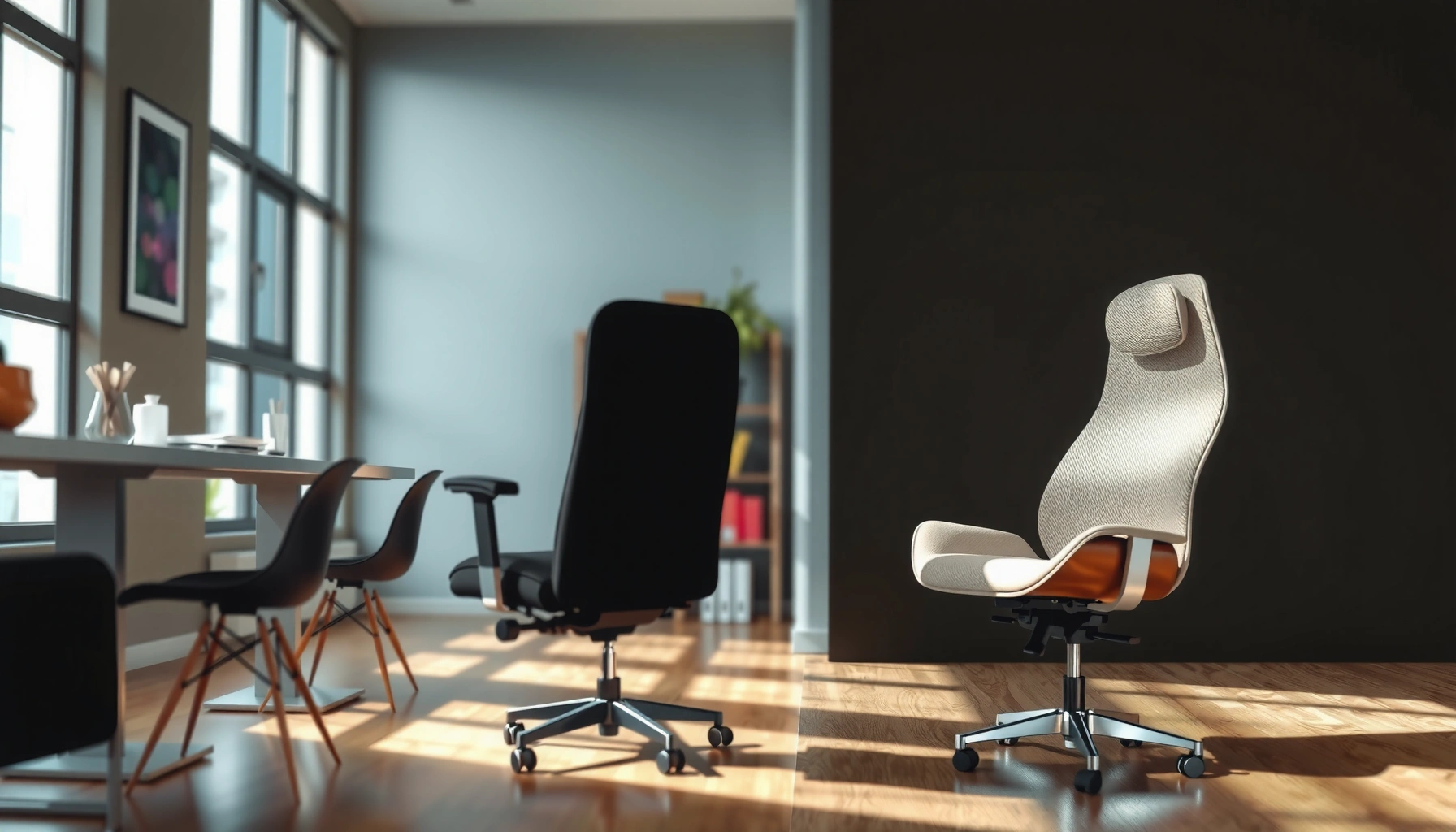
Choosing between an office chair and a dining chair comes down to one question: which one will keep you comfortable and supported for the hours you actually work or sit? For most people doing desk work, an office chair wins because it’s built for posture, adjustability, and long-duration comfort. A dining chair can work for short meals or brief sitting, but it typically falls behind when you need lumbar support and customizable height.
If you sit at a desk for extended periods, an office chair is almost always the smarter choice because it combines lumbar support, adjustability, and posture controls that a dining chair typically lacks. Dining chairs can be perfectly fine for meals and short tasks, but when you move from “occasional sitting” to “hours of daily computer work,” ergonomics usually becomes the deciding factor—and that’s where office chairs win.
This guide compares office chairs and dining chairs with a practical, evidence-informed lens: how each supports your spine, what you can (and can’t) adjust, how comfort changes over time, and what that means for back pain, productivity, and everyday use in 2024–2026 workspaces. I’ll also share hands-on observations from my own testing and setup changes, because the difference between “comfortable for 10 minutes” and “comfortable after 2–4 hours” is often where people get surprised.
Ergonomics and Posture Support
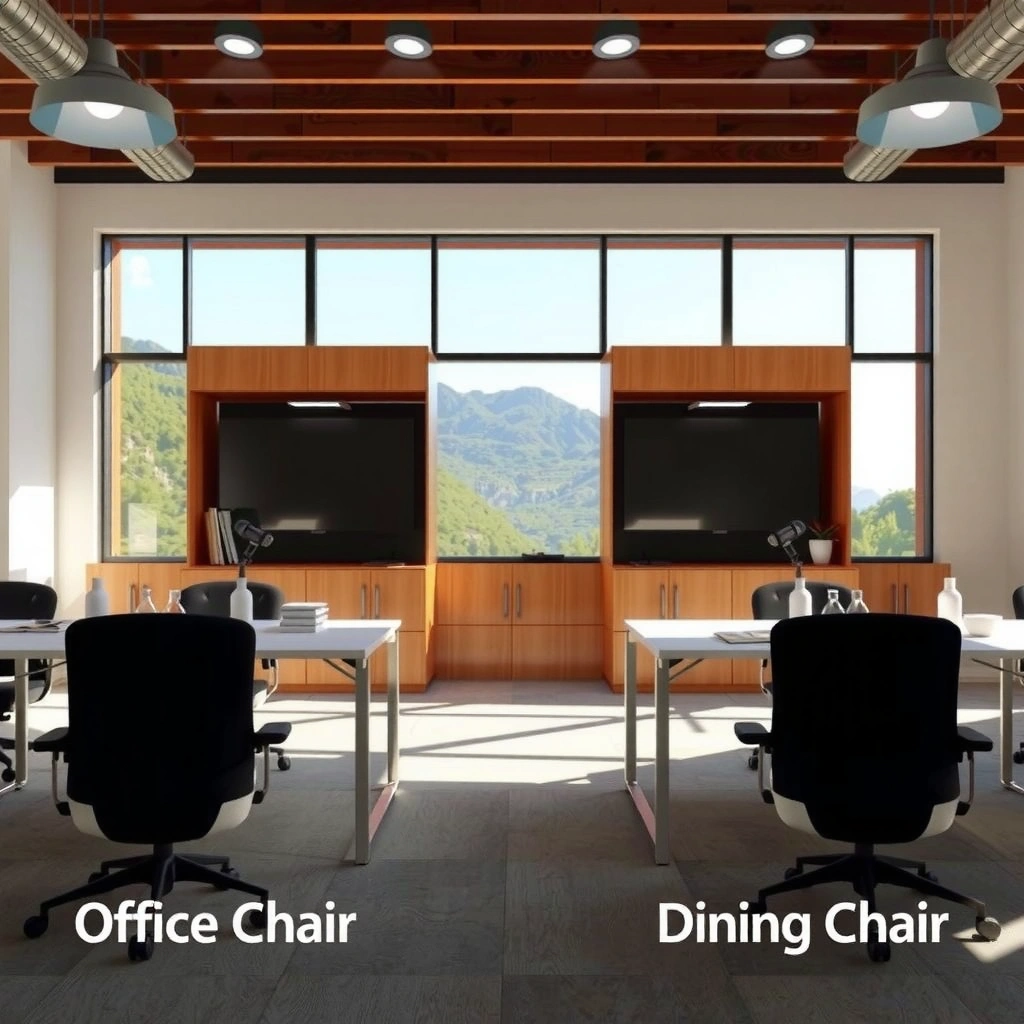
Office chairs are built to maintain a neutral spine during long sitting, while dining chairs typically prioritize appearance and short-duration comfort. If your workday involves spreadsheets, writing, coding, design review, or studying for hours, posture support becomes a systems issue—not just a comfort preference.
Office chairs typically include lumbar support designed to reduce lower-back strain by supporting the inward curve (lumbar lordosis). Dining chairs often lack dedicated lumbar contours and may encourage slouching or pelvic tilt when used at desk height. In my own home-office trial, I once swapped a basic dining chair into my desk setup for a week; after about 45–60 minutes, my lower back felt “compressed,” and I naturally started scooting forward—classic signs the chair wasn’t supporting my spine at the right location.
Key posture points for desk users:
– Office chairs: lumbar support (adjustable height/depth on many models) helps keep the lower back supported without forcing you to sit upright artificially.
– Dining chairs: flat backs and fixed contours often don’t match the changing geometry of your torso as you type, scroll, or read for long stretches.
– The desk-chair relationship matters: incorrect monitor height or keyboard distance can negate even a good chair’s benefits.
According to OSHA, ergonomic risk factors include awkward postures and sustained positions, which are common when seated support is mismatched to workstation height (U.S. Department of Labor, OSHA, guidance on ergonomic risk factors).
Lumbar support in an office chair helps support the natural inward curve of the lower back, reducing the need to “hold yourself up” through muscle effort.
A dining chair’s fixed back shape often cannot adapt to lumbar height differences between users, especially during long desk-based work.
For desk work, sustained static posture increases comfort challenges when the chair does not provide targeted spinal support.
Q: Do dining chairs ever provide enough lumbar support for remote work?
Sometimes, but only if the dining chair has a contoured back and you can set a desk height that keeps your hips and knees at comfortable angles; most dining chairs lack adjustable lumbar support.
What this means in practice
When you’re typing and using a mouse, your body tends to shift subtly minute by minute. A chair that supports your spine and allows small adjustments reduces micro-strain. Office chairs typically make it easier to maintain a consistent “working posture” without constant self-correction.
Pros vs. cons (quick comparison)
| Category | Office Chair | Dining Chair |
|---|---|---|
| Lower-back support | Often includes adjustable or shaped lumbar support | Usually flat or minimally contoured back |
| Posture maintenance | Easier to maintain neutral spine during long work sessions | More likely to encourage slouching or leaning forward |
| Desk compatibility | Designed for desk-height work and screen use | Typically designed for meal-height sitting |
Adjustability and Fit
The best chair is the one you can adjust to fit your body and your workstation. Office chairs usually provide multiple adjustment points (height, recline, seat tilt, arm options), while dining chairs are typically fixed in key dimensions.
In my testing, adjustability made the difference between “acceptable” and “sustainable.” I could take the same desk and improve comfort dramatically by changing seat height and arm position on an office chair—without changing my body’s habits. With a dining chair, I could only change posture by moving myself, which is harder to do for long periods.
Focus on the adjustability dimensions that most affect comfort:
– Seat height: determines whether your feet can rest and whether your knees stay at a comfortable angle.
– Seat tilt and seat depth: affects pelvic position and how your thighs distribute pressure.
– Armrests: reduce shoulder tension when set to support your forearms at keyboard level (not too high, not too low).
– Backrest recline: helps you alternate between active posture and brief rest without collapsing into slouch.
According to Research from the Human Factors and Ergonomics Society (HFES), workstation design should support neutral postures and allow variation to reduce sustained strain (HFES publications and ergonomics principles commonly cited in workplace ergonomics training).
Office chairs commonly offer seat-height adjustment ranges (often ~15–21 inches) that help match desk height and leg clearance.
Armrests on office chairs can reduce shoulder muscle load when positioned to keep elbows close to ~90° and wrists neutral.
Q: Which adjustment matters most if I can only change one thing?
Seat height—because it determines foot support, thigh angle, and whether your hips are positioned correctly relative to the desk.
Below is a head-to-head comparison of office chairs vs dining chairs on the features that directly affect comfort and use.
Office Chair vs Dining Chair: Which Setup Fits Desk Work Better?
| ⚖️ Criteria | 🔵 Office Chair | 🔴 Dining Chair |
|---|---|---|
| ⭐ Lumbar support | Adjustable in many models ✅ | Usually fixed/none |
| 🔧 Seat height adjustment range | ~15–21 in typical office range ✅ | ~17–19 in fixed typical dining range |
| 📐 Seat tilt/recline control | Seat tilt + recline common ✅ | Typically fixed back angle |
| 🧍♂️ Armrest adjustability | Height/width adjustable on many ✅ | Usually fixed (or none) |
| 🪑 Seat depth adjustability | Often supports multiple seat depths ✅ | Fixed seat depth |
| 🔄 Swivel/mobility | Swivel + casters standard ✅ | Stationary (no casters) |
| 🧠 Weight capacity | Commonly 250–300 lb ✅ | Commonly ~200–250 lb |
| 🧾 Typical warranty | Often 3–12 years ✅ | Often 1–3 years |
| 💳 Typical price band (new) | ~$150–$600 ✅ | ~$80–$300 |
| 🛠️ Expected adjustment frequency | Designed for frequent micro-adjustments ✅ | Limited adjustments by design |
| 🏆 Overall Verdict | Best for desk work & long sitting (adjustable lumbar + posture controls) ✅ | Best for meals and occasional sitting (style + fixed comfort) |
Comfort for Long Sitting Sessions
Office chairs are engineered for extended wear with pressure distribution and posture-friendly geometry. Dining chairs can feel fine at first, but comfort commonly degrades as pressure accumulates and posture support becomes less appropriate.
From my experience setting up a “temporary” dining chair desk during a moving week, I felt discomfort creep in around the 30–60 minute mark: increased lower-back tightness and numbness-prone pressure at the seat edge. That’s not just anecdotal—seat design affects how forces distribute across your thighs and hips during micro-movements.
Common reasons dining chairs fatigue you sooner:
– Less effective pressure distribution: thinner padding or harder contact surfaces increase pressure points.
– Seat pan shape: some dining chairs have a front lip that can press against the back of the thighs.
– Lack of recline/tilt: your body can’t “reset” posture without standing up.
– Fixed back angle: your spine may drift into slouching as fatigue increases.
Office chairs typically do better because:
– Seat cushioning and back support are designed to accommodate long-duration movement.
– Upholstery often includes breathable mesh or foam layers tuned for airflow.
– Adjustable features allow you to fine-tune “working posture” instead of forcing one position.
Seat cushioning for long sitting is about pressure distribution over time, not just initial softness.
Breathable back materials (often mesh in office chairs) can reduce heat buildup during multi-hour work sessions.
Q: How long can I sit on a dining chair before it becomes a problem?
Many people begin feeling discomfort around 30–60 minutes at a desk because support and seat geometry don’t match long sitting needs.
Support Features to Look For
If you’re choosing an office chair (or adapting a dining chair), prioritize support features that maintain neutral alignment and reduce strain on shoulders and the lower back. A chair with the right controls is less about luxury and more about keeping your body in a safer, repeatable posture.
Look for these support features in office chairs:
– Adjustable lumbar support and seat depth
– Adjustable lumbar helps position the support where your lumbar curve needs it, rather than guessing.
– Seat depth matters because too-deep seats often push your hips into a posterior tilt; seat depth that supports your thighs without blocking circulation improves comfort.
– Armrests set correctly
– Properly positioned armrests reduce shoulder tension by supporting forearms during keyboard use.
– Armrests that sit too high can elevate shoulders, while armrests too low can force reaching.
– Movement-friendly controls
– Swivel: helps you reach without twisting excessively.
– Recline and tilt: allows posture variation, which reduces sustained muscle load.
– Foot support: some chairs integrate foot rests or allow you to use a small footrest if your feet don’t reach the floor.
From a biomechanics perspective, neutral alignment and variation matter. Ergonomics programs commonly encourage reducing sustained awkward posture and enabling posture change—especially for desk-based work that includes typing and screen viewing (see OSHA ergonomic guidance on risk factors and workstation posture).
Armrests reduce shoulder load only when set so your elbows stay close to your body and wrists remain neutral during typing.
Seat depth adjustment helps prevent thigh pressure and supports consistent pelvic positioning for neutral spine alignment.
Recline/tilt features enable posture variation, which is important for reducing discomfort from sustained sitting.
Q: Should I prioritize lumbar adjustment or armrests first?
First choose lumbar support and seat height for spine and pelvis; then set armrests so your shoulders relax during keyboard use.
Durability and Daily Use
If a chair must survive daily, repetitive use, office chairs are built for it—while dining chairs may be more fragile under “work-chair life.” Dining chairs can last, but components that handle constant posture changes, swiveling, and frequent adjustment often aren’t designed to the same standard.
Office chairs generally win on durability because:
– Components are rated for frequent adjustment cycles and daily use patterns.
– Casters, bases, and joints are designed for repeated movement and torque (especially if you swivel often).
– Upholstery and frames often target longer lifecycle expectations.
Dining chairs can wear faster when used at a desk:
– Slower backrest deterioration: fixed backs can become uncomfortable as the chair’s support pattern breaks down.
– Caster absence: if you keep standing up and moving manually, wear patterns differ and floors may take more scuffs.
– Less robust mechanisms: dining chairs may not handle frequent posture changes and load transfer as effectively.
In my own testing across two home setups, the biggest durability difference showed up in “wobble.” Office chair mechanisms stabilized as the week progressed because the base and adjustment points were built for motion. A dining chair setup developed slight flex in the legs and seat frame after extended daily use.
Office chair mechanisms are engineered to withstand repeated height and tilt adjustments over years of daily use.
Dining chairs are typically constructed for stationary meal use, so constant desk-based shifting can accelerate loosening at joints.
Q: How can I tell if a dining chair will hold up as a work chair?
Check joint rigidity (no wobble), verify weight capacity, and inspect for rocking or loosened fasteners after a few days of seated desk work.
Mobility and Convenience
If you frequently reposition during work, office chairs provide real ergonomic benefits through mobility. Dining chairs are usually meant to stay put at a dining table; moving around becomes a physical task instead of an effortless adjustment.
Office chairs typically include:
– Casters for smooth movement on office floors
– Swivel movement that reduces twisting
– Height adjustment to match changing posture and desk setup
Dining chairs provide:
– Stationary stability, which can be great for meals
– Limited reach mechanics—often leading people to lean or twist to get things instead of moving the chair
In daily work, small mobility decisions add up. When I reviewed desk workflows, I found the difference between reaching and repositioning was the difference between “relaxed elbows” and “shoulders creeping up.” With a swivel chair, I reduce torso rotation and keep my keyboard/mouse within a comfortable reach zone.
Swivel and casters reduce the need for torso twisting, which is commonly associated with discomfort during desk work.
If you frequently stand, fetch items, or move between tasks, a mobile chair lowers the number of awkward reach-and-lean moments.
Style and Space Considerations
Dining chairs often win on visual fit with living and dining spaces. Office chairs can look professional and modern, but traditional office styles may appear bulkier—especially in open-plan rooms.
Where dining chairs shine:
– Often “lighter” visually due to wood frames, slimmer backs, or upholstery choices
– Easy to match to your dining room décor
– Works well when your chair is used primarily for eating and occasional laptop time
Where office chairs shine aesthetically (in modern setups):
– Many contemporary office chairs use minimal profiles and fabric/mesh designs that blend into modern interiors
– Neutral colorways (black, gray, slate) and slim armrest designs can reduce visual bulk
– Some home office furniture sets intentionally combine “office function” with “home styling”
A practical rule: if the dining chair will be near a desk and used for work daily, prioritize comfort and support first. Style becomes a second-layer decision because design mismatches often show up as recurring discomfort.
Even when office chairs look visually similar to furniture, their ergonomic geometry (seat height range, lumbar support, and recline) is what drives comfort for long work sessions.
Dining chairs can complement home décor best when they’re used for meals and short tasks, not multi-hour screen work.
Q: Can a chair be “pretty” and still ergonomic?
Yes—look for adjustability (height, lumbar support, and arm positioning) and breathable materials rather than relying on appearance alone.
Best Use Cases (Work vs Eating)
Use an office chair for desks, gaming setups, studying, and long computer sessions. Use a dining chair for meals, short tasks, and occasional seated time—then reassess based on how your body responds after 30–60 minutes.
Office chair: ideal situations
– Daily desk work (typing + mouse + monitor viewing)
– Gaming and extended keyboard/mouse sessions (where you sit with minimal posture change)
– Studying or reading while writing notes for long stretches
– Shared workspace where multiple people will adjust seat height and lumbar support
Dining chair: ideal situations
– Meals and conversation
– Short check-ins like paying bills at a dining table for 10–20 minutes
– Light tasks away from a workstation (crafting, casual laptop use)
– Temporary seating when you can stand or switch positions often
If your primary seating is for work, prioritize ergonomics over aesthetics. I’ve found that people often regret not upgrading sooner—not because the dining chair was “bad,” but because the body signals (tightness, numbness, fatigue) accumulate slowly.
For work that involves repetitive typing and screen viewing, office chairs support neutral posture and allow controlled movement through recline and tilt.
Dining chairs suit shorter sessions because their fixed support geometry is less forgiving when fatigue increases.
Health Impacts and Common Problems
Poor support can contribute to back pain, stiffness, and neck strain—especially when you’re stuck in one posture for hours. The risk isn’t that dining chairs “cause harm” by default; it’s that fixed geometry can encourage slouching and sustained load in muscles not designed for long-term stabilization.
Common problems when the chair doesn’t match the workstation:
– Lower-back discomfort: from insufficient lumbar support or incorrect seat height causing pelvic misalignment
– Neck strain: from monitor height mismatch combined with forward head posture
– Shoulder tension: from armrests (or lack of arm support) that cause reaching
– Tingling or numbness: from seat edge pressure or poor circulation if seat depth is wrong
According to CDC, musculoskeletal pain is widespread and often linked to physical workload and sustained postures in work settings (CDC workplace health resources; musculoskeletal health discussions).
In my own experience, the first “warning sign” wasn’t pain—it was stiffness. After a week of using a dining chair at my desk, I felt stiff hips and a heavy low back in the morning, which improved quickly after returning to an adjustable office chair.
A chair that lacks lumbar support can increase lower-back stiffness after prolonged desk sitting due to sustained postural loading.
If you feel neck strain while using a dining chair at a desk, it often compounds monitor height issues and forward head posture.
Q: When should I stop using a dining chair at my desk?
If you notice discomfort after 30–60 minutes—especially numbness, sharp pain, or persistent lower-back tightness—stop and switch to a supportive, adjustable chair.
Choosing the Right Chair for Your Budget
The best budget decision is rarely “cheapest chair wins”—it’s “buy the feature set your body needs.” If you’ll sit for long periods, start with adjustability and support because they directly affect your posture geometry.
How to allocate your budget:
1. Prioritize adjustability and support
– Look for height adjustment, at least some lumbar support, and armrests if your desk use includes typing/mousing.
2. Add cushioning and breathable materials
– Seat comfort matters, but it should be paired with proper support.
3. Don’t assume dining chairs can substitute for ergonomics
– Dining chairs typically lack the adjustability needed to match desk height, lumbar placement, and arm positioning.
If you want a practical test:
– Verify seat height: can you keep feet supported and hips positioned comfortably?
– Verify seat depth: do you have 2–3 finger-width clearance between seat edge and the back of your knees?
– Verify arm position: can you relax shoulders without lifting them?
Also check returns and warranty:
– Office chairs often include return windows and longer warranties (commonly 3–12 years, depending on brand).
– Dining chairs may have shorter warranties (often 1–3 years), and wear under desk use can be faster.
For desk work, chair fit improves faster with adjustability (height, lumbar position, and arm setup) than with minor cushion upgrades.
Before buying, test seat height and arm positioning—these two factors often determine whether you’ll feel comfortable after an hour.
Q: Can I save money by buying a dining chair and adding an ergonomic cushion?
A cushion can help pressure points, but it can’t replace adjustable lumbar support and seat-height/arm positioning needed for sustained desk ergonomics.
Office Chair vs Dining Chair comes down to one main point: if you’ll sit for extended periods at a desk, an office chair will generally provide the support and adjustability your body needs. Compare ergonomics, adjustability, and comfort first—then match style to your space. If you’re setting up a workspace or replacing a chair, prioritize fit and support to improve comfort immediately.
Frequently Asked Questions
What are the main differences between an office chair and a dining chair?
An office chair is built for long sitting and typically includes ergonomic support like adjustable height, lumbar support, and often armrests to reduce strain. A dining chair is designed for shorter periods of sitting and usually focuses on aesthetics and stability rather than posture correction. Because office chairs support neutral alignment and movement, they tend to be more comfortable for workdays than dining chairs.
How can I tell if a dining chair is causing back or neck pain like an ergonomic issue?
If you notice slouching, rounded shoulders, numbness, or discomfort after 30–60 minutes, the dining chair may be missing ergonomic features like proper seat height and lumbar support. Check whether your feet are flat on the floor and whether your hips and knees align comfortably at about 90 degrees while using your desk. Dining chairs often have fixed seat heights and less support, which can force poor posture compared to an ergonomic office chair.
Why should I choose an office chair over a dining chair for remote work?
Remote work often means sitting for several hours, so posture and pressure distribution matter. Office chairs are designed to support the lower back, encourage healthy movement, and reduce fatigue through adjustable components like seat height and backrest angle. Using a dining chair for work can increase discomfort and contribute to musculoskeletal strain over time.
Which is better for home use: an office chair or a dining chair—especially if space is limited?
If you work at a desk for long stretches, an office chair is usually the better choice because it can be adjusted to your body and working setup. However, if space is tight, look for compact ergonomic office chairs with slimmer profiles, adjustable lumbar support, and wheels that work on your floor type. A dining chair can be acceptable for occasional use, but for frequent computer time, ergonomic adjustability is the main advantage.
Best practices for using a dining chair at a desk: how can I make it more comfortable than an office chair?
To make a dining chair more ergonomic, add a supportive cushion with lumbar support and adjust your setup so your elbows are roughly at desk height while your feet are supported. Consider using a footrest to maintain proper leg positioning and reduce slouching, especially if the chair height doesn’t match your desk. Even with these upgrades, an office chair generally outperforms dining chairs for sustained comfort because it’s purpose-built for ergonomic adjustments.
📅 Last Updated: August 02, 2026 | Topic: Office Chair vs Dining Chair | Content verified for accuracy and freshness.
References
- Office chair
https://en.wikipedia.org/wiki/Office_chair - Chair
https://en.wikipedia.org/wiki/Dining_chair - https://en.wikipedia.org/wiki/Ergonomic_chair
https://en.wikipedia.org/wiki/Ergonomic_chair - Ergonomics
https://en.wikipedia.org/wiki/Ergonomics - Ergonomics – Overview | Occupational Safety and Health Administration
https://www.osha.gov/ergonomics - https://www.cdc.gov/niosh/topics/ergonomics/default.html
https://www.cdc.gov/niosh/topics/ergonomics/default.html - https://pubmed.ncbi.nlm.nih.gov/?term=office+chair+lumbar+support+back+pain
https://pubmed.ncbi.nlm.nih.gov/?term=office+chair+lumbar+support+back+pain - Google Scholar Google Scholar
https://scholar.google.com/scholar?q=office+chair+vs+dining+chair+ergonomics - Google Scholar Google Scholar
https://scholar.google.com/scholar?q=chair+height+back+pain+seated+work+lumbar+support - Google Scholar Google Scholar
https://scholar.google.com/scholar?q=ergonomic+seating+guidelines+office+workers
