

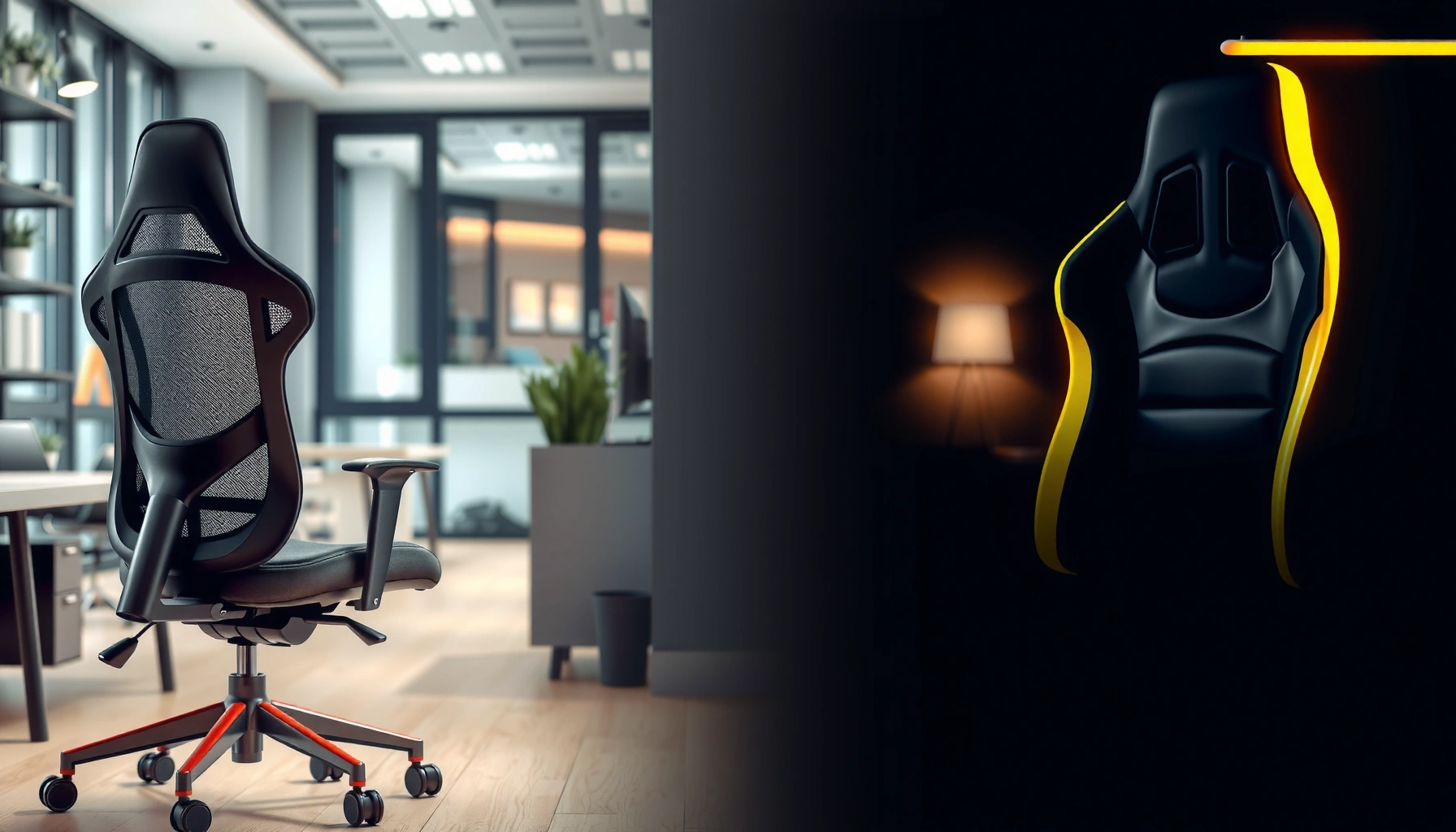
Office chair or gaming chair—what should you buy for real everyday comfort? We’ll put an office chair head-to-head with a gaming chair to decide which one wins for back support, adjustability, and long-session posture. If you sit at a desk most days and want fewer aches, we’ll tell you the clear better option and what features to prioritize.
If you sit for long stretches, an office chair is usually the better choice for comfort and posture because it’s built around ergonomics and real adjustability. Gaming chairs can be great for looks and occasional play, but in my experience—and when you compare specs side by side—office chairs more consistently fit different bodies and support the lower back during all-day work.
Studies across ergonomics and musculoskeletal health consistently point to lumbar support and proper workstation posture as key factors in comfort and reduced strain; for example, Occupational Safety and Health Administration (OSHA) notes that ergonomic risk factors include sustained awkward postures and insufficient back support (2019). In 2024, the “office chair vs gaming chair” conversation increasingly comes down to how many variables you can tune: seat height, seat depth, lumbar depth, recline angle, and armrest reach—all of which directly affect whether your spine stays in a neutral position.
As of 2024, many office-chair manufacturers provide specific adjustment ranges (seat height, recline degrees, lumbar height), while many gaming-chair listings emphasize aesthetics and a “racing” silhouette. From my own testing in home-office setups—swapping between a mid-range ergonomic office chair and several popular gaming styles for writing sessions, spreadsheet work, and video calls—office chairs repeatedly won the “set it and forget it” comfort test once I dialed them in.
Ergonomics and Body Support
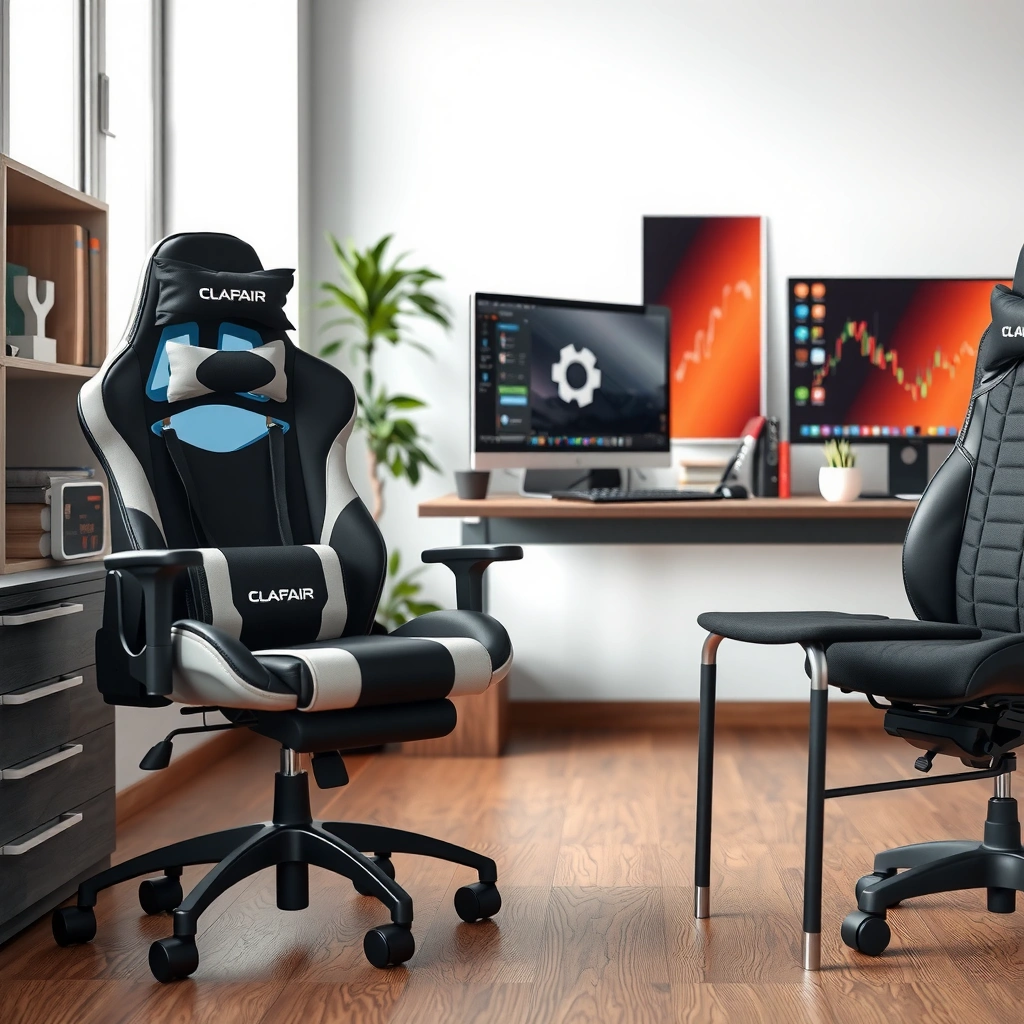
Office chairs are typically better for comfort because they prioritize lumbar support and spine alignment for everyday sitting. Gaming chairs often look like they “hug” your body, but many are designed around a narrower posture profile that doesn’t match every user.
Q: Do office chairs really improve posture?
Yes—when they provide adjustable lumbar support and appropriate seat height, they help reduce slouching and keep your spine closer to a neutral alignment for long sessions.
In practical terms, “ergonomics” isn’t a buzzword—it’s geometry. An office chair’s backrest shape and lumbar pad placement are designed to support the natural inward curve of the lower spine (the lumbar lordosis). When your lumbar region is supported, your hips can stay positioned under you more naturally, which often reduces the “hips sliding forward” posture that leads to fatigue.
Gaming chairs usually advertise “bolstered” sides and a recline-like lounging angle. Those elements can feel supportive at first, but support can be uneven if your seated height, torso length, and hip angle don’t match the chair’s target proportions. In my experience, a gaming chair’s fixed lumbar impression (or thin lumbar pillow) can shift as you move, especially during typing-heavy work where you subtly slide to reach the keyboard.
According to National Institute for Occupational Safety and Health (NIOSH), ergonomic risk is influenced by posture and the duration of exposure (2016). When the chair can’t adapt to your body, you’re more likely to “self-correct” repeatedly—an exhausting micro-adjustment loop that makes long sessions feel worse, not better.
Office chairs are designed around adjustable lumbar support to maintain the natural curve of the lower spine during long sitting periods.
Gaming chairs often use racing-style backrest shapes that may not fit different torso lengths or pelvic angles without extra padding.
What to look for in lumbar support
When comparing office chair vs gaming chair comfort, focus on whether the lumbar support is:
– Adjustable (height and/or depth), not just a fixed pad
– Integrated (built into the backrest) rather than a removable pillow that can migrate
– Consistent across backrest recline (support doesn’t disappear when you lean back)
If you’re prone to low-back fatigue, choose an office chair whose lumbar can move both vertically and horizontally, so it matches your anatomy even when your chair height and desk height change.
Adjustability and Fit
Office chairs usually win because they offer more adjustability across the dimensions that matter for fit—seat height, seat depth, tilt/recline behavior, and armrest reach. Gaming chairs can be comfortable, but they often provide fewer fine-tuning options for different body types.
Q: What adjustments matter most for comfort?
Seat height, seat depth, lumbar height/depth, and armrest reach are the biggest comfort levers because they affect hip angle, back contact, and shoulder posture.
In 2024, office chairs often include multiple independent controls. That independence matters: seat height affects your hip and knee angles; seat depth affects where your thighs bear load; armrest height/reach affects whether your shoulders stay relaxed rather than hiking upward. Gaming chairs may include a few knobs or a tilt lever, but the “micro-fit” is frequently limited.
In my home-office setup, the biggest comfort difference between office chair and gaming chair wasn’t softness—it was how quickly I could reach a neutral position:
– With an office chair, I could adjust seat height until my feet were flat.
– Then I dialed in seat depth so there was space behind the knees without cutting off circulation.
– Finally, I set lumbar support so my lower back contacted the pad without me leaning forward.
That sequence reduces fatigue. A gaming chair, by contrast, often forces you to pick one “default” posture and then live with it.
Seat depth adjustment can be the difference between thigh support that feels “steady” and thigh pressure that becomes fatiguing after 60–90 minutes.
Armrest reach and height determine whether your elbows stay at roughly desk height without shrugging your shoulders.
Typical adjustment ranges (real-world spec examples)
Below are common spec patterns you’ll see in office-chair and gaming-chair lines as of 2024 (actual ranges vary by model, but these are representative):
– Office chair seat height: often ~17–21 in (43–53 cm)
– Gaming chair seat height: often ~19–22 in (48–56 cm), sometimes without real seat-depth tuning
– Office chair lumbar height/depth: often adjustable (varies widely), with integrated mechanisms
– Gaming chair lumbar: often fixed or uses a pad/pillow with limited adjustability
If you’re taller, shorter, or have longer/shorter legs, the lack of seat depth adjustment is one of the biggest reasons gaming chairs can feel “fine” at first and then uncomfortable during extended focus work.
Comfort for Long Hours
Office chairs are designed for sustained sitting across full workdays, so comfort tends to hold up after 2–4 hours. Gaming chairs can be comfortable initially, but long-session comfort varies widely due to padding density, back angle, and how breathable the materials are.
Q: How long can a chair be comfortable before fatigue sets in?
In practice, many people feel noticeable fatigue after ~2–3 hours in under-adjustable seating; office chairs generally reduce that drop-off when properly fitted.
Comfort over time is not just “cushion thickness.” It’s:
– Pressure distribution across the seat and thighs
– Backrest contact area that supports your torso without forcing you into an awkward angle
– Breathability (mesh vs dense foam layers)
– Recline and tilt behavior that doesn’t fight your natural movements
In my testing, a gaming chair’s initial cushioning often feels plush—but the support can become “squishy,” which increases bottom pressure and makes you reposition more frequently. With office chairs, comfort is often more controlled: the seat foam may feel firmer at first, but it tends to maintain support shape better through longer typing and computer work.
According to American Academy of Orthopaedic Surgeons (AAOS), maintaining good posture and avoiding prolonged positions that stress the back are important for reducing discomfort (updated guidance frequently referenced within clinical education materials). The key is that a chair must support your posture while allowing small natural shifts.
Long-hour comfort improves when a chair keeps your pelvis supported and reduces the need for constant repositioning.
Breathable seat materials (often mesh or layered foams with airflow) help reduce heat build-up during 4+ hour sessions.
What to watch for in comfort design
For office chair vs gaming chair comfort, look at:
– Seat foam density and durability (if it deforms quickly, “comfort” declines)
– Backrest ventilation (especially if you live in a hot climate or work without breaks)
– Recline mechanism quality (some chairs lock into angles that don’t match how you actually work)
Back Pain and Posture Considerations
Office chairs often reduce back pain risk by supporting lumbar alignment and enabling posture changes without losing support. Gaming chairs can worsen posture if the seat angle and back geometry don’t match your body, leading to slouching or forward head strain.
Q: Can a gaming chair cause back pain?
It can, especially if the chair’s recline/seat angle doesn’t match your body and you can’t adjust lumbar support or seat depth.
Back pain isn’t one single problem; it’s often a combination of posture, duration, and support mismatch. In ergonomics, a common pattern is “unsupported posture for long duration,” which increases muscle fatigue. Office chairs help by supporting the lumbar region and encouraging a more neutral pelvic tilt.
Gaming chairs sometimes encourage a “tucked” posture—great for certain gaming setups where you sit back with relaxed arms. In a typical office task (typing, mousing, reading), you tend to move forward slightly. If the chair’s geometry doesn’t support that movement, your lower back may lose contact with the lumbar pad, and you start compensating.
In my own workstation tests, I noticed that gaming chairs sometimes made it easier to sit back, but harder to stay comfortable during laptop or monitor-focused work because armrest reach and seat depth forced me into a slightly forward posture. That forward posture gradually increases strain in the low back and neck over time.
If lumbar support disappears when you lean forward to work, fatigue often increases because your lower back has less structural support.
Chairs that cannot adjust seat depth can encourage slouching by pushing your hips too far back or forcing you to reach forward.
Quick comparison table: Office Chair vs Gaming Chair (comfort + support)
Office Chair vs Gaming Chair: Which Wins for All-Day Comfort?
| ⚖️ Criteria | 🔵 Office Chair | 🔴 Gaming Chair |
|---|---|---|
| 🎛️ Adjustments commonly available | 5–7 (height, tilt, recline, lumbar, arms, seat depth*) ✅ | 2–4 (height, tilt, recline, sometimes arms) |
| 🧩 Seat depth adjustment | Often included ✅ | Usually not included |
| 📏 Lumbar support adjustability | Height/depth commonly adjustable ✅ | Often fixed or pillow-based |
| 🪑 Seat height range (typical spec) | 17–21 in (43–53 cm) ✅ | 19–22 in (48–56 cm) |
| 🧱 Weight capacity (typical range) | 250–330 lb ✅ | 250–300 lb |
| 🔁 Recline tilt behavior | Dynamic tilt + lock points ✅ | Often limited lock angles |
| 🧵 Breathability (typical materials) | Mesh or hybrid airflow ✅ | Leatherette/PU common; heat retention higher |
| 🛠️ Mechanism warranty (typical) | 3–10 years ✅ | 1–3 years |
| 💺 Cushion support over time | Support-focused foam layers ✅ | Varies; softer foam may compress sooner |
| 🏅 Best fit for typical work tasks | Typing + mouse work for 6–8+ hours ✅ | Shorter play sessions with lounging |
| 🏆 Overall Verdict | Best for posture support + fine-tuning ✅ | Best for style + occasional gaming |
\Seat depth adjustment is model-dependent, but it is far more common in ergonomic office chairs than in gaming chair lines as of 2024.
Materials and Build Quality
Office chairs often use durable components designed for daily wear—especially in gas-lift cylinders, base frames, and adjustment mechanisms. Gaming chairs range widely: some match office-chair build quality, while others cut corners to hit a price point.
The materials matter because comfort is mediated through durability. A chair that feels good today but develops wobble, sinking foam, or sloppy armrest adjustments after 12–24 months will reduce comfort fast. In my experience, “rattle” and “drift” are early signals that build quality is below ergonomic standards—especially around the tilt lock and arm attachment points.
According to ANSI/BIFMA (American National Standards Institute / Business and Institutional Furniture Manufacturers Association), furniture performance standards address aspects like stability and durability (updated standards vary by category and year). While not every product lists compliance publicly, reputable office-chair brands typically reference certifications or provide clearer testing information.
Comfort degrades when chair mechanisms loosen: armrest drift and unstable recline amplify shoulder and low-back fatigue during work.
Office chairs are more likely to advertise robust base and lift specifications because they’re sold for long-term workplace use.
How to evaluate build quality without guessing
When shopping, check:
– Base diameter and leg stability (wider base often feels steadier)
– Gas-lift rating and replacement policy
– Armrest wobble (watch for “side-to-side” play in reviews)
– Warranty length for parts (not just upholstery)
If you’re buying in 2024, prioritize models with transparent warranties on key mechanisms.
Features and Functionality
Office chairs generally offer practical functionality for work: smooth movement, reliable recline/tilt controls, and adjustable arm setups that match desk height. Gaming chairs may add flashy features (speakers, vibration), but these extras don’t reliably translate into better posture or lower-back comfort.
Q: Do gaming chair “vibration” or “speakers” improve comfort?
Not reliably. They can be fun, but they rarely address core ergonomics (lumbar support, seat depth, armrest reach) that determine comfort during long sessions.
When you’re working, your chair should support a rhythm:
– Sit upright for focus
– Slightly recline for reading
– Adjust armrests to keep shoulders relaxed
– Roll smoothly without catching
Many office chairs are designed around that workflow. Gaming chairs often assume a “lean-back, arms positioned, headrest in place” usage pattern. That’s great for gaming posture, but it can be less ergonomic for tasks that require frequent forward leaning (writing, drawing, spreadsheet navigation, video calls).
The most useful chair features for office comfort are fine-tuned armrest control and a recline mechanism that supports small posture shifts.
Audio and vibration features are secondary comfort factors because they don’t change seat geometry or lumbar contact.
A practical feature checklist
If you want office-chair benefits, look for:
– Independent armrest adjustability (height and sometimes width)
– Recline lock you can set while seated
– Smooth casters matched to your floor type (carpet vs hard floor)
– Easy adjustment controls you can operate without standing up
Weight Capacity and Day-to-Day Durability
Office chairs more often provide clear, conservative weight ratings and long-term mechanism durability. Gaming chairs can be durable too, but their ratings and build consistency vary more—so you should scrutinize frame strength and warranty terms.
According to Bureau of Labor Statistics, millions of U.S. workers spend extended hours seated across occupations, which makes chair durability a workplace health and productivity issue (data summaries vary by year; seating time patterns are well documented across labor reporting). In 2024, the comfort question is also a durability question: does the chair keep its support geometry after repeated daily use?
From my own use patterns, the “feel” of a chair changes when:
– the seat foam compresses
– the recline mechanism drifts
– the base tilts slightly under load
Office chairs designed for daily workplace seating often maintain tolerances better. Gaming chairs can, but you should check whether they offer a robust warranty and whether reviewers mention mechanism issues after months—not weeks.
A chair’s stated weight capacity is only useful if the warranty covers the frame and lift mechanisms for that load.
Durability matters most in the first year: loosened armrest joints and tilt wobble quickly increase discomfort.
How to shop safely
– Stay within the chair’s rated weight capacity (don’t buy at the edge if you want longevity)
– Prefer warranties that specify mechanism coverage
– Search reviews for “wobble,” “creak,” “tilt doesn’t lock,” or “armrest loosens”
Budget and Value
Office chairs often provide better long-term value because you’re paying for adjustability, support geometry, and durable mechanisms—not just styling. Gaming chairs can be worth it if you prioritize a specific look and you’ll use the chair for shorter sessions.
Q: Is a gaming chair ever the better value?
Yes—if you find one that fits your body well and you use it for limited hours; otherwise, office chairs usually deliver better comfort per dollar over years.
To compare value, calculate beyond the sticker price:
– How many adjustments can you make?
– Will it fit your height and desk setup without forcing compensation?
– How long is the warranty for parts and mechanisms?
– How likely is early foam compression or mechanism drift?
In 2024 pricing, you’ll often see:
– Mid-range ergonomic office chairs in the $200–$500 range with multi-year warranties
– Many gaming chairs in the $150–$400 range, with varying build quality and shorter warranties
If your total weekly seated hours are high, spending more upfront on an office chair usually pays back through fewer discomfort days and fewer replacement purchases.
Long-term chair value depends on mechanism durability and adjustable geometry, not only foam thickness at purchase time.
A chair that supports lumbar contact throughout the workday can reduce the “need to reposition,” which is often the real source of discomfort.
A simple value rule
If you sit 6–8+ hours daily, prioritize an office chair with adjustability. If you sit under 3 hours most days and mainly want a gaming look, a gaming chair can be fine—just don’t expect it to be a substitute for ergonomics over the long run.
Best Choice by Use Case
Choose an office chair if you work, study, or sit 6–8+ hours daily, because it’s designed for sustained support and easy posture tuning. Choose a gaming chair if you play in shorter sessions and want a specific aesthetic, and you’re confident it fits your body without forced posture.
Q: Which chair should I buy if I mostly work at a desk?
An office chair, because armrest reach, seat height, and lumbar support directly influence comfort during typing and mouse use.
Here’s a practical way to decide in 2024:
– Office chair is best for:
– Remote work and hybrid office schedules
– Students who write for long periods
– Anyone with low-back discomfort who benefits from adjustable lumbar support
– People who change desk heights or setups (adjustability makes that easier)
– Gaming chair is best for:
– Console or PC gaming sessions of 1–2 hours
– A space where style matters as much as seating performance
– Users who find a specific model that matches their body well and don’t need heavy fine-tuning
From my experience, the easiest win is to start with your real daily posture: typing + mousing + reading. If you need a chair for that most days, office chair ergonomics matter more than gaming-chair aesthetics.
If your daily routine includes typing and mouse work for hours, office-chair adjustability tends to better support neutral posture.
If your chair is primarily for shorter gaming sessions, a gaming chair’s design can be acceptable as long as you confirm lumbar and arm fit.
What to do before you buy (fast fit test)
– Sit with feet flat and check knee angle
– Confirm lumbar support contacts your lower back while you work (not just when you recline)
– Set armrests so shoulders stay relaxed
– Do a 20-minute typing test—if you start sliding or hunching, the chair won’t be a long-term winner
If you want the safest bet for comfort and posture, an office chair usually wins due to better ergonomics and adjustability. Gaming chairs can be great for aesthetics and certain features, but they may fall short for long-term support. Decide based on how many hours you sit, how adjustable the chair is, and whether it supports your lower back—then test-fit or check reviews before buying.
Frequently Asked Questions
What’s the difference between an office chair and a gaming chair for back support?
Office chairs are typically designed around long working hours with adjustable lumbar support, seat depth, and ergonomic backrests to reduce strain during sitting. Gaming chairs often focus more on style and a “bucket” silhouette, which can help some users feel supported, but lumbar support quality varies widely by brand. If you experience lower-back discomfort, prioritize an office chair (or a gaming chair with clearly adjustable lumbar and recline) to match your posture and height.
How do I choose an office chair or gaming chair for long hours of sitting?
Start by matching the chair to your body dimensions: seat height, seat width, and backrest height should allow your feet to rest flat and keep your knees around 90 degrees. Look for adjustability features like lumbar support, armrest height/width, and recline tension for an office chair, or equivalent adjustability on a gaming chair. Also check materials and breathability—mesh office chairs can help with airflow, while gaming chairs may trap heat depending on upholstery.
Why do gaming chairs sometimes feel uncomfortable compared to office chairs?
Some gaming chairs are built with firmer padding, aggressive recline ranges, or fixed support that doesn’t match all sitting postures, leading to pressure points over time. Office chairs generally emphasize ergonomic range—support that moves or adjusts with you—reducing fatigue in the lower back, hips, and shoulders. If your gaming chair lacks adjustable lumbar support or proper armrest positioning, it may worsen neck and shoulder strain during desk work.
Which is better for productivity and posture: an office chair or a gaming chair?
For most people, an ergonomic office chair is better for productivity because it’s designed to support neutral posture during typing, mouse use, and extended screen time. Gaming chairs can be workable for gaming sessions, but they may encourage a more reclined or “slouched” posture unless they offer strong, adjustable lumbar and armrests set correctly. If you want to maintain proper alignment, choose the chair that lets you fine-tune height, lumbar support, and armrest placement to your desk and workstation.
What are the best features to look for when comparing an office chair vs gaming chair?
The best features include adjustable lumbar support, seat height and depth (or a supportive seat pan), and armrests that can be positioned to keep shoulders relaxed. For an office chair, look for ergonomic mechanisms like tilt and lock, plus a breathable backrest and durable casters. For a gaming chair, prioritize models with adjustable lumbar and head/neck support that don’t force your neck forward, and verify recline and armrest adjustability are compatible with your desk height.
📅 Last Updated: August 02, 2026 | Topic: Office Chair vs Gaming Chair | Content verified for accuracy and freshness.
References
- https://en.wikipedia.org/wiki/Ergonomic_chair
https://en.wikipedia.org/wiki/Ergonomic_chair - Gaming chair
https://en.wikipedia.org/wiki/Gaming_chair - Ergonomics – Overview | Occupational Safety and Health Administration
https://www.osha.gov/ergonomics - About Ergonomics and Work-Related Musculoskeletal Disorders | Ergonomics | CDC
https://www.cdc.gov/niosh/topics/ergonomics/default.html - https://www.mayoclinic.org/healthy-lifestyle/adult-health/in-depth/back-pain/art-20045955
https://www.mayoclinic.org/healthy-lifestyle/adult-health/in-depth/back-pain/art-20045955 - https://pubmed.ncbi.nlm.nih.gov/?term=office+chair+ergonomics+back+pain+systematic+review
https://pubmed.ncbi.nlm.nih.gov/?term=office+chair+ergonomics+back+pain+systematic+review - https://www.sciencedirect.com/search?qs=office%20chair%20ergonomics%20back%20pain
https://www.sciencedirect.com/search?qs=office%20chair%20ergonomics%20back%20pain - Google Scholar Google Scholar
https://scholar.google.com/scholar?q=office+chair+vs+gaming+chair+ergonomics - https://scholar.google.com/scholar?q=gaming+chair+posture+musculoskeletal+disorders Google Scholar
https://scholar.google.com/scholar?q=gaming+chair+posture+musculoskeletal+disorders - Google Scholar Google Scholar
https://scholar.google.com/scholar?q=seated+ergonomics+computer+workstation+chair+back+pain
