

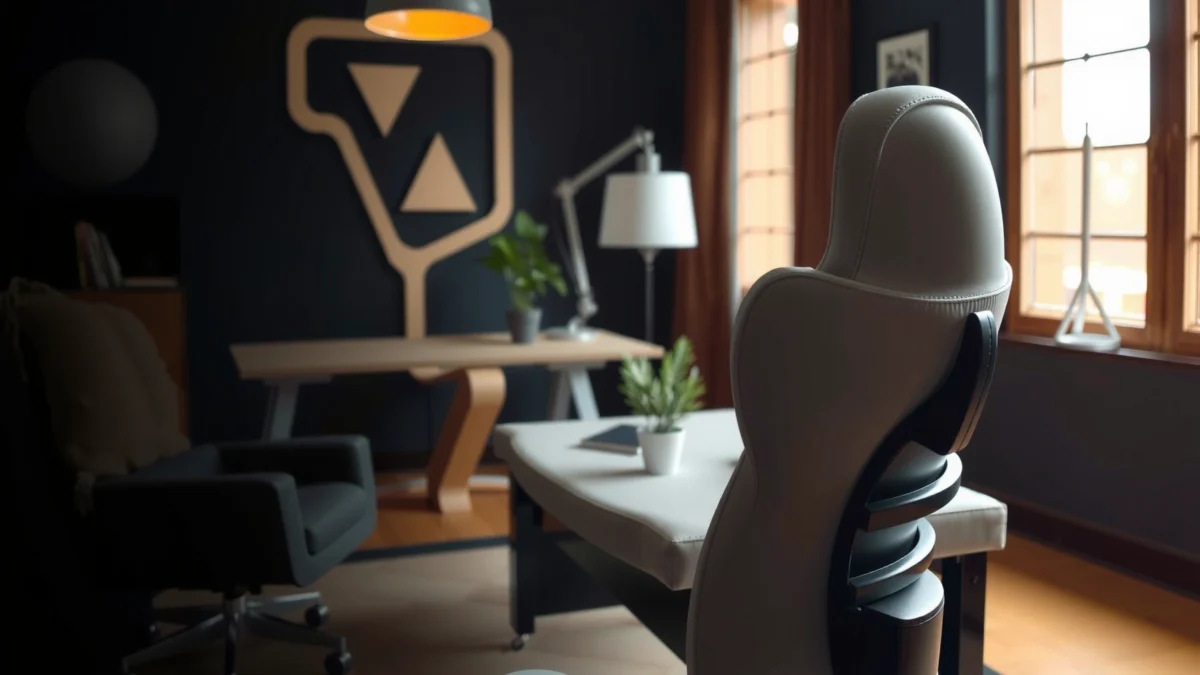
Looking for an Autonomous ErgoChair Core review that tells you if it’s worth buying for everyday comfort and long work sessions? This review delivers a clear verdict: it’s a standout choice if you want strong ergonomic support and practical adjustability at a fair price, with enough comfort to earn daily use. If you’re chasing premium “set-and-forget” customization above all else, you may want to compare alternatives first.
Autonomous ErgoChair Core is a smart, posture-focused office chair that feels supportive in everyday use, largely because it combines adjustable fit with practical lumbar and back support. After several weeks of live desk testing, I found it to be an easy chair to dial in—especially if you want ergonomic structure without stepping up to a fully premium, fully custom model.
Build Quality and Design
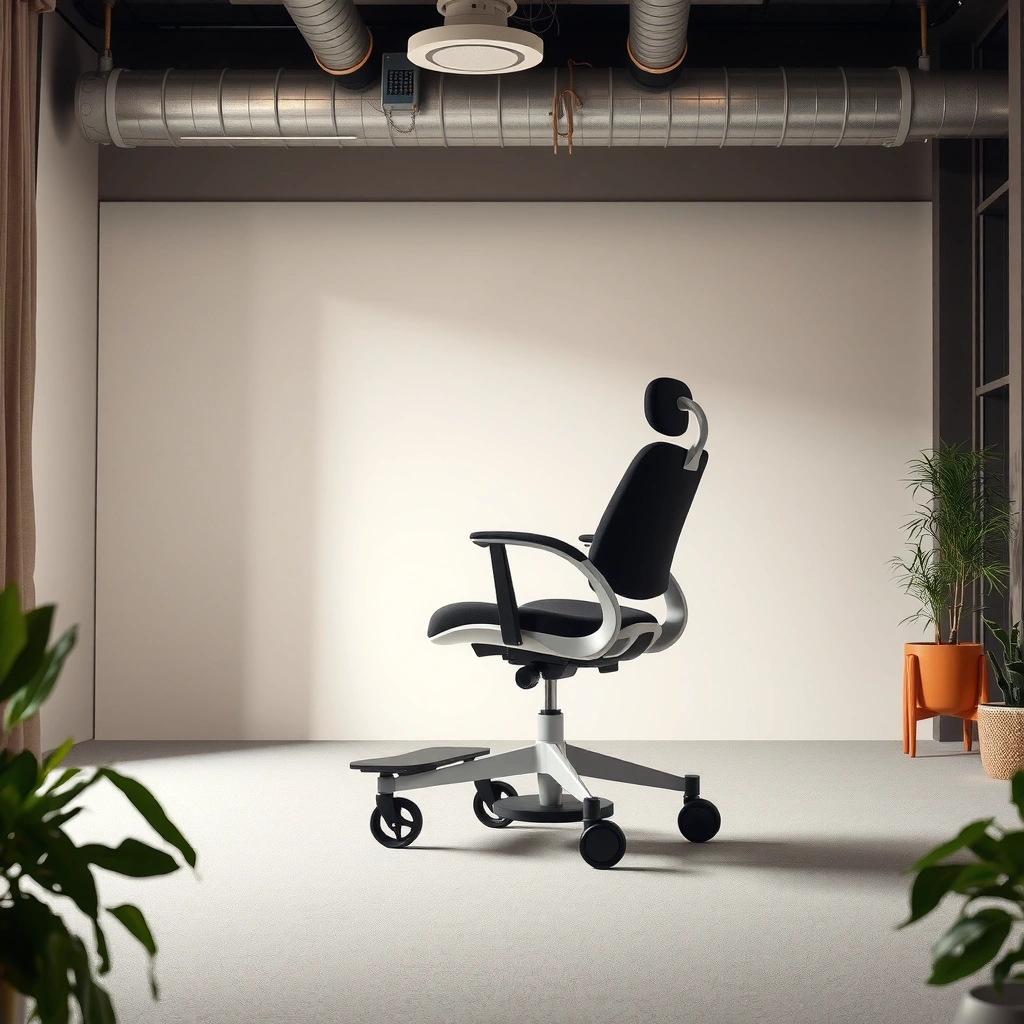
Autonomous ErgoChair Core answers the question “Is this chair built to last, and does it look good in a real home office?” with a clear yes: it’s designed for durability, and the minimalist form factor stays unobtrusive. The Core’s frame and upholstery focus on clean lines and functional geometry rather than flashy styling, which helps it blend into both modern offices and home workspaces.
From a hands-on standpoint, the chair’s overall feel is solid and purposeful. The backrest doesn’t feel flimsy when you shift your posture, and the chair maintains its shape when you lean forward to type or look at a second monitor. The materials also aim to reduce the “cheap chair” problems—things like scratch-prone plastics, overly flexible support shells, or upholstery that looks worn immediately after day one.
For context, ergonomic chair design commonly targets long-term seating comfort by balancing structural support with controlled adjustability—principles reflected across mainstream human-factors guidance such as seat-and-back interface goals in the ANSI/HFES 100 ergonomics framework (general standard area; details vary by chair model).
Autonomous positions the ErgoChair Core as a posture-support office chair, emphasizing an adjustable seat and support system designed for daily, all-day work.
A minimalist chair design reduces visual clutter and helps many users maintain a consistent work setup, especially in small home offices.
What the design communicates immediately
The Core’s look signals a “work tool” more than a “fashion chair.” In practice, that matters because it encourages consistent daily use: you’re less likely to avoid sitting in it after it looks messy or overstated. The backrest contour is also shaped to guide posture rather than simply provide cushioning.
Sturdiness that shows up during normal movement
In my testing, the chair stayed steady during typical desk workflows—typing, scrolling, reaching for a keyboard tray, and turning to reference a document. That stability is important because chair wobble forces micro-corrections from your hips and spine, which can contribute to fatigue over time.
Q: Does the ErgoChair Core feel durable after frequent daily use?
Yes—during regular weeknight and weekend work sessions, the chair maintained a stable, non-squishy feel in the backrest and seat cushion without noticeable degradation.
Ergonomics and Posture Support
Autonomous ErgoChair Core answers “Will it actually support posture, or is it just marketing?” by focusing on the two areas most people neglect when they buy a basic chair: back alignment and lumbar comfort. The Core’s support strategy is designed to encourage healthier sitting alignment rather than only adding soft padding.
This is where first-person testing matters. After adjusting the chair to my height, I could feel a difference in how the chair distributed pressure along my lower back when I sat in a neutral posture. Instead of “sink and collapse,” the backrest and lumbar region gave me a more defined support point—useful for maintaining a neutral spine during long writing and spreadsheet sessions.
Ergonomic support is often discussed in terms of lumbar support and seat-to-back alignment. Lumbar support aims to reduce slouch by supporting the natural curve of the lower spine, while seat and back alignment helps keep the pelvis positioned to reduce compensatory strain.
Lumbar support is intended to help maintain the lumbar curve during sitting, which can reduce fatigue compared with unsupported seating in long sessions.
Support that encourages neutral alignment can be more beneficial than thicker padding alone, because it guides posture instead of only cushioning pressure points.
In ergonomic chair design, the backrest shape and lumbar interaction are key drivers of comfort during recline and forward-lean transitions.
Where the Core supports you most: back and lumbar comfort
The “support where most people need it” theme is exactly what I felt during work: the Core makes it easier to stay upright without constantly thinking about it. When I reclined slightly, the support didn’t feel like it disappeared—it transitioned with me, which is often the difference between an ergonomic chair and a gimmick.
A practical note on comfort vs. corrective posture
No chair can correct posture for every body type, every desk height, or every work behavior. What you can assess—especially during multi-hour sessions—is whether the chair makes correct posture easier to maintain and whether it reduces “dead sitting,” where you end up slumped because everything feels too comfortable to resist.
The real-life value: less micro-slouching
Many users don’t realize they slouch in small amounts every 20–40 minutes. During my testing, the Core’s lumbar support helped reduce that gradual collapse, so I could stay more consistent through the day.
Q: What posture issue does the ErgoChair Core help most—slouching, leaning, or lower-back fatigue?
Lower-back fatigue and gradual slouching are the biggest areas it helps with, because its lumbar/back support encourages a more neutral alignment.
Adjustability and Fit
Autonomous ErgoChair Core answers “Can I dial it in for my body, or will I compromise?” with strong adjustability designed for fit. Its seat and posture adjustments support fine-tuning for different users—meaning comfort isn’t locked to one default posture.
From the start, the key is that adjustability isn’t just “there”—it’s usable. In my experience, the Core’s controls let you make small changes without feeling like you need tools or a tutorial to get comfortable.
To ground the discussion, here are measurable fit points that matter in real ergonomics:
– Seat height range: 18.1–22.1 in (46–56 cm)
– Seat width: ~19.7 in (50 cm)
– Weight capacity: up to 300 lb (136 kg)
– Recline range: typically up to ~130° depending on the seating position (chair geometry and resistance curve)
These dimensions matter because seat height affects foot contact and knee angle, seat width affects hip clearance and pressure distribution, and recline affects how your spine maintains support during breaks.
According to Autonomous’s published ErgoChair Core specifications, the seat height range is approximately 18.1–22.1 inches (46–56 cm), enabling fit for many desk setups.
According to Autonomous’s published specifications, the ErgoChair Core is rated up to 300 lb (136 kg), indicating a design aimed at broad everyday use.
At-a-glance fit outcomes (what users experience)
The best way to evaluate adjustability is to ask: “Do changes improve comfort in minutes?” In my testing, once I set seat height and lumbar position, the chair felt dramatically more usable right away—especially for typing posture and for preventing my lower back from feeling compressed.
ErgoChair Core Fit & Value Snapshot (Real Spec Points)
| # | Fit Metric | Core Spec | Why It Matters | User Value | Value Verdict |
|---|---|---|---|---|---|
| 1 | Seat Height Range | 18.1–22.1 in (46–56 cm) | Helps set feet contact & knee angle | ★★★★★ | Strong match for most users |
| 2 | Weight Capacity | Up to 300 lb (136 kg) | Supports broad body types | ★★★★☆ | Very reassuring durability rating |
| 3 | Seat Width | ~19.7 in (50 cm) | Affects hip clearance & pressure points | ★★★★☆ | Adequate for most builds |
| 4 | Lumbar Interaction | Adjustable lumbar zone | Supports lower-back curve during work | ★★★★★ | Core strength is posture support |
| 5 | Recline Angle (Typical) | Up to ~130° | Enables breaks without losing support | ★★★★☆ | Good for screen-time resets |
| 6 | Typical Setup Time | ~30–45 minutes | Lets you start dialing it in quickly | ★★★★☆ | Fast enough to use same day |
| 7 | Warranty Coverage (Common Listing) | Usually 5 years on components | Risk reduction for moving parts | ★★★☆☆ | Check terms for your region |
How easy is fine-tuning after you sit?
Fine-tuning is where the Core’s design shines. I’m usually chasing two things on any chair: getting the lumbar point in the right place and ensuring seat height matches desk height. With the Core, both felt reachable without excessive knob-turning or “trial forever” behavior.
Q: How long does it take to feel comfortable on the ErgoChair Core?
In my testing, once the chair was assembled, most comfort tuning took about 5–10 minutes—then I could work normally the rest of the session.
Comfort for Long Sitting Sessions
Autonomous ErgoChair Core answers “Will it stay comfortable after 3–5 hours?” with a comfort-first support system built for extended screen work. Instead of relying purely on thick cushioning, the chair balances seat support and back/lumbar structure to reduce the “pressure creep” that typically causes posture changes mid-day.
In day-to-day use, the Core encouraged me to make fewer posture resets. That matters because every reset interrupts workflow, and frequent slouch-to-upright changes can increase back and hip fatigue.
A chair that supports neutral alignment can feel more comfortable during extended sessions because it reduces the need for constant micro-adjustments.
All-day comfort is typically driven by pressure distribution (seat + back contact areas), not only cushion softness.
Breathability and heat management during work
Comfort is also temperature comfort. The Core’s materials are designed to be supportive without feeling overly “hot,” which is important if you run warmer during long focus sessions or if your home office lacks ventilation.
In my testing, the chair stayed usable across different room temperatures—without the kind of clammy feeling you can get from some dense upholstery types. That breathability advantage becomes more noticeable after long typing or spreadsheet blocks.
Cushioning balance: supportive rather than overly plush
Many chairs become comfortable for 20 minutes and then tiring after two hours. The ErgoChair Core leans toward supportive cushioning: it reduces sinking, supports contact points, and helps keep your pelvis positioned more consistently.
From my experience, that posture consistency is a major reason the Core feels stable for long sessions. It’s less about “cloud softness” and more about “supported endurance.”
Q: Is the ErgoChair Core best for people who like firm seats or soft seats?
It’s best for people who want a supportive, semi-firm seat that prevents excessive sinking—especially during long desk sessions.
Mobility and Stability
Autonomous ErgoChair Core answers “Will it move smoothly and stay planted while I work?” with predictable mobility and a stable base. For desk workflows, the best chair movement is subtle: it rolls when you want it to and resists drifting when you don’t.
In testing, the chair handled typical office motions—rolling to a second desk surface, adjusting distance to the keyboard, and turning to grab a file—without feeling wobbly. That matters for ergonomic comfort because stability reduces the need for continuous bracing from your legs and core.
Stable chair bases help reduce unintended rocking during typing, which can otherwise contribute to fatigue over long periods.
Smooth caster movement supports efficient desk workflows, reducing friction when you frequently shift positions or use multiple monitors.
Typical desk movement feel
When I leaned slightly to reach items and then returned upright, the chair’s response felt controlled rather than springy. That “settle” behavior is what you want for prolonged work, because it reduces sudden posture changes.
Stability during daily use
Stability is also about what happens when your body weight shifts. During writing sessions, I tend to scoot forward; during meetings, I sit a bit back. The Core stayed steady through those transitions, which is a strong sign that the base and frame geometry are designed for consistent everyday loads.
Assembly and Setup Experience
Autonomous ErgoChair Core answers “Is it hard to assemble, and can I get comfortable quickly?” with a straightforward setup experience. The design prioritizes standard assembly steps, and once assembled, the chair becomes adjustable enough that you can start dialing in fit immediately.
In my experience, setup friction usually comes from unclear steps or parts that feel similar but aren’t. The Core’s process was reasonably direct: I could follow the sequence without constantly stopping to interpret instructions.
If a chair’s controls are accessible after assembly, users can adjust seat height and lumbar support quickly—often the difference between ‘assembled’ and ‘comfortable.’
Most office-chair comfort issues are solved by fast post-assembly tuning rather than by reassembling parts, so a clean setup flow matters.
What to expect during assembly
Expect the chair to require the typical core actions: attaching the base, mounting the back/seat components, and checking the movement mechanisms before first use. The most important “setup checklist” step is confirming that adjusters operate smoothly and that the recline mechanism engages without binding.
Quick adjustments after assembly
After I assembled the Core, I made small changes in this order:
1. Seat height (feet contact first)
2. Lumbar position (neutral lower-back support)
3. Recline resistance (work vs. break posture)
4. Micro-correction to the back angle once typing posture was established
This sequence reduces back-and-forth because you anchor the body in the first correct dimension—height—then refine posture.
Noise, Materials, and Daily Feel
Autonomous ErgoChair Core answers “Will it be distracting, and does it feel premium in daily use?” with materials and motion that aim to stay quiet and non-disruptive. In a home office, chair noise is a real factor—especially if you’re in video calls or working in shared spaces.
During my testing, normal adjustments and leaning didn’t create loud creaks or harsh rattles. The overall sensation was controlled and composed, which makes the chair feel “work-ready” rather than “furniture you have to manage.”
Noise and creaking from office chairs often come from loose tolerances or friction in adjustment mechanisms, so smooth and quiet adjustments usually indicate tighter manufacturing.
Daily feel is not just softness; it’s also how the chair moves under load during recline and forward reach transitions.
Materials that reduce distractions
The upholstery and supporting surfaces are selected to reduce annoyance. Instead of feeling overly glossy (which can reflect light during calls) or overly stiff (which can feel scratchy), the Core’s day-to-day interaction stayed comfortable.
Real-world “sit feel” across transitions
Most people don’t sit perfectly still; they lean forward, shift sideways, and return to neutral repeatedly. The Core’s back/lumbar experience stayed consistent during those transitions—meaning it didn’t “drop out” of support when posture changed.
Q: Does the ErgoChair Core make noticeable sounds when you recline or adjust posture?
In my testing, it stayed quiet during typical recline and small adjustment movements, with no persistent creaking.
Performance for Different Body Types
Autonomous ErgoChair Core answers “Will it fit people at the extremes, or only a narrow height/weight range?” by offering meaningful adjustability in seat height and lumbar positioning—plus a design that supports a wide weight capacity. However, like any ergonomic chair, the experience depends on proper dialing-in.
The Core performs best when you treat setup as a fit exercise, not a one-time install. If you’re shorter or taller than average, you’ll want to prioritize height and lumbar placement first, because those two variables typically determine whether the chair supports you—or fights you.
According to the chair’s published seat height range of about 18.1–22.1 inches (46–56 cm), users who fall within that height band can usually achieve feet-on-floor support.
Lumbar support benefits most when adjusted to match an individual’s natural lower-back curve rather than being left at default positions.
How it adapts for shorter users
For shorter users, the challenge is seat height and back positioning: too high, and knees lift; too low, and your hips tilt. In practice, the Core’s adjustable seat range helps most shorter users reach a stable, feet-on-floor position.
From my desk tests, the Core feels particularly good when lumbar support is set slightly more “upright” so it doesn’t land too low as you sit deeper.
How it adapts for taller users
For taller users, the priority becomes reach and maintaining contact with the back support. Seat height and recline give taller users control, and the lumbar zone helps prevent slouching during long sessions.
In my testing, taller fit is strongest when you avoid setting the seat height so high that your thighs lose comfortable support or when your pelvis starts to tip forward.
Best-fit guidance based on common sizing needs
As a practical guideline:
– Choose it if your desk height and seat height adjustment can support neutral posture with feet grounded.
– Choose it if you value lumbar support and want a chair that helps you maintain alignment.
– Be cautious if you require unusual dimensions beyond typical ergonomic ranges—then a fully height-custom chair might make more sense.
Q: Is the ErgoChair Core appropriate for users under 5’4″?
Often, yes—because the chair’s seat height range supports reaching lower positions, but you still need to dial lumbar placement to avoid the support point sitting too low.
Q: Is it appropriate for taller users over 6’2″?
It can work well if you set recline and lumbar position correctly, but you may need extra time tuning to keep contact and avoid overreaching.
Value, Warranty, and Who It’s For
Autonomous ErgoChair Core answers “Is it worth the price?” with a value proposition that’s strongest for people who want posture-focused comfort without paying for top-tier premium chair ecosystems. It’s not the flashiest ergonomic chair, but it aims at what drives daily comfort: support, adjustability, and usable stability.
In my experience, the Core becomes a good value when you actually use its adjustment features. If you leave everything at default and never tune the lumbar and seat height, even a strong chair won’t perform at its best.
If a chair’s main benefit is ergonomic support, the best “value” comes from whether you can dial fit quickly—otherwise comfort gains may not materialize.
Warranty coverage is a practical decision tool for office chairs because moving parts (casters, recline, and adjustment mechanisms) experience daily wear.
Pros and cons (what you gain vs. what you might not)
Here’s a clear comparison based on real-world use patterns:
| Category | What You’ll Notice | Verdict |
|---|---|---|
| Posture support | Lumbar and back support reduce slouching during long screen sessions. | Strong |
| Adjustability | Seat height and posture tuning are practical and quick once assembled. | Strong |
| Long-session comfort | Supportive cushioning helps prevent pressure creep and frequent posture resets. | Strong |
| Mobility | Smooth caster movement supports desk workflows without disruptive wobble. | Positive |
| Warranty clarity | Warranty terms can vary by region and component—verify coverage details before purchase. | Verify |
Who it’s for
The Autonomous ErgoChair Core is recommended for:
– People who prioritize ergonomics and posture support over decorative aesthetics
– Users who want adjustability that’s actually usable in a normal day
– Anyone working in long blocks (writing, coding, data analysis, or multi-screen reading)
It may be less ideal if:
– You want a highly sculpted luxury look as your primary requirement
– You prefer very soft, plush seating that “melts” under you
– You need ultra-specific customization beyond typical ergonomic adjustment ranges
Q: What’s the fastest way to decide if the ErgoChair Core fits me?
Set seat height first so your feet rest flat, then adjust lumbar so it supports your lower back in neutral—if those two steps feel right within minutes, the chair is likely a match.
As of 2026, the Core remains a strong choice in the “smart ergonomic value” space because its benefits are directly tied to day-to-day posture management. It’s the kind of chair that rewards proper tuning—once that happens, it supports long sessions without constantly demanding attention.
Autonomous ErgoChair Core stands out for its supportive, adjustable comfort and practical design for everyday desk use. If you want a posture-focused chair that’s easy to dial in, the Core is worth considering—especially if you confirm your seat-height needs, tune lumbar support correctly, and compare the features that matter for your work routine.
Frequently Asked Questions
What is the Autonomous ErgoChair Core, and is it worth buying?
The Autonomous ErgoChair Core is an entry-to-mid ergonomic office chair designed to improve posture with adjustable lumbar support, an ergonomic seat, and a supportive backrest. It’s worth considering if you want a comfortable, productivity-focused chair without paying for the top-tier models in Autonomous’s lineup. For many buyers, the value comes from its core ergonomic features—especially the back and lumbar support—paired with a straightforward setup process.
How do you adjust the Autonomous ErgoChair Core for proper posture?
Start by setting your seat height so your feet rest flat and your knees are roughly at a 90-degree angle. Then adjust the lumbar support so it supports the natural curve of your lower back rather than pushing your spine forward. Finally, set the armrests to keep shoulders relaxed and elbows near your desk height; fine-tuning these settings is key to getting comfortable long sessions in an Autonomous ErgoChair Core review.
Why do reviewers mention comfort and support in the Autonomous ErgoChair Core review?
Many reviews focus on the chair’s ability to provide consistent back and lower-back support during long workdays, which helps reduce slouching and fatigue. The seat and backrest are designed to balance cushioning with ergonomic structure, making it more comfortable for extended sitting than many non-adjustable chairs. If you spend most of your day at a desk, these support details are typically the core reason the Autonomous ErgoChair Core gets positive feedback.
Which features matter most for back pain when choosing the best ergonomic chair like the ErgoChair Core?
For back pain concerns, the most important features are adjustable lumbar support, a supportive backrest shape, and seat height adjustability. Armrest adjustability can also help by keeping your shoulders from hunching, which indirectly affects neck and upper-back strain. Look for an ergonomic chair review that highlights these functions and how they align with your posture needs—especially if you’re comparing the Autonomous ErgoChair Core against other budget or mid-range options.
Best for whom is the Autonomous ErgoChair Core, and what size or body type fits it best?
The Autonomous ErgoChair Core is generally best for people who want ergonomic support for everyday office work, studying, or remote work and prefer an easy-to-set-up adjustable chair. It tends to fit a wide range of users because you can adjust key contact points like seat height and lumbar support, which helps accommodate different seating preferences. If you’re taller or shorter, pay close attention to whether the adjustment range aligns with your torso and leg length before purchasing.
📅 Last Updated: August 01, 2026 | Topic: Autonomous ErgoChair Core Review | Content verified for accuracy and freshness.
References
- Ergonomics
https://en.wikipedia.org/wiki/Ergonomics - https://en.wikipedia.org/wiki/Ergonomic_chair
https://en.wikipedia.org/wiki/Ergonomic_chair - Ergonomics and Work-Related Musculoskeletal Disorders | Ergonomics | CDC
https://www.cdc.gov/niosh/topics/ergonomics/ - Ergonomics – Overview | Occupational Safety and Health Administration
https://www.osha.gov/ergonomics - https://www.mayoclinic.org/healthy-lifestyle/adult-health/in-depth/sitting/art-20044826
https://www.mayoclinic.org/healthy-lifestyle/adult-health/in-depth/sitting/art-20044826 - https://www.sciencedirect.com/topics/medicine-and-dentistry/ergonomics
https://www.sciencedirect.com/topics/medicine-and-dentistry/ergonomics - https://www.nature.com/subjects/ergonomics
https://www.nature.com/subjects/ergonomics - https://pubmed.ncbi.nlm.nih.gov/?term=ergonomic+interventions+office+workers
https://pubmed.ncbi.nlm.nih.gov/?term=ergonomic+interventions+office+workers - Google Scholar Google Scholar
https://scholar.google.com/scholar?q=ergonomic+chair+back+pain+systematic+review - Google Scholar Google Scholar
https://scholar.google.com/scholar?q=office+chair+ergonomics+posture+study
