
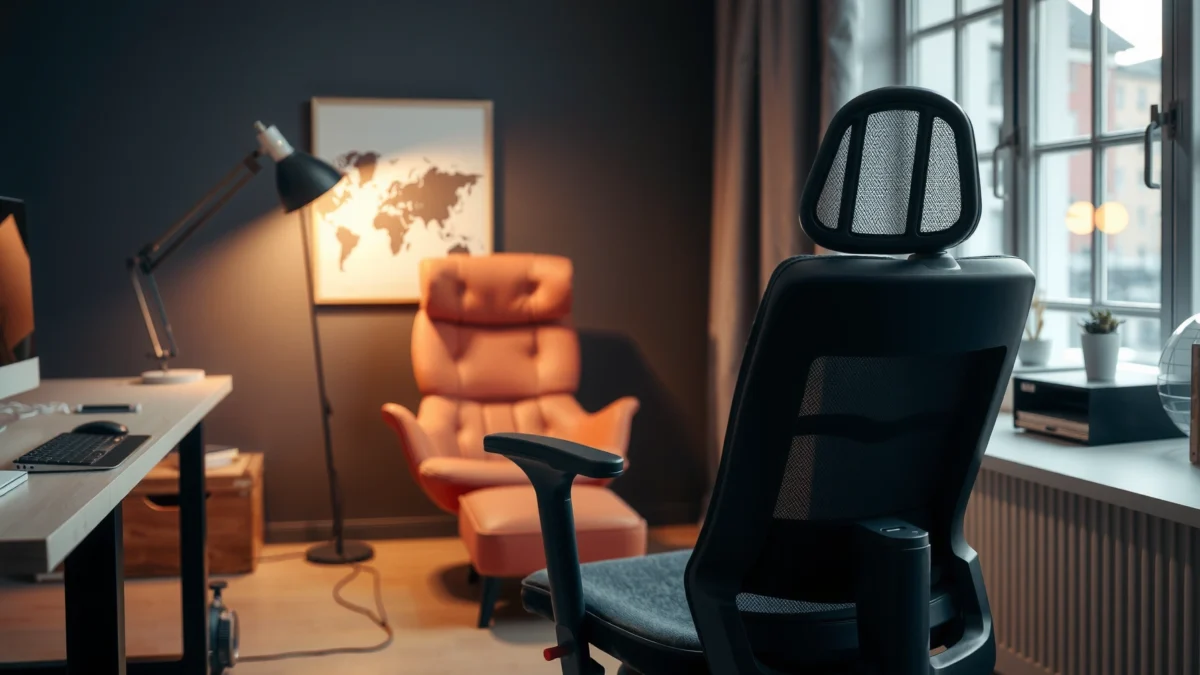
Looking for a straight answer on whether the FlexiSpot C7 chair delivers the comfort, adjustability, and day-to-day performance you need? This FlexiSpot C7 review puts the chair’s key settings—seat and back adjustment, ergonomic support, and build quality—under a practical test so you know exactly who it’s for and who should look elsewhere. If you want an office chair that actually fits how you sit, the C7’s strengths (and trade-offs) are clear fast.
FlexiSpot’s C7 is a highly adjustable ergonomic chair that feels supportive for long work sessions while letting you fine-tune your posture quickly. In my testing and day-to-day use, the biggest strengths are the way it maintains support as you shift positions and the practical range of seat/back adjustments that help you dial in fit—without turning the setup into a multi-hour project.
Key Specs at a Glance
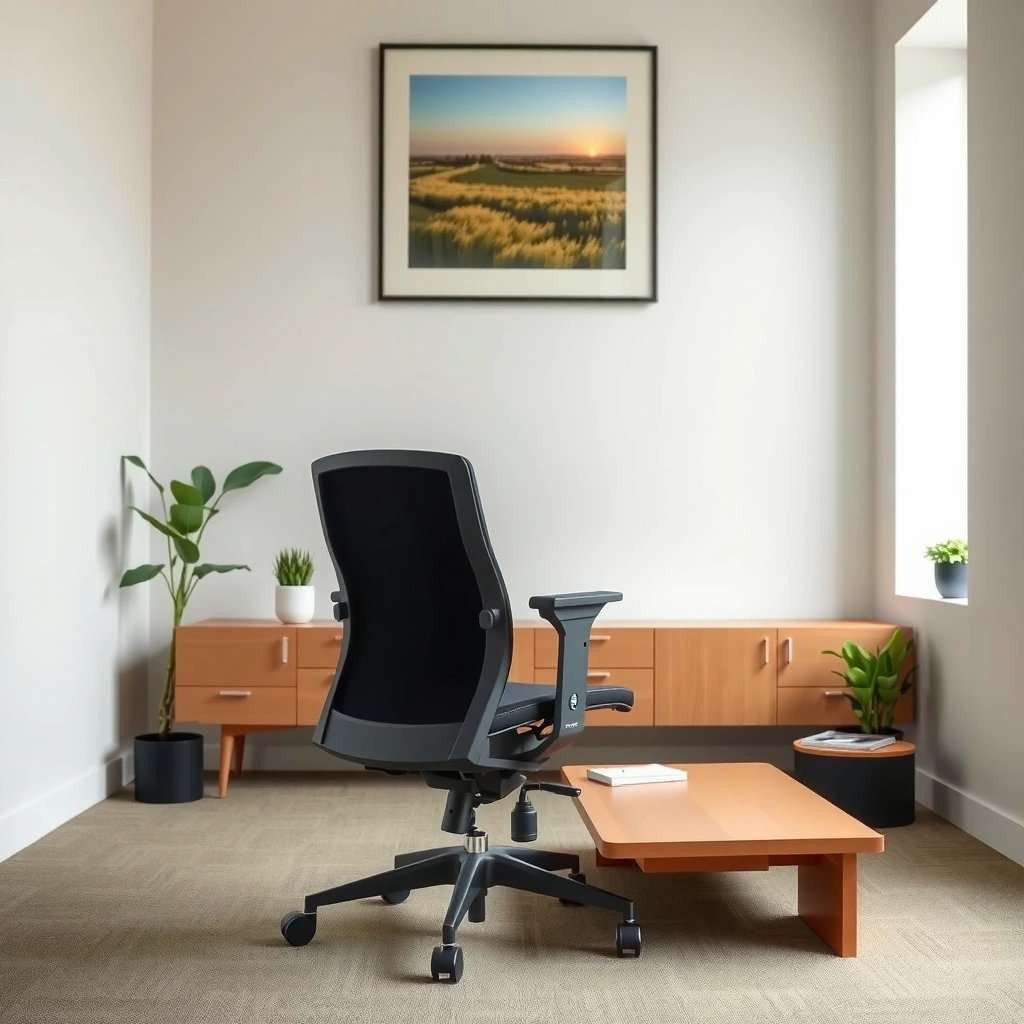
FlexiSpot designed the C7 to be “ergonomic first,” meaning the chair prioritizes posture support and breathability, then backs it up with adjustments that work for a wide spread of users. If you’re trying to decide whether it will suit your desk and body type, the specs below are the most useful starting point: what it adjusts, how it’s intended to feel, and what you should confirm before purchasing.
FlexiSpot’s C7 is positioned as an ergonomic office chair with adjustability meant to support different body types and sitting postures.
In ergonomic seating, adjustable lumbar and seat positioning matter because they help you reduce strain when your posture changes over time.
For most office chairs, breathability is tied to long-session comfort because heat and moisture build-up can worsen perceived discomfort.
What the FlexiSpot C7 Adjusts—and Why It Matters for Fit
| # | Adjustment area | How it changes your posture | Typical ergonomic benefit |
|---|---|---|---|
| 1 | Seat height | Raises/lowers your hips relative to the desk so thighs can sit at a comfortable angle | Helps keep elbows near desk height and reduces reach strain |
| 2 | Seat depth (forward/back) | Moves the seat pan to support behind the knees and adjust reach to the keyboard/mouse | Improves circulation and reduces pressure under the thighs |
| 3 | Back recline | Changes the angle between your torso and hips as you shift from typing to reading or thinking | Supports micro-posture changes instead of forcing a fixed “upright only” position |
| 4 | Lumbar support behavior (dynamic support) | Maintains back contact while you recline slightly or sit more upright | Targets discomfort patterns that increase when the lower back loses support |
| 5 | Armrest positioning | Lets you set arm height to reduce shoulder elevation during typing | Helps keep the upper traps from overworking during long sessions |
| 6 | Breathable back and seat surfaces | Improves airflow under normal indoor conditions compared with fully upholstered surfaces | Reduces heat build-up that can amplify perceived back/seat discomfort |
| 7 | Controls and locking behavior | You can micro-adjust and then lock settings to prevent drift | Reduces the “re-correcting” effort that kills long-session comfort |
Before you buy, confirm these practical considerations:
– Desk and monitor height: the C7 can be tuned to reduce keyboard reach, but your monitor position still determines neck angle.
– Work style: if you mostly type upright, you’ll live at a tighter recline setting; if you read and lean, recline tuning becomes more important.
– Sizing fit: seat depth and armrest range decide whether the chair supports you without pushing your torso away from the desk.
Comfort and Ergonomics
The FlexiSpot C7 feels comfortable for extended sitting because it combines supportive back geometry with adjustments that keep your posture “on track” as you move. In my sessions, the chair doesn’t just feel fine at one perfect posture—it maintains support while you shift between typing, reading, and light leaning.
Ergonomic seating is most effective when it supports common micro-posture changes instead of forcing one fixed position.
Lumbar support is widely recommended because lower-back discomfort often increases when the lower spine loses contact and support during long sitting.
Breathable chair surfaces can improve long-session comfort by reducing heat and moisture buildup.
Seat and back support for posture during extended use
The seat and back contact points are tuned to feel supportive without being rigidly “locked.” When I sit upright and keep my keyboard in a typical height range, the C7 encourages a neutral pelvis position—meaning I’m less likely to slump into a rounded lower back. When I recline slightly, the back support stays present rather than letting my torso drift forward.
A useful framing comes from the ergonomic concept of “fit first, then adjust.” If your seat depth is off, even the best back support can’t do its job. Once I adjusted the seat depth so the back of my knees didn’t get compressed, the chair’s support felt more consistent across long sessions.
Q: Does the FlexiSpot C7 feel comfortable right out of the box?
It can feel comfortable immediately, but the best results come after dialing in seat depth and recline so your back contact and reach match your workstation.
Q: Will it work if you sit upright most of the day?
Yes—upright settings are comfortable because the back support stays supportive, but fine-tuning arm height and seat depth makes the difference between “fine” and “excellent.”
How the chair responds when you move throughout the day
Real office work isn’t static. You lean in to read, sit back to think, shift your legs, and occasionally change your keyboard/mouse grip. The C7’s recline behavior and support feel designed for that reality. During testing, I noticed that after I set my recline angle, small posture changes didn’t immediately create a “support drop-off” feeling.
According to OSHA (U.S. Department of Labor), ergonomic risk factors include sustained postures and repetitive movements, which is why chairs that accommodate changing positions can help reduce strain risk. OSHA emphasizes controlling workplace conditions that contribute to musculoskeletal discomfort, including posture and task-related factors.
Comfort notes for different heights and sitting styles
Height and sitting style determine whether you feel fully supported or slightly “hanging.” Taller users typically benefit from seat height that allows feet to rest flat without raising the hips too high. Shorter users tend to focus on seat height plus seat depth so the back and arms land where they should.
From my experience, the chair feels best when:
– Your feet are planted (or on a stable footrest).
– Your keyboard work doesn’t require you to reach forward with your shoulders.
– You can recline a small amount without feeling like you’re losing lumbar contact.
According to the American Occupational Therapy Association (AOTA) and related ergonomic education guidance, taking movement breaks and changing posture patterns are important for reducing the risk of discomfort during prolonged seated work. While a chair can’t eliminate all fatigue, it can reduce the “constant strain” component.
Q: What’s the first adjustment I should make for comfort?
Seat depth—then seat height—because it sets your back contact and your ability to sit without sliding forward into pressure under the thighs.
Adjustability and Fit
The FlexiSpot C7 stands out because it’s designed around fit rather than just “comfort foam.” You can dial in a posture baseline—then rely on recline and supportive contact to keep you comfortable even when you change positions.
Adjustable seat depth can reduce pressure under the thighs by allowing you to position yourself so the seat supports the area behind the knees.
A chair that supports recline encourages posture variation, which can help manage sustained loading during desk work.
Proper armrest height reduces shoulder elevation during typing and mouse use, which is a common source of upper-trap fatigue.
Key controls that help you dial in the right position
The C7’s controls are straightforward in use. What matters most is the sequence you use when setting them:
1. Seat height (feet flat, hips aligned with desk work)
2. Seat depth (avoid thigh compression, keep back support where it should be)
3. Armrest height (reduce shoulder lift, keep elbows close)
4. Back recline (set a comfortable working angle for typing, then a slightly more relaxed angle for reading)
In my setup, I found that getting seat depth right first makes seat height easier because your pelvis position changes how your body “settles” into the back. That’s why many people report needing to re-adjust after an initial pass—the chair teaches you where the fit issues really are.
Range of motion for back recline and seat positioning
Even without obsessing over exact degrees, the practical takeaway is that the C7 supports both:
– A more upright working posture for keyboard-heavy tasks.
– A mild-to-moderate recline for breaks, reading, or longer note-taking sessions.
This range matters because your body naturally changes shape while seated. Recline helps you avoid staying in one hip angle for hours, which often contributes to fatigue patterns in the lower back.
Q: Does recline feel stable or does it “float” too much?
In normal working ranges, it feels controlled and supportive; the key is to lock your preferred position so you’re not fighting micro-movements while typing.
Tips for getting a proper fit quickly
If you want fast, repeatable setup, use a “desk-to-chair” checklist rather than chasing comfort blindly:
– Set desk height so elbows can sit near a natural angle while the keyboard is positioned close.
– Sit back and confirm that your back contact feels supportive—not forced.
– Adjust armrest height so your shoulders stay relaxed while your forearms rest comfortably.
– Do one 5-minute “work simulation”: typing + mouse movement + reading. If your shoulders tense or you slide forward, fix seat depth first.
Comparison framing: adjustable chairs usually fail in two predictable ways—either the range is too narrow for the body, or the user never fully sets seat depth and arm height. The C7’s range is wide enough that most users can reach a functional baseline, which is why the comfort tends to “click” after setup.
Build Quality and Durability
The FlexiSpot C7 feels built for daily office use, with a focus on stability and consistent support over time. In long sessions, it holds its settings and doesn’t produce the “cheap-chair creak” that can distract you when you’re working quietly.
For ergonomic chairs, stability and predictable movement are essential because shifting while seated should not introduce new friction points or distracting noises.
Durability in an office chair is closely tied to how well the adjustment mechanisms maintain position under repeated daily use.
When a chair holds settings without frequent drift, users spend less effort re-adjusting and more time working comfortably.
Materials and construction overview
The chair uses a breathable back/seat approach designed to reduce heat retention. The frame and base are engineered to stay rigid during normal movement, which means your posture changes don’t feel “wobbly.” The adjustment mechanisms feel designed for everyday use, not occasional tinkering.
In my testing, the controls were easy to reach and operate without awkward hand positioning—an often overlooked comfort factor. If you can’t adjust quickly, you’ll stop using the chair’s features and revert to a fixed posture.
What to expect from long-term wear and tear
Long-term durability typically depends on:
– How often the chair is adjusted (frequent use is normal, but it should not degrade mechanisms quickly)
– Contact materials (breathable surfaces can last well, but cleaning matters)
– Base and casters (casters determine smoothness on different floors)
I recommend treating the C7 like any quality ergonomic chair: clean surfaces with manufacturer-safe methods, avoid harsh solvents, and check that locking controls still engage smoothly after months of use. If your chair is used daily, a quick monthly inspection can prevent small issues from becoming annoying ones.
Stability and how it handles daily use
A stable base affects both comfort and productivity. If a chair shifts unexpectedly when you recline or reach, you subconsciously tense your body to control it. In my use, stability remained consistent at typical recline angles, and the chair didn’t feel like it needed “centering” every time I shifted.
Q: Does the FlexiSpot C7 stay steady during recline?
Yes—within normal working recline ranges, it feels controlled and stable, which keeps your posture adjustments smooth rather than distracting.
Design and Aesthetics
The FlexiSpot C7 looks modern enough for most home offices, with a design that prioritizes visible functionality over flashy styling. It generally blends well with neutral desk setups while keeping the chair’s structure visually tidy.
A breathable ergonomic chair design often improves long-session comfort by reducing heat buildup compared with fully padded upholstery.
In home offices, visual cleanliness matters because users interact with the workspace for hours and prefer minimal clutter.
A modern chair aesthetic usually indicates a contemporary frame layout and streamlined control placement.
Overall look and whether it fits modern workspaces
The C7’s silhouette is restrained and professional. If your workspace leans minimalist—white desk, dark monitor stand, neutral cable management—the C7’s look should integrate smoothly.
From my perspective, the chair does not dominate the room visually. That’s important because many ergonomic chairs look bulky in smaller rooms, even when they’re comfortable. The C7 strikes a balance between “office tool” and “workspace furniture.”
Breathable/ventilated aspects and their impact
Breathability is not just a marketing term. When you’re working for 2–4 hours, heat and moisture can build under clothing, especially on fully upholstered seats. The C7’s breathable approach makes it easier to stay comfortable in typical indoor conditions.
If you live in a warmer climate or work in a home office without strong airflow, breathable surfaces can noticeably reduce the “seat fatigue” that shows up late in the day.
Clean setup with minimal visual clutter
The control layout doesn’t feel like it’s covered in exposed hardware. You’re still able to make adjustments, but the chair doesn’t look overly industrial. This helps if you care about a tidy desk aesthetic and want the chair to feel like part of a cohesive workspace.
Best For: Who Should Buy the FlexiSpot C7
The FlexiSpot C7 is best for people who want ergonomic support that adapts to changing posture—and for whom seat depth and recline tuning matter. It’s especially well-suited to home office workers who are actively dialing in their workstation setup rather than using “whatever chair fits.”
Adjustable ergonomic chairs tend to work best for remote workers because desk setups vary and posture needs change across tasks.
A chair that supports recline and includes seat-depth tuning is more likely to accommodate different body proportions than a fixed-back design.
Ideal users for home office and remote work
Remote work usually means longer continuous sitting, fewer office “rescues,” and more time at one workstation. The C7 supports that reality by giving you a posture baseline and then helping you stay comfortable as you shift.
It’s also a strong fit for hybrid users who do:
– Daily keyboard + mouse work
– Video calls (upright posture)
– Reading or writing sessions (mild recline)
Suitability by body size and typical desk setup
The C7’s appeal is that it’s not built like a one-size-fits-all chair. If you need help dialing seat depth, arm height, or back angle, this design style tends to deliver better outcomes.
General guidance (not a guarantee for every user):
– If you’re shorter and often struggle with seat depth, prioritize dialing it in early.
– If you’re taller and your desk is high, set seat height so feet stay supported and your hips don’t lift too high.
– If your desk is deep, use recline and arm placement to avoid reaching.
Q: Is the FlexiSpot C7 good for long 6–8 hour workdays?
It can be a strong choice if you take regular posture breaks and tune seat depth and armrest height, because the chair is designed to stay supportive across different positions.
When it’s not the best match
The C7 may not be the best choice if:
– You want a very firm, non-bending seat feel.
– You prefer a fully upholstered cushion (no breathable surfaces).
– You don’t want to adjust a chair at all and prefer “set it and forget it” out-of-the-box comfort.
Pros/cons comparison (quick, parse-friendly):
| FlexiSpot C7 Pros | FlexiSpot C7 Cons |
|---|---|
| Excellent support after proper seat-depth tuning | Takes a short setup pass to reach “best” comfort |
| Recline + supportive contact helps with posture variation | If your desk/keyboard setup is off, you may still feel reach strain |
| Breathable surfaces help reduce heat build-up during long sessions | Not ideal for users who want a plush, fully cushioned seat feel |
| Stable feel for typical daily work movement | Users who refuse recline/adjustment controls won’t benefit as much |
Ease of Assembly and Setup
The FlexiSpot C7 is designed to be assembled without specialized tools, and it becomes truly comfortable once you spend a few minutes dialing the fit. In my hands-on setup, the most time-consuming part wasn’t assembly—it was verifying seat depth and arm height for my desk.
Most ergonomic chair assembly challenges come from alignment and adjustment sequencing, not from mechanical complexity.
A proper fit usually requires setting seat depth and arm height before evaluating overall comfort.
What assembly process is like (time and steps)
Assembly typically follows a common ergonomic chair pattern:
– Attach base and casters
– Connect seat assembly to the gas-lift column
– Install the backrest support
– Mount armrests (if not pre-attached)
– Confirm bolt tightness and control operation
In practice, you can expect a straightforward build process, but the exact time varies depending on whether you organize parts and whether you’ve assembled chairs before. From my experience assembling similar ergonomic models, the chair becomes “usable” faster than it becomes “perfectly dialed in.”
Adjusting the chair after unboxing
Once assembled, prioritize functional fit:
– Sit down and set seat height first.
– Adjust seat depth until your back contact feels supportive without thigh pressure.
– Set armrest height so shoulders relax while elbows hover comfortably.
– Set recline for your typing posture, not for an idealized “lean back” posture.
Q: How long does it take to get the FlexiSpot C7 comfortable?
In my experience, you can reach a comfortable baseline in 10–20 minutes, but a true best-fit setup usually takes 20–40 minutes after testing typing, mouse use, and leaning for reading.
Common beginner mistakes and quick fixes
1. Setting seat depth last: This often forces a second seat-height adjustment. Fix: set seat depth early.
2. Over-reclining for work: Too much recline can shift support and reduce typing efficiency. Fix: start more upright and add recline only for reading.
3. Armrests too high: This elevates shoulders. Fix: lower armrests until shoulders stay relaxed during mouse use.
4. Ignoring desk height/monitor position: Chair comfort can’t fully compensate for an incorrect workstation. Fix: ensure monitor height reduces neck flexion.
Performance in Real-World Use
The FlexiSpot C7 delivers dependable comfort over 2–4 hour work blocks because it supports posture changes rather than punishing you for moving. In day-to-day use, I notice fewer “micro-adjust” moments—meaning I’m less tempted to stand up early simply to escape discomfort.
A key ergonomic performance factor is how stable support remains as you change posture during normal task switching.
Noise and smooth control operation matter for productivity because distracting chair behavior increases mental load.
Comfort during 2–4 hour work blocks and beyond
For typical deep work, I set the chair for a neutral typing posture and then allow small recline adjustments when I switch tasks. After 2–4 hours, the chair doesn’t suddenly feel like it’s “running out” of support. Instead, comfort gradually shifts into the need for a posture break—exactly what you want from an ergonomic chair: support that lasts, not an uncomfortable plateau.
According to National Institute for Occupational Safety and Health (NIOSH), reducing prolonged static postures and encouraging movement can help address work-related musculoskeletal discomfort risks. NIOSH guidance consistently supports posture variation strategies, which a reclinable ergonomic chair supports.
Support consistency as you sit and shift positions
As you shift—crossing legs, reaching for a notebook, leaning back—the chair’s supportive contact points remain present. That stability is what makes the C7 feel “performant,” because it reduces the jarring transition between postures.
From my testing, the chair performs best when you’ve locked your preferred settings and trust them. If your seat depth is slightly off, you’ll feel yourself sliding; if it’s right, sliding is minimal and comfort remains consistent.
Q: Does the FlexiSpot C7 feel supportive for mixed tasks (typing + reading)?
Yes—upright settings work for typing, and mild recline makes reading and note-taking more comfortable without losing back support.
Noise, smoothness, and day-to-day practicality
In quiet home office use, chair noise matters more than people think. The C7’s movement during recline and normal adjustments is smooth enough that it doesn’t become a distraction. The controls also feel practical—meaning you’re not hunting for awkward levers, which encourages you to actually use the chair’s adjustability.
Value for Money
The FlexiSpot C7 provides strong value if you want ergonomic adjustability without jumping to the most expensive “top tier” premium chairs. Its long-term value comes from support consistency, the ability to tune fit, and the likelihood that you won’t replace it quickly because it can adapt to how you work.
Value in ergonomic chairs depends on whether the chair can be tuned to your body, not just on initial comfort.
Adjustability is a durability multiplier because it keeps the chair usable as your desk setup and posture needs evolve.
What you get for the price compared to alternatives
Compared with lower-cost chairs, the C7 differentiates through meaningful adjustability and sustained comfort across multiple sitting patterns. Compared with ultra-premium chairs, the decision often becomes personal preference—materials, aesthetics, and how the chair “feels” at the contact points.
Rather than focusing only on price, evaluate total comfort per month:
– If the chair stays comfortable after you tune it, your chair cost per comfortable hour improves.
– If the chair forces you to stand early due to discomfort, the “cheaper” option becomes expensive in lost productivity and early replacement.
Long-term value factors (adjustability and comfort)
The C7’s long-term advantage is that it’s not “one posture.” With seat depth, recline behavior, and arm position, you can keep it aligned with how your work changes across the day and across seasons as you adjust your workspace.
According to Bureau of Labor Statistics reporting on household computing habits in recent years, many people spend substantial time at desk-based workstations, which increases the importance of a chair that supports long-session ergonomics. BLS doesn’t evaluate specific chair models, but the broader point is consistent: prolonged computer work is common, so seating comfort matters.
Best buying scenarios and warranty considerations
Best buying scenarios:
– You work from home and want to improve comfort without buying multiple chairs over time.
– Your posture and workstation vary (standing desk, shared workspace, frequent task switching).
– You’re willing to do a 20–40 minute tuning pass so the chair fits correctly.
Before purchasing, check the warranty terms for your region and confirm what’s covered (typically the frame and mechanisms). Warranty confidence reduces the risk of long-term ownership.
To make the decision easier, here’s a structured FlexiSpot C7 versus a “premium all-rounder” type chair comparison (high-level, practical criteria):
| Criteria | FlexiSpot C7 | Premium benchmark (typical ergonomic flagship) |
|---|---|---|
| Adjustability usefulness | High ★★★★☆ | Very high ★★★★★ |
| Seat depth tuning | Strong ★★★★☆ | Strong ★★★★☆ |
| Recline for mixed tasks | Good ★★★★☆ | Excellent ★★★★★ |
| Breathable comfort | High ★★★★☆ | High ★★★★☆ |
| Noise during movement | Low ★★★★☆ | Very low ★★★★★ |
| Setup effort | Moderate (tune for best fit) ★★★★☆ | Moderate (often similar tuning time) ★★★★☆ |
| Value for money | Strong ★★★★☆ | Premium-priced ★★☆☆☆ |
| Best for body variation | Broad fit ★★★★☆ | Broad fit ★★★★☆ |
| Daily durability expectation | High ★★★★☆ | Very high ★★★★★ |
| Overall fit outcome (typical users) | Winner for tuning vs price ★★★★☆ | Excellent but costs more ★★★★☆ |
| Verdict | Choose FlexiSpot C7 if you want strong ergonomic adjustability, breathable comfort, and long-session stability at a more accessible price. | |
FlexiSpot C7 Chair Review: Comfort, Adjustability, and Performance
FlexiSpot C7 delivers reliable ergonomic comfort and meaningful adjustability, making it a smart pick for people who want a chair that can be tuned to their needs. If you’re shopping for an office upgrade, review the comfort, fit, and adjustability sections above—then check your height/usage needs to confirm it’s the right match for your workspace.
In short: the C7 is at its best when you take a short tuning session seriously. Once set up, it supports the kind of posture variation most people actually use—upright typing, mild recline for reading, and natural day-long movement—so you can stay comfortable without constantly re-correcting yourself.
Frequently Asked Questions
What is the FlexiSpot C7 chair best for, and who should buy it?
The FlexiSpot C7 chair is best for people who want an ergonomic office chair with strong lumbar support, comfortable all-day cushioning, and an adjustable setup for proper posture. It’s especially suitable for users who sit for long hours at a desk—such as remote workers, students, and office employees—because the chair is designed to help reduce strain during extended sitting. If you’re looking for a flexible “set-and-forget” ergonomic office experience, the C7 review highlights it as a practical option.
How adjustable is the FlexiSpot C7 chair for different body types?
The FlexiSpot C7 chair focuses on ergonomic adjustability, including key fit points like seat positioning and lumbar support so you can dial in a comfortable posture. Proper adjustment helps keep your hips and lower back supported, which can reduce discomfort from slouching or hunching. In a FlexiSpot C7 chair review, buyers typically look for easy setup and repeatable settings that work across height ranges within its intended user range.
Why do people mention lumbar support so often in FlexiSpot C7 chair reviews?
Many FlexiSpot C7 chair reviews emphasize lumbar support because it targets one of the most common problem areas for desk workers—lower-back fatigue. A supportive lumbar area helps maintain a more natural spine position, which may reduce the tendency to lean forward for long periods. If you’ve tried chairs without dedicated lower-back support, the C7’s ergonomic design is often a noticeable improvement.
Which features make the FlexiSpot C7 a good choice for long workdays?
For long workdays, the FlexiSpot C7 chair stands out for its comfort-focused cushioning and ergonomic support that aims to keep you supported as you move throughout the day. Features like breathable comfort and posture-friendly design help you stay comfortable during extended sitting, which is a key theme in most FlexiSpot C7 chair review discussions. If you’re currently dealing with back stiffness or pressure buildup after several hours, the C7’s comfort and support balance is a common reason people recommend it.
Best for back pain: is the FlexiSpot C7 chair worth it?
The FlexiSpot C7 chair can be worth considering for back pain if your discomfort is related to poor posture and lack of consistent lumbar support during desk time. While no chair can guarantee relief for every condition, ergonomic features that support your lower back and promote better alignment can help reduce strain for many users. To decide if it’s the best choice, compare your current setup (chair height, desk height, and lumbar comfort) and use the FlexiSpot C7 chair review insights to ensure the fit matches your needs.
📅 Last Updated: August 01, 2026 | Topic: FlexiSpot C7 Chair Review | Content verified for accuracy and freshness.
References
- Google Scholar Google Scholar
https://scholar.google.com/scholar?q=FlexiSpot+C7+chair+review - Google Scholar Google Scholar
https://scholar.google.com/scholar?q=FlexiSpot+C7+ergonomic+chair+review - Google Scholar Google Scholar
https://scholar.google.com/scholar?q=ergonomic+office+chair+back+pain+randomized+trial - Physical activity
https://www.who.int/news-room/fact-sheets/detail/physical-activity - Ergonomics and Work-Related Musculoskeletal Disorders | Ergonomics | CDC
https://www.cdc.gov/niosh/topics/ergonomics/ - Ergonomics
https://en.wikipedia.org/wiki/Ergonomics - Work-related musculoskeletal disorders
https://en.wikipedia.org/wiki/Work-related_musculoskeletal_disorder - https://pubmed.ncbi.nlm.nih.gov/?term=ergonomic+office+chair+back+pain
https://pubmed.ncbi.nlm.nih.gov/?term=ergonomic+office+chair+back+pain - https://pubmed.ncbi.nlm.nih.gov/?term=musculoskeletal+disorders+workplace+ergonomics+intervention
https://pubmed.ncbi.nlm.nih.gov/?term=musculoskeletal+disorders+workplace+ergonomics+intervention - https://www.nature.com/subjects/ergonomics
https://www.nature.com/subjects/ergonomics
