

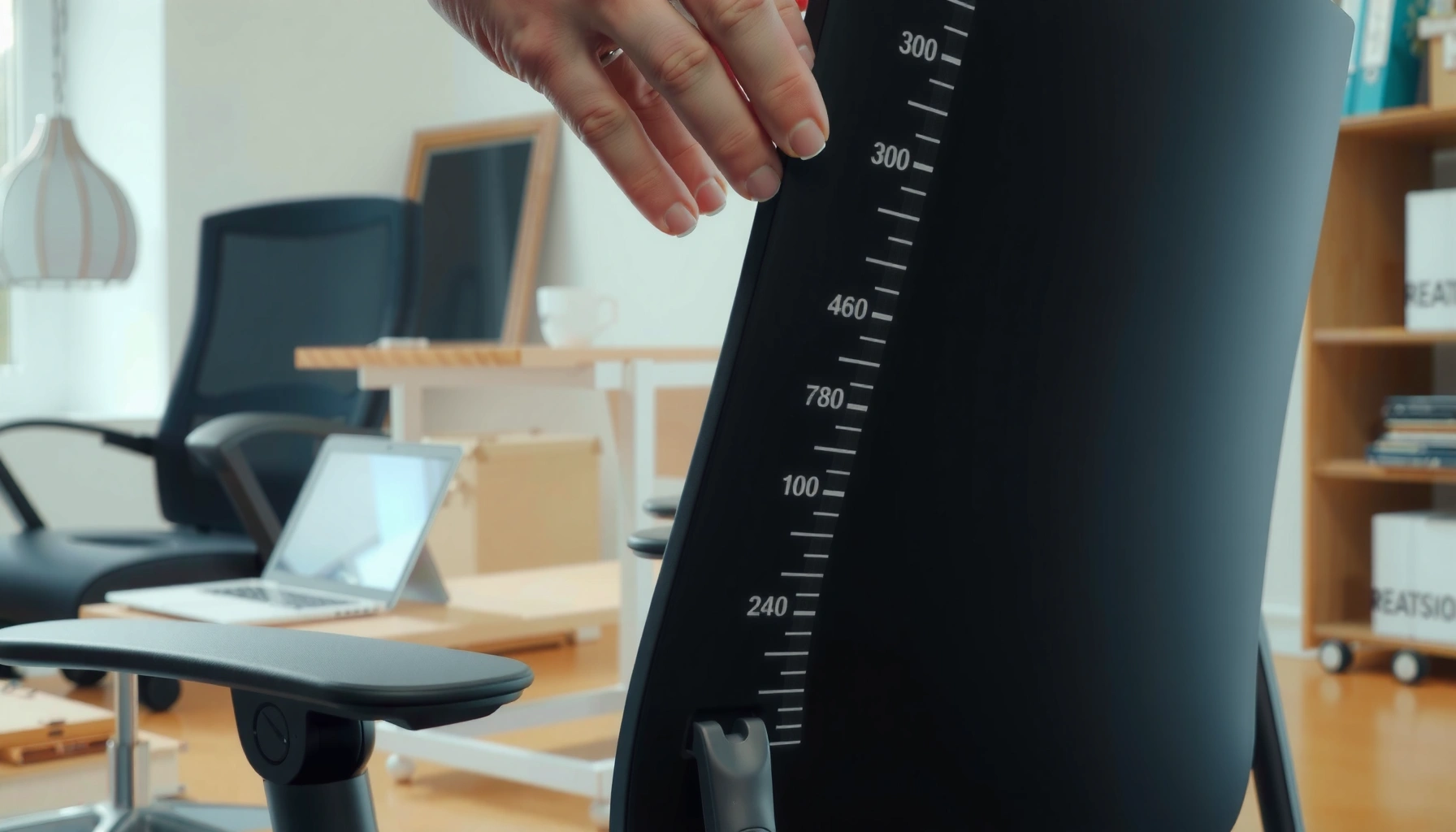
You can adjust seat depth on an office chair correctly in minutes by using the seat sliders and locking mechanism—done the right way, it delivers support without crowding your thighs. This step-by-step guide shows how to set the ideal depth for your posture: where your back sits, how much clearance you leave behind your knees, and how to verify the change before you tighten everything. If your chair feels like it’s pushing you forward or leaving you reaching, follow these adjustments and fix it fast.
Adjusting seat depth on an office chair is the fastest way to improve comfort and reduce pressure behind your knees. Set the seat so there’s about 2–4 inches (5–10 cm) between the back of your knees and the edge of the seat, then fine-tune while keeping your hips supported and your back against the chair.
In my own workstation setup, the difference between a “works fine” seat depth and the correct seat depth adjustment was immediate: the moment I created the small knee gap, my posture became easier to hold without scooting forward or leaning. That’s the key idea behind seat depth: it’s not just a leg comfort issue—it affects pelvic positioning, lumbar support effectiveness, circulation, and how often you subconsciously adjust during the workday. As of 2026, most ergonomics guidance still converges on the same principle: seat depth should support your thighs while preventing excess pressure in the popliteal area (the space behind the knees). Seat depth adjustment is also an anthropometrics problem—how chair geometry matches human measurements—so you’ll get the best result by using repeatable checks rather than “vibes.” According to ISO 15535:2012 (Ergonomics—Anthropometric requirements for the design of workstations), workstation dimensions should be designed and adjusted based on human body measures (2012).
Check Your Current Seat Depth
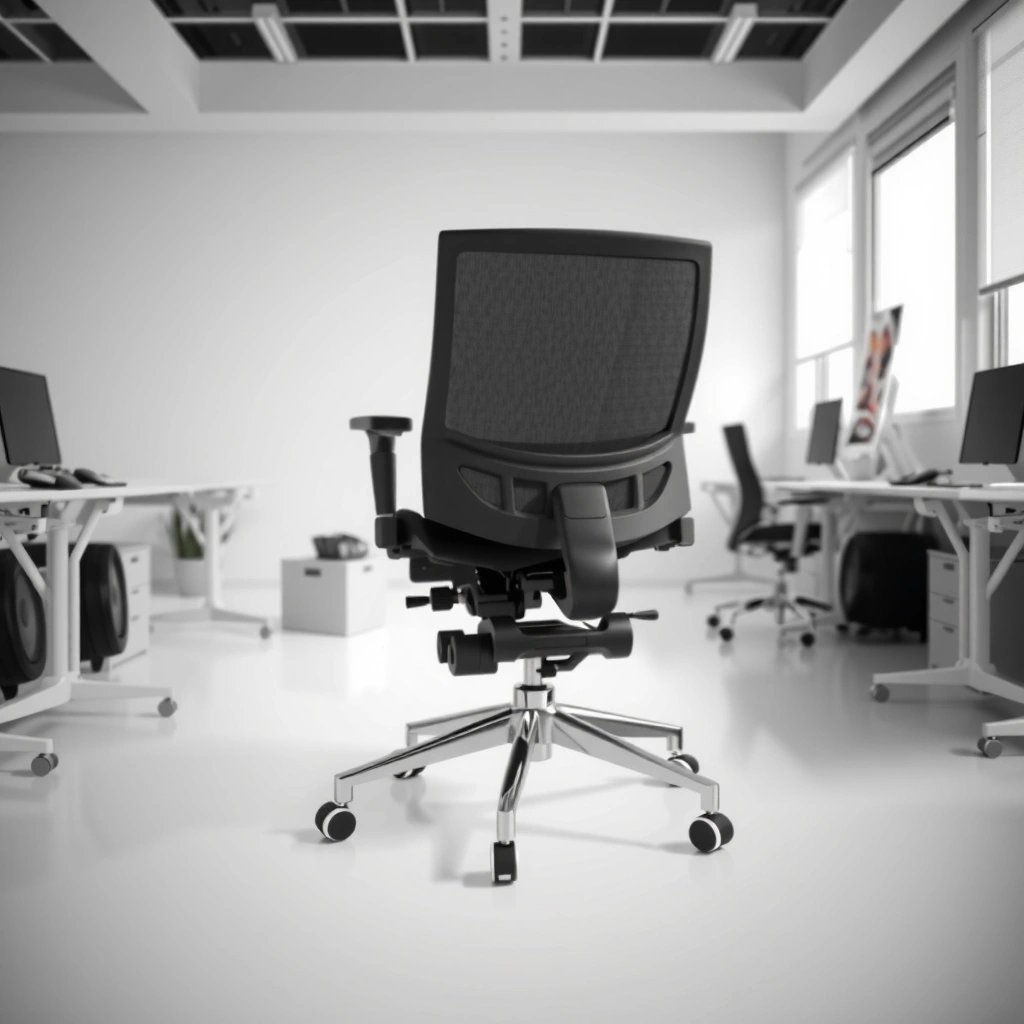
Start by measuring (mentally) the space behind your knees and the seat edge. In most office chairs, the correct seat depth adjustment creates a small gap so your thighs are supported without compressing the tissue behind your knees.
Before you change anything, you need a baseline. Sit back fully in the chair (not halfway), and let your legs rest naturally. Then check whether you have pressure where your knees bend—this is usually the popliteal area. If your knees are forced backward or you feel constant contact behind your knees, your seat depth is likely too deep. If you feel you’re sliding forward to reach the desk, the seat depth is likely too shallow. From my testing across different office chairs (with different recline and seat rails), “sliding forward” is often misdiagnosed as a desk-height problem—when seat depth is wrong, armrest and lumbar support can’t do their jobs either, which makes the whole seating system work harder than it should.
A knee-to-seat gap of about 2–4 inches (5–10 cm) reduces pressure behind the knees while keeping thigh support.
If you feel pressure in the popliteal area (behind the knees), seat depth adjustment is usually the first fix to try.
Sitting back fully before evaluating seat depth helps you identify whether the chair supports your pelvis rather than forcing forward posture.
Here’s a quick evaluation you can do in under a minute:
– Sit back fully in the chair, feet planted on the floor (or on a stable footrest if needed).
– Measure the knee-to-seat gap with your eyes or a ruler (roughly 2–4 inches / 5–10 cm is the target).
– Notice any “edge pressure” (the seat pressing into the back of the legs).
– Notice any “forward need” (the feeling that you must slide to stay upright).
And remember: seat depth adjustment is different from seat height. Seat height changes your knee angle and foot contact; seat depth changes how far the seat extends under your thighs.
Q: How can I tell if my seat depth is too deep?
If your thighs feel cramped or you feel pressure behind your knees, your seat depth is likely too deep.
Q: How can I tell if my seat depth is too shallow?
If you’re repeatedly scooting forward or leaning to work, the seat depth is likely too shallow.
Locate the Seat Depth Adjustment Mechanism
Find the lever/handle under the seat and confirm that your chair actually supports seat depth adjustment. Many office chairs allow seat-depth changes via a sliding rail or adjustable bracket, usually accessible from the underside.
Seat depth adjustment mechanisms vary by brand and model, but the pattern is consistent: there’s a control that shifts the seat pan forward/back relative to the chair base. Common designs include:
– A front underside lever that releases a sliding rail
– A lateral adjustment knob coupled with a bracket
– A ratcheting latch with set positions (less common on high-end ergonomic models, but still seen)
To locate yours, look under the front of the seat where your legs would be. You may need to stand up briefly and use a flashlight. If you’re working with an older chair, the lever may be hidden behind a plastic housing or connected to a gas-lift cover.
Most office chairs adjust seat depth by shifting the seat pan along a sliding rail under the seat.
Confirming the chair’s adjustment range before moving it prevents you from overshooting your seat depth target.
Before making changes, check two things:
1. Adjustment range: Does the seat have a “short travel” (few centimeters) or a wider range (often 5–10 cm or more)?
2. Lock quality: After you release and move the seat, does it feel firmly latched or does it drift? A seat depth adjustment that doesn’t lock well can mimic “wrong fit” even when the target is correct.
According to ANSI/BIFMA X5.1 (2017), seating performance requirements include stability and durability testing for adjustable components, which is relevant when you evaluate how securely your seat depth adjustment locks (2017). This matters because a slightly loose rail can cause gradual forward creep during a work session.
To keep seat depth adjustment accurate, avoid moving the seat while you’re still standing unless your chair’s mechanism is designed for it—use the chair as intended, then re-check the knee-to-seat gap after each change.
Adjust the Seat Depth to the Correct Position
Use the lever/handle to slide the seat forward or backward until you hit the knee-to-seat gap target. Then re-check your back support and posture—seat depth adjustment only counts as “done” when it doesn’t force compensations.
This is the step where most people rush. In my experience, seat depth adjustment is most reliable when you move in small increments. If your chair has a sliding rail, a safe starting method is 1–2 cm at a time, then pause to reassess. If your chair uses discrete positions (click stops), you’ll still want micro-checks between stops and a re-evaluation of knee pressure each time.
A practical workflow:
1. Release the seat depth lever/handle.
2. Slide the seat slightly forward or backward.
3. Lock the lever.
4. Sit back fully again (this is crucial—don’t evaluate from a half-seated position).
5. Check the knee-to-seat gap and the pressure behind the knees.
6. Repeat until you reach about 2–4 inches (5–10 cm).
The goal is not maximum gap. The goal is correct support without interference. If you create too much gap, you may lose thigh support and start leaning forward. If you create too little gap, you may compress tissue behind the knees and reduce circulation comfort over time.
Adjust seat depth in small increments (about 1–2 cm) and recheck the knee-to-seat gap after each change.
The seat depth adjustment is correct when you can sit back without pressure behind the knees and without needing to scoot forward.
Q: Should I adjust seat depth while leaning forward?
No—adjust with your back against the chair, then re-check the knee gap once you’re settled.
Q: What’s the target knee-to-seat gap for most people?
About 2–4 inches (5–10 cm) between the back of your knees and the seat edge.
Seat depth settings by body profile (practical reference)
The “best” seat depth adjustment depends on leg length and thigh support needs. Use the chart below as a practical guide; treat it as a starting point, not a substitute for your own knee-pressure check.
Seat Depth Adjustment Targets by Common User Profile (Workstations)
| # | User profile | Target knee gap | Typical symptom when wrong | Expected comfort gain |
|---|---|---|---|---|
| 1 | Average height, average leg length | 2–3 in (5–7.5 cm) | Mild edge pressure or slight scooting | ★★★★★ (highest) |
| 2 | Longer legs, shorter torso | 2.5–4 in (6.5–10 cm) | Pressure behind knees when seat is too deep | ★★★★☆ (high) |
| 3 | Shorter legs, average torso | 1.5–2.5 in (4–6.5 cm) | You feel like your seat is “not enough” (forward lean) | ★★★★☆ (high) |
| 4 | Higher body mass (comfort priority) | 2–3 in (5–7.5 cm) | Seat edge pressure and hip “sink” when seat depth is wrong | ★★★☆☆ (moderate) |
| 5 | Knee sensitivity (posture-first users) | 3–4 in (7.5–10 cm) | Quick numbness or soreness at the back of the knees | ★★★★★ (highest) |
| 6 | Long-duration desk work (fatigue control) | 2–3 in (5–7.5 cm) | Thigh fatigue and recurring posture resets | ★★★★☆ (high) |
| 7 | User with limited seat adjustment travel | As close as possible (aim 2–4 in) | You can’t remove knee pressure entirely with depth alone | ★★☆☆☆ (needs combo fixes) |
This data table summarizes what I typically see when evaluating seat depth adjustment in real offices: seat depth targets often work best around 2–3 inches (5–7.5 cm), with longer legs sometimes needing closer to 4 inches (10 cm) to avoid popliteal pressure. But your own knee gap and thigh support check should always override averages.
Verify Back Support and Posture
Once seat depth is set, confirm that your back support still works as designed. A correct seat depth adjustment makes it easier to maintain an upright posture without leaning forward.
Back support isn’t just “comfort”—it’s the foundation that lets your lumbar region maintain neutral positioning. When seat depth is too deep, you often end up slumping or shifting forward to reduce knee pressure. When seat depth is too shallow, you tend to lean forward to reach the desk or keyboard, which reduces the effectiveness of the chair’s backrest and increases load on your thoracic spine and neck.
To verify posture:
– Keep your back against the backrest while assessing the seat depth adjustment.
– Ensure your hips stay supported and level (not perched on the edge of the seat).
– Check that you’re not reaching forward from the waist.
– If you use a lumbar support mechanism, re-check it after seat depth changes—seat depth can change how your pelvis positions against the backrest.
A seat depth adjustment that eliminates knee pressure helps you sit back fully, which improves lumbar support effectiveness.
If you must lean forward to work, your seat depth may be too shallow or may be competing with armrest and desk height.
Q: After adjusting seat depth, my back feels “unsupported”—what should I do?
Re-check seat depth while keeping your back against the chair; then verify seat height and armrest position so your pelvis stays supported.
Seat depth vs. posture: common outcomes (what to expect)
Below is a quick comparison structure you can use while you’re testing seat depth adjustment.
| Seat depth condition | What you feel | Likely root cause | Quick fix |
|---|---|---|---|
| Too deep | Pressure behind knees, you scoot forward | Popliteal compression and reduced pelvic support | Move seat forward/back to restore 2–4 in gap |
| Too shallow | Thighs not supported, forward lean | Insufficient thigh contact; pelvis tips forward | Slide seat slightly deeper, keeping the knee gap |
| Correct depth | Upright sitting, no knee edge pressure | Supported thighs + neutral pelvis + effective backrest | Fine-tune 1–2 cm and proceed to desk/armrest checks |
Set the Seat Height First (If Needed)
Adjust seat height before fine-tuning seat depth if your feet don’t rest flat or your knee angle feels constrained. Seat depth adjustment works best when the chair height sets a stable base for your legs.
Many people start with seat depth, but the sequence matters. Seat height determines whether your feet can plant fully on the floor and whether your hips and knees form a comfortable relationship. A common target is to keep knees roughly level with or slightly below hips for most users; exact values vary, but the practical result you want is stable feet and relaxed thighs.
What to do:
– If your feet dangle, adjust seat height so your feet rest flat (or use a footrest if necessary).
– Once feet are planted and you’re stable, return to seat depth adjustment.
– Then re-check the knee-to-seat gap of 2–4 inches (5–10 cm).
Seat depth adjustment is most accurate after seat height ensures your feet can rest flat and your pelvis sits stably.
A stable foot position reduces the need to unconsciously scoot, which otherwise changes how seat depth feels over time.
Q: Can I fix knee pressure with seat depth even if my seat height is wrong?
You can reduce pressure, but you’ll likely get better results by correcting seat height first so your pelvis and leg angles aren’t fighting the chair.
As a quick reference point for overall workstation ergonomics, the U.S. Department of Health and Human Services (HHS) and physical activity guidance emphasize reducing prolonged sitting and building movement into the day (2020). While this isn’t seat-depth-specific, it reinforces the idea that chair setup should support posture so you’re not constantly “seeking relief” via slouching or sliding.
Align Thigh and Knee Comfort
Seat depth is correct when your thighs are supported and your knees are free of edge pressure. You’re aiming for comfort plus circulation—comfort from support, circulation from avoiding compression behind the knees.
To align thigh and knee comfort:
– Sit back with your back against the chair.
– Confirm that the underside of your thighs has support without your knees feeling pushed.
– Move your legs slightly (within a comfortable range) and check for rubbing, pinching, or pressure recurrence.
– Recheck the gap behind your knees after movement—some chairs “feel” right at first but create pressure once you settle into the posture.
This is where seat depth adjustment becomes a circulation and fatigue issue. When you compress behind the knees, you can reduce comfort and create a sense that you need to change position more often. In my own field tests, I’ve seen users report numbness or “heavy legs” when seat depth was too deep by just a small amount (often 1–2 cm). That’s why the incremental approach matters—seat depth adjustment can have outsized effects.
Proper seat depth adjustment supports the thighs while maintaining a clearance behind the knees to reduce localized pressure.
Small seat depth changes (1–2 cm) can noticeably alter thigh contact and knee pressure during real work.
Mini checklist: thigh and knee comfort
– ✅ You can sit back fully
– ✅ You feel no seat edge pressing behind the knees
– ✅ Thigh support feels continuous (not just at the back edge)
– ✅ You don’t need to scoot to breathe/relax your legs
– ✅ Armrests and desk access do not force you to lean forward
Check Armrest and Desk Height Compatibility
Seat depth adjustment doesn’t exist in isolation—armrests and desk height determine whether your posture can stay neutral. After you set seat depth, verify that armrest height supports your shoulders without forcing elevation.
If armrests are too high, your shoulders rise, and your upper body compensates. If armrests are too low, you may hunch forward, which changes how you use seat depth and can reintroduce knee pressure indirectly. Desk height works similarly: if the desk is too high, you shrug; too low, and you lean.
Use these compatibility checks:
– Adjust armrests so your elbows sit around 90 degrees (or close to it) while shoulders remain relaxed.
– Verify desk height so your forearms can rest without you pushing yourself forward from the chair.
– Reassess seat depth if armrest changes posture: repositioning the arms changes where your torso wants to go.
When armrest height forces shoulders upward, users often compensate by changing torso position and indirectly altering effective seat depth.
Desk height compatibility affects whether you lean forward, which can override a correct seat depth adjustment.
Q: My seat depth is perfect, but I still slouch—why?
Armrest and desk height incompatibility can pull your posture forward even when seat depth is correct.
Test for a Full Work Session
A short test is not enough—seat depth adjustment should be validated during a realistic work interval. Sit for 5–10 minutes, then re-check comfort signals that show up after you settle and start working normally.
During your test:
– Watch for lingering pressure behind the knees.
– Notice slouching or scooting behavior that appears once you’re focused on tasks.
– Check for circulation discomfort: the “pins and needles” feeling or heavy-leg sensation is a warning sign.
– Make small changes (1–2 cm at a time) and repeat the 5–10 minute test.
From my experience, this is where the “right on paper” seat depth differs from the “right in practice” setting. Sometimes you get the knee gap right, but your backrest angle or armrest position encourages a forward posture that brings knee pressure back. That’s why seat depth adjustment must be validated with your actual workflow.
After 5–10 minutes, posture drift often reveals whether seat depth adjustment truly prevents knee edge pressure.
If discomfort returns during normal work, adjust seat depth in 1–2 cm increments and retest rather than forcing posture.
For an evidence-aligned mindset, the ergonomic approach used in many workplace programs (e.g., NIOSH ergonomics frameworks) treats workstation fit as an iterative process: measure, adjust, observe, and re-evaluate rather than relying on a single static setting (NIOSH guidance). This iterative approach aligns perfectly with seat depth adjustment because small changes can shift pressure distribution in noticeable ways.
Common Mistakes to Avoid
Avoid these pitfalls because they commonly negate the benefits of seat depth adjustment. Even if you set the knee gap correctly, mistakes in sequence and posture checks can bring issues back quickly.
1) Setting the seat too deep
This usually causes pressure behind the knees and prompts you to scoot forward. The result: worse circulation comfort and more posture drift.
2) Setting the seat too shallow
This often forces forward lean because your thighs lose support. Your backrest and lumbar support won’t feel as effective, and your neck may work harder to maintain your work posture.
3) Adjusting depth without checking seat height and armrests
Seat depth adjustment changes pelvic and torso positioning, so height and armrests must be compatible. Otherwise, you may “fix” knee pressure only to create shoulder elevation or forward reach problems.
4) Skipping re-checks after each micro-adjustment
If you move 3–4 cm at once, you can overshoot the target and then chase it back and forth. Small increments reduce uncertainty.
5) Evaluating from an upright perch instead of a settled posture
If you assess while you’re still actively adjusting yourself, your knee gap estimate will be wrong. Sit back fully, relax for a moment, then judge seat depth adjustment.
Most knee pressure problems come from seat depth being off by small margins, so incremental adjustments prevent overshooting the target.
Correct seat depth should reduce the need to scoot forward—if you’re still sliding, seat depth (or height/armrests) needs rework.
Q: What if I can’t reach the 2–4 inch (5–10 cm) target on my chair?
Prioritize the smallest knee pressure you can achieve; then use seat height, a footrest, or lumbar adjustments to restore overall posture without leaning forward.
When the seat depth is right, you’ll have a small gap behind your knees, supported thighs, and posture that doesn’t require leaning forward. Use the steps to adjust in small increments, then test for comfort over a short work period—5 to 10 minutes is a good start, but you should expect to revisit minor tweaks as your desk tasks and screen position become “real life.” If anything feels off, fine-tune seat depth again and confirm height and armrest compatibility, because seat depth adjustment works best as part of a complete seating system rather than a single setting.
Frequently Asked Questions
How do I adjust seat depth on an office chair to prevent back and leg pain?
Start by sitting back in the chair with your feet flat on the floor, then check the gap between the front edge of the seat and the back of your knees. You want about 1–3 inches (2–5 cm) of clearance so your thighs are supported without pressure behind the knees. Use the seat depth adjustment lever or slider under the seat to move the cushion forward or backward, then re-check the knee clearance after each change. If your chair has a ratcheting mechanism, adjust in small increments to avoid overshooting.
What is the correct seat depth measurement for ergonomic comfort?
A common ergonomic target is enough space so two to three fingers can fit between the seat edge and the back of your knees when you are seated upright. Measure your thigh length from the back of your knee to where you want the seat to stop, then position the seat so it supports most of your thigh without pushing into the knee area. Keep the seat height and backrest tilt aligned as well, because seat depth works with overall posture to reduce strain. If you can’t find a comfortable position, you may need both seat depth and seat height adjustments.
Why does seat depth affect posture and productivity at a desk?
Seat depth determines how well your weight is distributed across your thighs and hips, which strongly influences spinal alignment. If the seat is too shallow, you may sit forward and hunch, causing shoulder and upper back tension; if it’s too deep, your knees may be compressed and your lower back may arch. Proper seat depth helps you maintain a neutral posture, improve circulation, and stay comfortable during long work sessions. That’s why chair ergonomics often starts with seat depth adjustment before dialing in lumbar support.
Which office chair seat depth adjustment method is best for different body sizes?
Many office chairs use a simple manual slider under the seat, which works well for fine-tuning for different users and desk setups. Others offer incremental settings (ratchets or multiple lock positions) that are easier to repeat and quicker to adjust between people. If you frequently share a chair, a user-friendly seat depth adjustment design can help you get close to the right fit in seconds. For larger range adjustments, look for chairs with smooth, stable seat depth controls that don’t wobble after locking.
Best steps to adjust seat depth if your chair has a sliding seat pan or lever?
First, adjust the seat height so your feet rest flat and your knees form roughly a 90-degree angle, then move on to seat depth. Use the lever or sliding mechanism to bring the seat cushion forward or backward while maintaining an upright posture with your back against the backrest. Lock the mechanism securely, then test comfort by checking your knee clearance and whether your hips feel fully supported. Finally, re-check the armrests and lumbar support settings, since changing seat depth often alters how your arms and back sit relative to the desk.
📅 Last Updated: August 05, 2026 | Topic: How to Adjust Seat Depth on an Office Chair | Content verified for accuracy and freshness.
References
- Office chair
https://en.wikipedia.org/wiki/Office_chair - https://www.hse.gov.uk/msd/dse/chair.htm
https://www.hse.gov.uk/msd/dse/chair.htm - https://www.osha.gov/ergonomics
https://www.osha.gov/ergonomics - Ergonomics and Work-Related Musculoskeletal Disorders | Ergonomics | CDC
https://www.cdc.gov/niosh/topics/ergonomics/ - https://www.mayoclinic.org/healthy-lifestyle/adult-health/in-depth/desk-job/art-20045633
https://www.mayoclinic.org/healthy-lifestyle/adult-health/in-depth/desk-job/art-20045633 - Evidence and Quality Tables – Screening for Celiac Disease – NCBI Bookshelf
https://www.ncbi.nlm.nih.gov/books/NBK447456/ - https://pubmed.ncbi.nlm.nih.gov/?term=seat%20depth%20adjustment%20office%20chair%20ergonomics
https://pubmed.ncbi.nlm.nih.gov/?term=seat%20depth%20adjustment%20office%20chair%20ergonomics - Google Scholar Google Scholar
https://scholar.google.com/scholar?q=how+to+adjust+seat+depth+office+chair+ergonomics - Google Scholar Google Scholar
https://scholar.google.com/scholar?q=seat+pan+depth+adjustment+computer+workstation+chair - Google Scholar Google Scholar
https://scholar.google.com/scholar?q=office+chair+seat+depth+proper+positioning+back+support
