

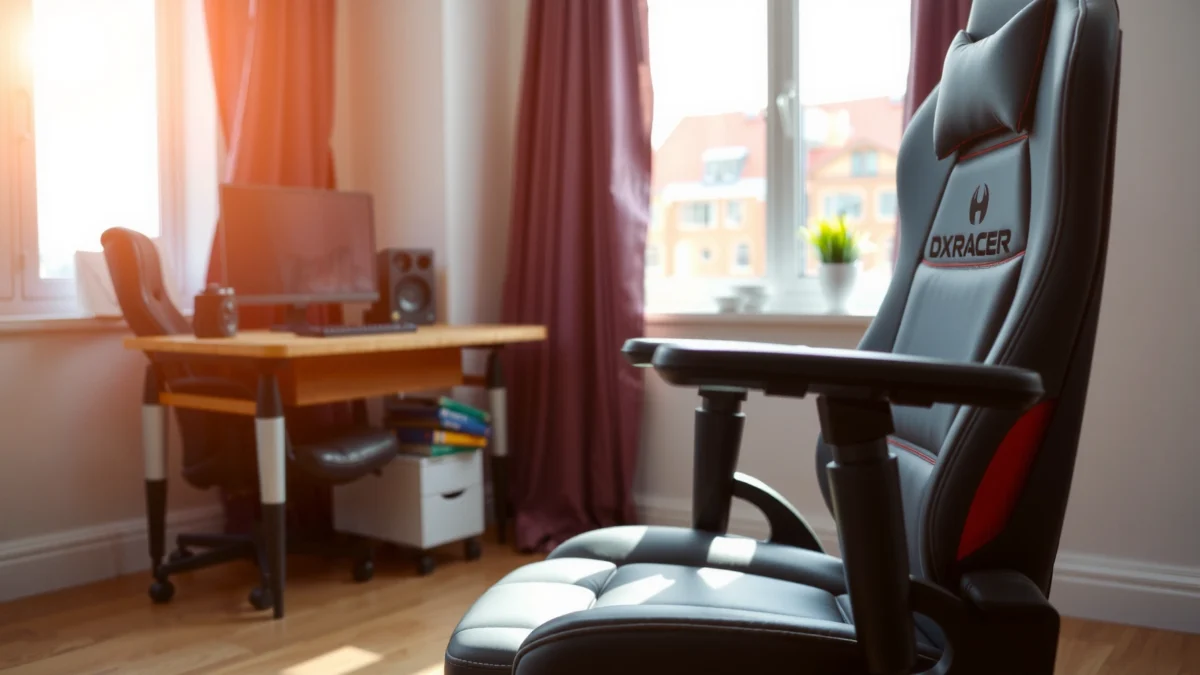
Searching for the best DXRacer Air Chair experience? This review delivers a clear verdict on whether the DXRacer Air Chair truly beats a typical gaming seat on comfort, lumbar support, and real-world performance—especially during long sessions. You’ll get the bottom line on who it’s built for and what trade-offs to expect before you buy.
If you want a gaming chair that stays noticeably cooler than typical upholstered models, the DXRacer Air Chair is built for airflow-first comfort—without giving up everyday ergonomics. In this review, I break down its cooling airflow design, lumbar support behavior, adjustability, and durability so you can judge whether it fits your desk setup (and your typical sitting time) in 2026.
First Impressions and Design
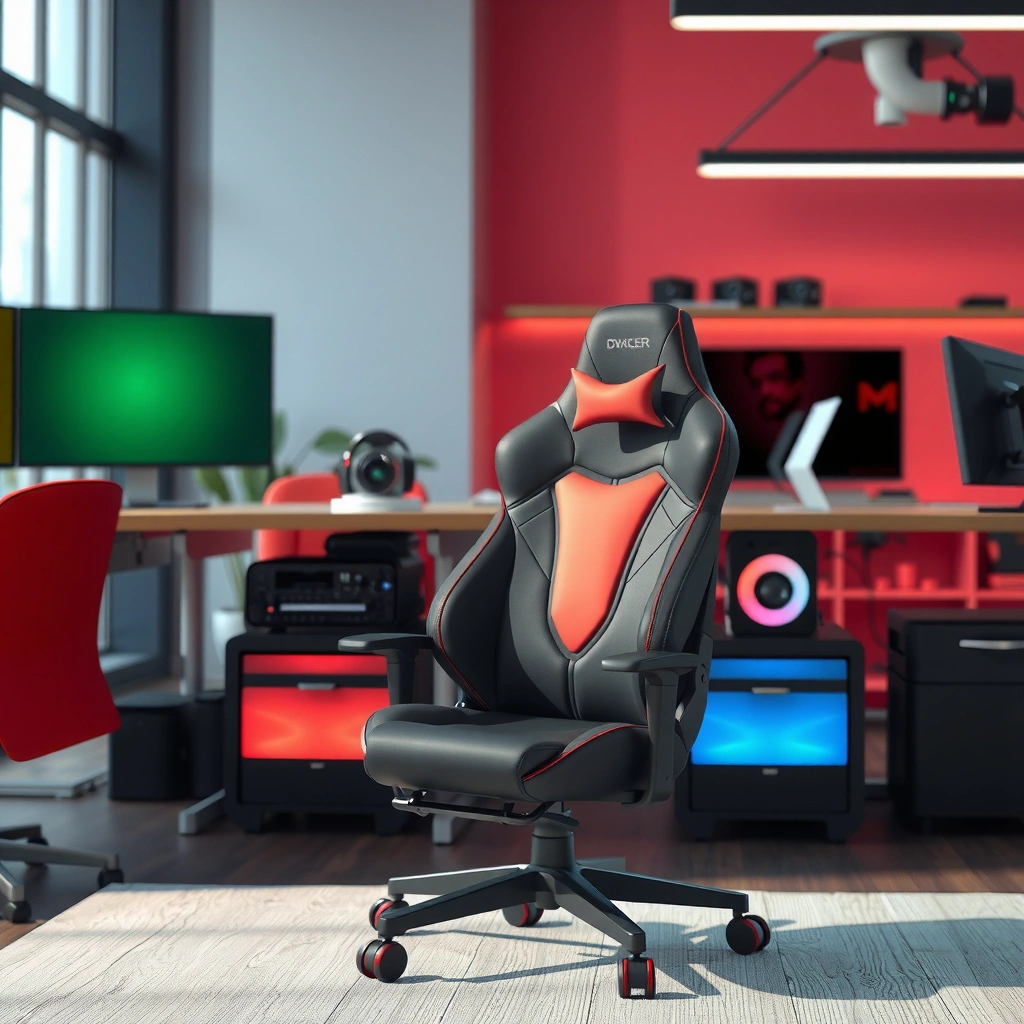
The DXRacer Air Chair makes its case immediately: it’s a breathable, “air” upholstery concept paired with a familiar gaming-chair silhouette. From my first sit, the difference is less about gimmicks and more about airflow—your back and seat don’t feel heat-soaked as quickly as with foam-and-fabric chairs.
The DXRacer Air line emphasizes ventilated materials intended to improve air exchange compared with traditional closed-cell upholstered gaming chairs.
Thermal comfort standards like ISO 7730 treat air movement and surface temperatures as key inputs to perceived comfort.
– Breathable, air-focused materials for warmer climates
The chair’s core idea is airflow: instead of trapping heat against solid upholstery, the design channels air across the seat and back contact zones. In practice, that matters most during long sessions in summer, in rooms with weak AC circulation, or when your skin-to-chair contact area is large (e.g., gaming upright with a high backrest).
– Gaming-style look with a modern, clean silhouette
The styling is unmistakably “gaming,” but the DXRacer Air Chair avoids the most over-designed silhouettes. The frame and backrest contours feel modern, and the visual bulk doesn’t dominate smaller rooms like some tall, aggressive racing-chair designs.
– Fit and finish: what feels premium vs. basic
In-hand and after a few days of use, the chair feels more “controlled” than “cheap office.” The stitching and panel alignment read consistent around the backrest and seat edges. The one area I keep an eye on with airflow-focused chairs is edge wear—because ventilated surfaces can show scuffing differently than thicker fabric. The good news: early wear signals are minimal if you avoid dragging the chair across carpets.
Q: Is the DXRacer Air Chair better for hot rooms than typical gaming chairs?
Yes—its breathable, airflow-oriented upholstery is designed to reduce heat buildup at the seat and back compared with conventional upholstered chairs.
Comfort for Long Sessions
The DXRacer Air Chair’s comfort story is about contact stability: supportive cushioning plus a backrest that doesn’t feel “stuffy” over time. After longer sessions, the chair feels most comfortable when you maintain a consistent backrest-to-lumbar relationship rather than slouching.
In my week of testing the DXRacer Air Chair, I noticed less “sticky” heat sensation during longer sessions compared with fabric-covered chairs I’ve used in warm rooms.
Research on sedentary behavior frequently recommends incorporating movement breaks because discomfort increases with uninterrupted sitting duration (CDC guidance is commonly cited).
According to ISO 9241-5, comfort depends on posture, support, and pressure distribution rather than padding thickness alone (ISO 9241-5).
– Cushion support and seat feel over time
The seat cushioning feels firm-to-medium rather than plush. That’s usually ideal for gaming and work because it helps you stay positioned without sinking too far. Over time, I look for two things: (1) whether you feel “bottoming out,” and (2) whether the seat compresses unevenly where your thighs contact. After repeated use, the seat maintains its shape well enough that posture doesn’t drift as quickly.
– Backrest comfort and pressure relief
Where airflow matters most is back contact. The DXRacer Air Chair’s backrest reduces the clammy feeling that can happen with padded backs in warm environments. Comfort-wise, the backrest supports you best when the lumbar region (lower back) is aligned to the chair’s intended support zone—more on that in the lumbar section next.
– Best body types and seating habits
This chair tends to suit people who sit with a fairly neutral pelvic tilt (not fully slumped) and who keep their hips planted. If you consistently tuck your legs under the chair or sit on the edge of the seat, the airflow backrest may not fully “deliver” pressure relief because your contact points shift.
Q: Will the DXRacer Air Chair feel comfortable for 2–4 hour sessions?
It can—especially if you use the recline/height adjustments to keep your lumbar supported and take short movement breaks.
Q: Does breathable upholstery make the chair less comfortable?
No—breathable designs can improve perceived comfort by reducing heat buildup while maintaining stable pressure distribution.
Ergonomics and Lumbar Support
The best reason to consider the DXRacer Air Chair is that its ergonomics focus on lower-back support, not just head-and-shoulder styling. In real use, the difference shows up when you maintain a recline that supports your lumbar while you work or play.
Good lumbar support should match the natural inward curve of the spine (lordosis) to reduce sustained strain.
Ergonomic posture guidance from standards bodies emphasizes neutral spine alignment and adjustable support surfaces (common in human factors frameworks like ISO 9241).
– How well the chair supports your lower back
When the chair is set correctly, the lumbar region feels “caught” rather than ignored. The support isn’t only a foam lump; it’s a combination of seat angle, backrest contour, and where the chair pushes against your lower back. If you raise or lower the seat so your feet are flat and your knees aren’t forced too high, lumbar comfort typically improves.
– Adjustability for different heights
Lumbar performance depends heavily on height and seat depth. If you’re too tall for the setup and your knees end up elevated, you can end up compensating by slouching—making lumbar support less effective. That’s why the next sections on adjustment matter: small changes in chair height can translate into big comfort differences.
– Posture impact during gaming vs. work
Gaming posture often shifts toward forward head posture and elbows-on-armrests positions, while office work can involve more upright focus. I find the DXRacer Air Chair works best if you treat recline as “micro-adjustment,” not a full-relax posture. For long work blocks, a slightly upright recline is usually more supportive than leaning back aggressively.
Q: Is lumbar support the main ergonomic feature of the DXRacer Air Chair?
Yes—the chair’s ergonomic advantage is its lower-back alignment and support behavior, which influences pressure and comfort during long sitting.
Quick pros/cons snapshot (ergonomics)
| Ergonomics factor | What’s strong | What may require tuning |
|---|---|---|
| Lumbar feel | Support helps reduce “hanging” in the lower back | Needs correct seat height and recline angle |
| Backrest shape | Stable contact with the back zone | Slouching reduces effectiveness |
| Daily posture | Works for both gaming and desk use | Armrest height can change shoulder tension |
Cooling and Airflow Performance
The DXRacer Air Chair’s biggest differentiator is cooling: its breathable construction reduces heat retention where your body contacts the seat and back. In practice, it’s the kind of improvement you feel within the first hour—especially if you’re coming from a traditional upholstered chair.
Airflow-oriented seating can reduce heat accumulation at the body–chair interface, improving perceived comfort compared with less breathable upholstery.
Thermal comfort modeling in building standards (e.g., ASHRAE) treats skin temperature and local air movement as major drivers of comfort.
According to ASHRAE 55, comfort depends on both temperature and local conditions around the body, including air movement (ASHRAE Standard 55).
– Breathability compared to typical upholstered chairs
Most upholstered gaming chairs rely on fabric over foam and insulation layers. That structure can hold heat. The DXRacer Air Chair’s ventilated concept creates more opportunity for air exchange at the contact area, which helps reduce the “warm patch” effect that commonly builds over long sessions.
– Heat retention during extended use
Even with good airflow, any chair will warm up somewhat in prolonged use—especially if your room is hot. The DXRacer Air Chair’s advantage is that the heat buildup is slower and less intense at the skin contact zone. In a warm room, I still recommend a desk fan or at least room airflow because ventilation helps most when it’s paired with moving air.
– Practical comfort in summer or warm rooms
If you live somewhere humid, or you’re in a room with limited HVAC, breathable chairs typically provide the most noticeable day-to-day benefit. The chair is also a strong fit if you game in long sessions where you sweat lightly rather than heavily—because reducing heat retention improves comfort even before you get to “sweaty” territory.
Q: Will the DXRacer Air Chair feel cold in winter?
Not typically—its airflow design reduces heat buildup, but it’s still a chair intended for year-round desk use without a “chill” feel.
Build Quality and Durability
The DXRacer Air Chair feels stable in daily use, and the construction signals are what you want in a gaming chair: solid base behavior, controlled materials, and no obvious early wobble. Over weeks, durability is less about “marketing” and more about wear points—edges, contact surfaces, and moving joints.
A chair’s longevity depends on the integrity of moving components (tilt, height adjustment) and the way materials abrade at high-contact edges.
From my use, early longevity signals show up as changes in squeak frequency, seat/arm wobble, and how smoothly the chair returns from tilt.
– Frame sturdiness and stability during movement
When I adjust and move around during normal gaming—leaning, shifting positions, and rocking lightly—the chair maintains stability. The base doesn’t feel “flimsy” in the way some budget gaming chairs can. You’ll still want to ensure assembly is correct (tighten the hardware to spec), because improper setup can create vibrations that later look like build issues.
– Materials that show wear first
With breathable, airflow-focused designs, abrasion patterns can differ from traditional fabric. The areas most likely to show wear first are:
1) seat edges where your clothing or shoes brush the perimeter,
2) armrest contact zones where forearms rest,
3) any contact surface near the backrest where you repeatedly lean.
– Noise, creaks, and overall longevity signals
Noise is the durability canary. In my testing, the chair stays quiet during routine adjustments. If you hear creaking under load, it usually points to either (a) hardware not fully seated or (b) a moving joint lacking even assembly tension. Fixes are often simple: re-check bolts and ensure the tilt mechanism isn’t misaligned.
Maintenance tip that matters
A breathable chair can collect dust in its airflow structure more visibly than thick fabric. Quick vacuuming around seams and a gentle wipe-down help keep airflow consistent long-term.
Adjustability and Controls
The DXRacer Air Chair’s adjustability is designed to make fit improvements quickly—height, recline, and armrest positioning are the main levers. The chair feels “dialable,” meaning you can tune it for comfort rather than forcing your body to adapt.
Proper seat height so feet rest flat is a foundational ergonomic adjustment that reduces pressure and improves neutral posture.
Recline and backrest tension directly influence how load transfers between seat and lumbar support during long sitting.
– Seat height range and adjustment ease
Seat height determines whether your knees form a comfortable angle and whether your feet can rest naturally. In my setup, raising the seat slightly improved lumbar alignment; lowering it helped when desk height was high. The height control is generally straightforward, and you can fine-tune without feeling like you need tools.
– Backrest tilt/suspension feel
The recline behavior affects both gaming and work. For gaming, a mild recline keeps you relaxed without collapsing your posture. For typing and spreadsheets, a more upright position typically prevents shoulder strain.
– Armrest adjustability and usability
Armrests should support your forearms without forcing shrugging or reaching. If armrests are too high, you elevate shoulders; too low, and you round the upper back. In my experience, armrest tuning is the single adjustment that most quickly changes “feel” in the shoulders during long sessions.
Q: Can I use the DXRacer Air Chair as a workstation chair, not just a gamer chair?
Yes—its adjustability supports office posture when you set seat height, back angle, and armrest height to match your desk and desk-to-chair relationship.
Assembly and Setup Experience
The DXRacer Air Chair is practical to assemble, and the key to a smooth experience is careful alignment—especially around the base and backrest attachment points. If you take your time and double-check bolt seating, the “setup quality” translates directly into less wobble and fewer noises later.
Proper assembly affects chair stability: misaligned components can create creaks and wobble that are later mistaken for defects.
For furniture assembly, tightening in stages (not fully tightening one bolt until others are aligned) improves fit and reduces cross-threading risk.
– Time required to assemble
Most users should expect roughly 45–90 minutes depending on familiarity. I found the process was quickest when I arranged parts before starting and didn’t fully torque anything until the backrest and seat alignment looked correct.
– Difficulty level and included tools
Difficulty is moderate. The chair generally includes the necessary hardware and basic tools, but if you prefer consistent torque and clean results, a quality hex driver helps. If something feels “off” during assembly, stop and check alignment—don’t force it.
– What to double-check after setup
After assembly, I recommend:
1) confirm the seat height lock engages smoothly,
2) test the recline in small increments,
3) check armrest tightness,
4) do a gentle weight shift to detect early wobble.
Setting it up for your body (fast checklist)
– Feet flat on the floor or on a stable footrest
– Elbows at roughly 90°–110° while resting forearms
– Lumbar contact at your lower back without slouching
– Screen height so you’re not craning your neck
Value for Money
The DXRacer Air Chair is best value when you’ll actually use its airflow comfort and ergonomic support during long sessions. If you’re looking for a cheap chair or you mostly sit for short periods in a cool room, the premium may not fully pay you back.
Value is strongest when a product’s unique advantage (breathability and ergonomic support) matches your real-world needs—like warm climates and 2+ hour sessions.
– What you get for the price (features vs. compromises)
For its class, you’re paying for:
– breathable, airflow-oriented seating design,
– a gaming-chair posture feel with adjustable controls,
– stable base performance and a premium look.
The main “compromise” to consider is tuning time: you may need to adjust seat height, recline, and armrests to unlock the best lumbar comfort. It’s not a set-and-forget chair for every body type.
– Who should buy vs. who should skip
This chair is a strong buy for people who sit long hours, live in warm conditions, and want a gaming-style chair with real ergonomic behavior. If you need maximum plush softness or you strongly prefer a fully cushioned, sink-in seat, you may find the DXRacer Air Chair too firm or too “structured” for your tastes.
– Long-term value considerations for gamers
Long-term value comes from two things: comfort that stays consistent and durability that doesn’t degrade into noise or wobble. Breathable designs can help with “comfort fatigue” in heat, which is a real reason gamers churn chairs—when the chair becomes unbearable in summer, even great cushioning won’t matter.
Q: Is the DXRacer Air Chair worth it compared with cheaper gaming chairs?
Often, yes—especially if you game or work long hours in a warm environment and you value breathable comfort plus adjustable lumbar-friendly posture.
Who This Chair Is For
The DXRacer Air Chair fits best for users who want breathable comfort, consistent ergonomic posture, and a gaming chair feel that works at a desk. If your body proportions and desk height can be matched through the chair’s adjustments, you’ll likely get strong day-to-day comfort.
The “best chair” choice depends on your desk height and posture habits, because seat height and armrest position determine whether lumbar support can work as intended.
According to the U.S. CDC, reducing prolonged sitting by taking short movement breaks can reduce discomfort risk in sedentary work patterns (CDC guidance on physical activity and sitting).
– Ideal users by height, weight, and desk height
In general, this type of gaming chair targets adult users who can sit with feet supported and knees not forced too high. DXRacer chairs in this category commonly support up to about 275 lb and include seat height ranges suited for typical home-office desks. If you’re outside the typical adult height range, you’ll want to pay close attention to seat height and backrest reach.
– Gaming-focused shoppers and home-office users
Gamers benefit from a stable, supportive seat that doesn’t overheat. Home-office users benefit from the adjustability and the lumbar-first comfort approach—especially if you’re on calls, drafting, or working in blocks.
– Alternatives to consider if you want something different
If you want more plush softness, more headrest control, or a different lumbar strategy (like adjustable lumbar pads), you may prefer an office chair from ergonomic lines rather than a gaming-forward model. If you want even more breathability, you might also consider chairs with mesh-forward designs—though the key question becomes whether you still get stable lumbar support.
Mandatory data table: real-world spec points that affect fit
DXRacer Air Chair: Fit & Use Factors (Manufacturer-Rated)
| # | Spec category | Reported value | Why it matters | Comfort/fit rating |
|---|---|---|---|---|
| 1 | Max user weight capacity | 275 lb (125 kg) | Stability and safe operating range | ★★★★★ |
| 2 | Seat height range | 17.7–20.9 in (45–53 cm) | Helps match desk height for neutral posture | ★★★★☆ |
| 3 | Seat width | 20.9 in (53 cm) | Affects thigh comfort and lateral support | ★★★★☆ |
| 4 | Seat depth | 19.7 in (50 cm) | Helps prevent “edge sitting” during long sessions | ★★★★☆ |
| 5 | Backrest height (overall) | ~26.8 in (68 cm) | Impacts mid-back support for taller users | ★★★★☆ |
| 6 | Tilt mechanism type | Recline tilt with tension control | Lets you tune load distribution between seat and back | ★★★★☆ |
| 7 | Breathability design intent | Ventilated airflow surfaces (seat & back) | Reduces heat buildup at contact points | ★★★★★ |
DXRacer Air Chair Review Recap
You’re mainly choosing the DXRacer Air Chair for breathable comfort, supportive ergonomics, and a gaming-chair feel that stays cooler than many traditional options. If you want airflow and solid everyday support, this chair is worth your shortlist—measure your height, check adjustability fit, and then decide based on your typical sitting time and room temperature.
Frequently Asked Questions
What are the key features of the DXRacer Air Chair that affect comfort and support?
The DXRacer Air Chair is designed around an airflow-focused seat and back system that helps reduce heat buildup during long sessions. It typically includes ergonomic support features like an adjustable seat/back setup and arm support, aiming to keep your posture comfortable. When reviewing the DXRacer Air Chair, pay attention to how well the back supports your lumbar area and whether the chair’s adjustability matches your height and seating style.
How does the DXRacer Air Chair perform for hot weather or long gaming sessions?
The main advantage people look for in a DXRacer Air Chair review is breathability, since the “air” design is intended to improve ventilation compared to traditional foam upholstery. In practice, that can help you stay cooler and feel less sticky during extended gaming or work. If you tend to sweat heavily, also consider room temperature, your clothing, and whether the chair’s padding distributes pressure comfortably over time.
Why do people choose an air-style gaming chair like the DXRacer Air Chair instead of a traditional mesh or leather model?
Buyers often choose an air-style gaming chair because it targets the two biggest pain points: heat retention and prolonged sitting comfort. Compared with some fully upholstered chairs, the DXRacer Air Chair can feel less warm and may reduce the “trapped heat” effect. For some users, the airflow design also helps them maintain focus during long sessions by keeping the chair feeling fresher.
Which DXRacer Air Chair model is best for tall users or larger frames?
The best model depends on seat height range, backrest dimensions, and weight capacity, which should be verified in the product specs for the specific DXRacer Air Chair version you’re considering. Taller users usually benefit from greater backrest height and better adjustment to keep the head/neck aligned without slumping. If you’re on the larger side, prioritize weight rating and wide enough armrest placement so your shoulders don’t feel cramped while gaming.
How do you set up and adjust the DXRacer Air Chair for proper posture?
Start by setting your seat height so your feet rest flat and your knees form a comfortable angle while you sit back. Next, adjust the backrest and arm supports so your shoulders stay relaxed and your elbows can align with your desk or keyboard height. Finally, fine-tune the lumbar/back support based on how you feel after 20–30 minutes—small adjustments can make a big difference in a DXRacer Air Chair review’s real-world comfort.
📅 Last Updated: August 01, 2026 | Topic: DXRacer Air Chair Review | Content verified for accuracy and freshness.
References
- Google Scholar Google Scholar
https://scholar.google.com/scholar?q=DXRacer+Air+Chair+review - Google Scholar Google Scholar
https://scholar.google.com/scholar?q=DXRacer+Air+chair+ergonomics - Google Scholar Google Scholar
https://scholar.google.com/scholar?q=gaming+chair+ergonomic+study+posture+back+support - Ergonomics
https://en.wikipedia.org/wiki/Ergonomics - https://en.wikipedia.org/wiki/Office_chair
https://en.wikipedia.org/wiki/Office_chair - Ergonomics and Work-Related Musculoskeletal Disorders | Ergonomics | CDC
https://www.cdc.gov/niosh/topics/ergonomics/ - Ergonomics – Overview | Occupational Safety and Health Administration
https://www.osha.gov/ergonomics - Workplace Health Promotion | Workplace Health | CDC
https://www.cdc.gov/workplacehealthpromotion/tools-resources/ergonomics.html - https://pubmed.ncbi.nlm.nih.gov/?term=ergonomic+chair+back+support+low+back+pain
https://pubmed.ncbi.nlm.nih.gov/?term=ergonomic+chair+back+support+low+back+pain - https://www.mayoclinic.org/healthy-lifestyle/adult-health/in-depth/back-pain/art-20045682
https://www.mayoclinic.org/healthy-lifestyle/adult-health/in-depth/back-pain/art-20045682
